
Esri has dominated the GIS industry for decades. ArcGIS is the de facto standard in government agencies, large enterprises, and educational institutions worldwide. But dominance doesn't mean it's the right fit for everyone—and in 2026, the alternatives have never been stronger.
Whether you're looking to escape expensive licensing, need better collaboration features, want a simpler interface, or simply prefer not to be locked into a single vendor's ecosystem, there are compelling Esri competitors worth considering. Some match Esri's capabilities feature-for-feature; others take a fundamentally different approach to geospatial work.
This guide covers the best Esri alternatives available today, from powerful open-source platforms to modern cloud-native solutions that are redefining how teams work with spatial data.
Why Organizations Look for Esri Alternatives
Before diving into specific competitors, it's worth understanding why organizations explore alternatives to Esri's products:
That said, Esri's products remain excellent for organizations that need comprehensive enterprise GIS with maximum feature depth. The question is whether that's actually what your team needs.
Top Esri Competitors and Alternatives
1. Atlas
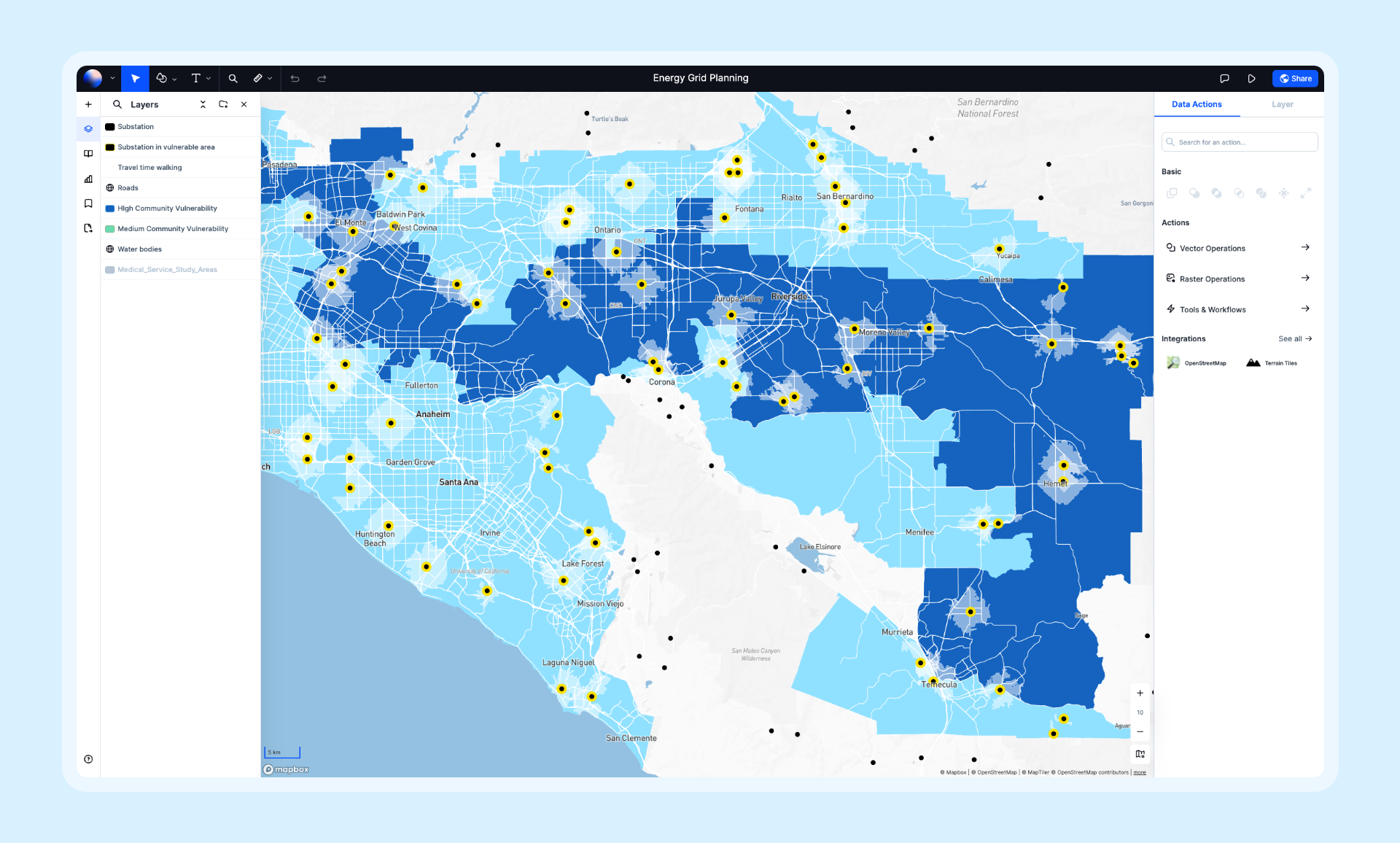
Best for: Teams that need powerful GIS without the complexity and cost of enterprise software.
Atlas represents the new generation of GIS—cloud-native, collaborative, and designed for speed. Where Esri built for the desktop era, Atlas was built for how modern teams actually work: in browsers, in real-time, together.
Key Differentiators:
- Real-time collaboration: Multiple users can edit the same map simultaneously—no file sharing, no version conflicts
- Browser-based: No installation, no IT overhead, works on any device
- Modern interface: Clean, intuitive design that teams learn in minutes, not months
- Rapid development: New features ship weekly, not annually
- Affordable pricing: Free tier available, Pro plans from $29/month vs. ArcGIS's $100-700+/month
Capabilities:
- 50+ spatial analysis operations
- Data import from dozens of formats (Shapefile, GeoJSON, CSV, GeoPackage, and more)
- AI-powered insights and automation
- Beautiful map styling and composition
- Embeddable maps and public sharing
- Team workspaces with granular permissions
Limitations: Newer platform still expanding its feature set; some specialized scientific analyses available in desktop GIS aren't yet available.
Pricing: Free tier, Pro from $29/month, Team plans available.
Website: atlas.co
2. QGIS
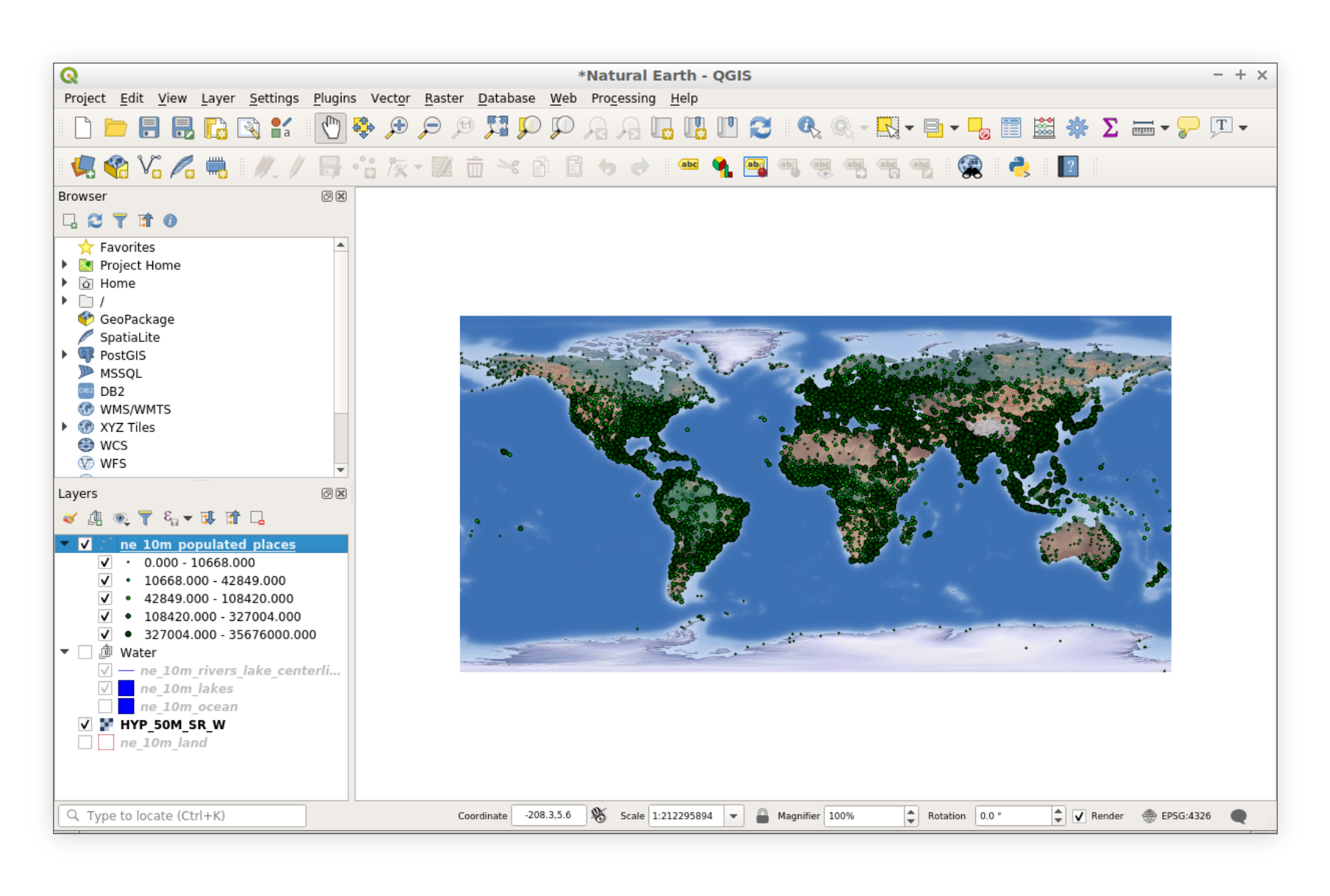
Best for: Power users and organizations comfortable with open-source software who need full GIS capabilities without licensing costs.
QGIS is the most popular open-source GIS platform and Esri's most direct competitor in terms of feature depth. It's free, cross-platform, and backed by a massive community of contributors.
Key Differentiators:
- Completely free: No licensing costs, ever
- Cross-platform: Runs on Windows, macOS, and Linux (unlike ArcGIS Pro which is Windows-only)
- Extensible: Over 1,000 community plugins extend functionality
- Open source: Full transparency into how algorithms work
- Active community: Regular updates and extensive community support
Capabilities:
- Full-featured desktop GIS with comprehensive analysis tools
- Print composer for professional cartography
- Database connectivity (PostGIS, SpatiaLite, and more)
- Python scripting for automation
- GRASS GIS and SAGA GIS integration
- Support for virtually every spatial data format
Limitations: Steeper learning curve, no native real-time collaboration, file-based workflows, inconsistent UI in some areas.
Pricing: Free and open-source.
Website: qgis.org
3. Mapbox
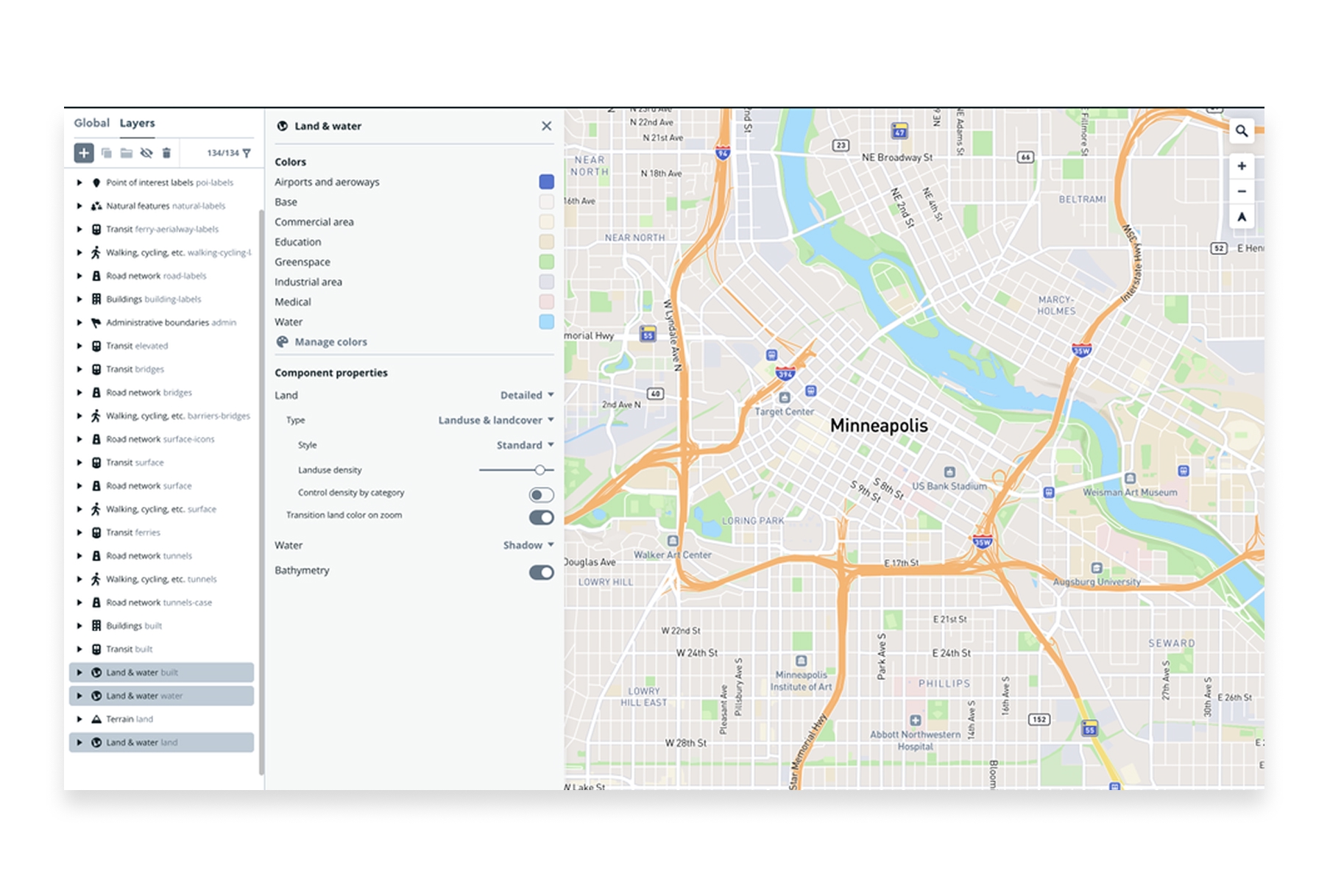
Best for: Developers building location-powered applications and organizations needing custom web mapping.
Mapbox approaches mapping from a developer-first perspective. Rather than traditional GIS workflows, Mapbox provides APIs, SDKs, and tools for building custom mapping experiences at scale.
Key Differentiators:
- Developer experience: World-class APIs and documentation
- Beautiful styling: Industry-leading map design capabilities
- Massive scale: Powers billions of map views across thousands of apps
- Navigation and geocoding: Best-in-class location services
- Custom everything: Complete control over map appearance and behavior
Capabilities:
- Custom map styling with Mapbox Studio
- Geocoding and search APIs
- Navigation and routing for web and mobile
- Satellite and terrain imagery
- Real-time data visualization
- Mobile SDKs for iOS and Android
Limitations: Requires development skills, limited out-of-the-box analysis, usage-based pricing can get expensive at high volumes.
Pricing: Free tier with generous limits, pay-as-you-go pricing beyond that.
Website: mapbox.com
4. Google Earth Engine
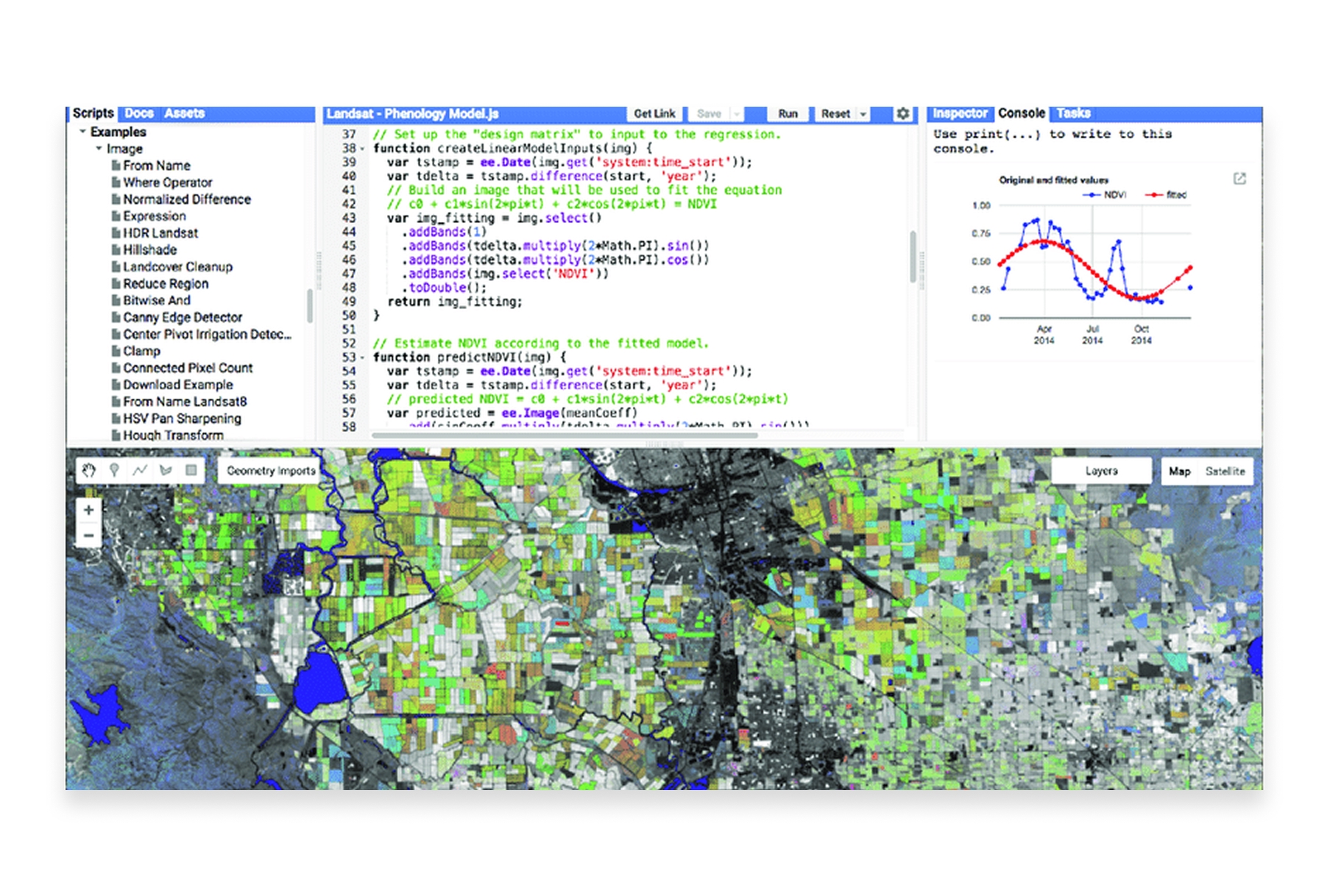
Best for: Researchers and scientists analyzing satellite imagery and environmental data at planetary scale.
Google Earth Engine is unmatched for large-scale remote sensing and environmental analysis. It combines a multi-petabyte archive of satellite imagery with Google's computational infrastructure.
Key Differentiators:
- Massive data catalog: Decades of satellite imagery from multiple missions
- Cloud computing power: Run analyses that would take years locally in hours
- Free for research: Non-commercial use is completely free
- Machine learning integration: Built-in ML capabilities for classification and prediction
Capabilities:
- Access to Landsat, Sentinel, MODIS, and dozens of other satellite datasets
- Time-series analysis across decades
- Cloud-based processing at planetary scale
- JavaScript and Python APIs
- Integration with Google Cloud Platform
Limitations: Requires programming skills, steep learning curve, commercial use requires paid licensing.
Pricing: Free for research, education, and non-profit. Commercial licensing available.
Website: earthengine.google.com
5. Carto
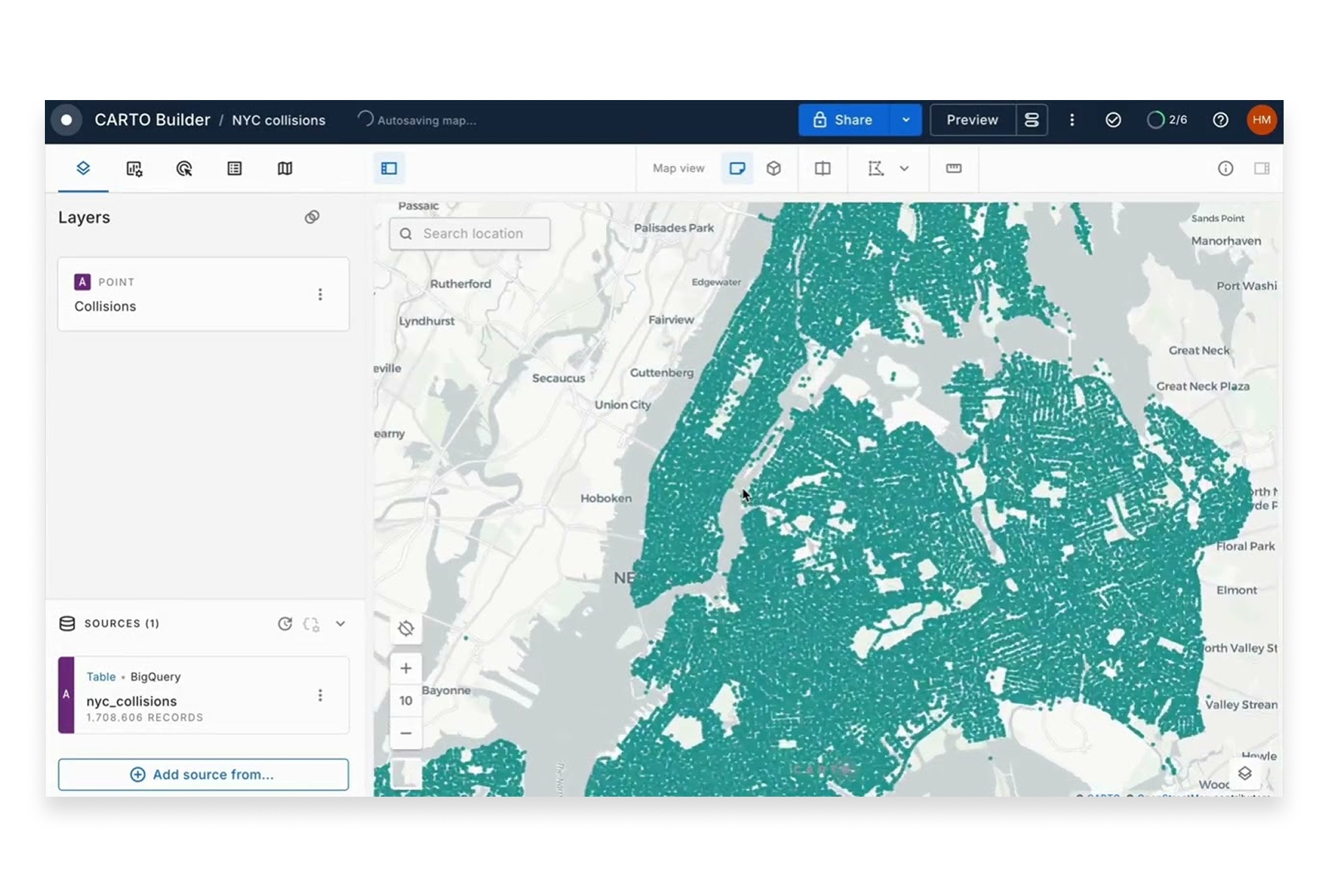
Best for: Business teams needing location intelligence for retail, real estate, logistics, and marketing.
Carto positions itself as a spatial analytics platform for business decision-making. It's designed for analysts who need location insights without deep GIS expertise.
Key Differentiators:
- Business focus: Tools designed for commercial applications like site selection and territory management
- Integrated data: Access to demographic, POI, and mobility data
- Analytics-first: Emphasis on spatial analytics over traditional cartography
- Modern architecture: Cloud-native with data warehouse integration
Capabilities:
- Spatial analytics and modeling
- Demographic and movement data integration
- Site selection and catchment analysis
- Territory management and optimization
- Integration with Snowflake, BigQuery, Redshift, and Databricks
Limitations: Enterprise pricing puts it out of reach for smaller teams, some features require SQL knowledge.
Pricing: Custom enterprise pricing, typically $10,000+/year.
Website: carto.com
6. MapInfo Pro (Precisely)
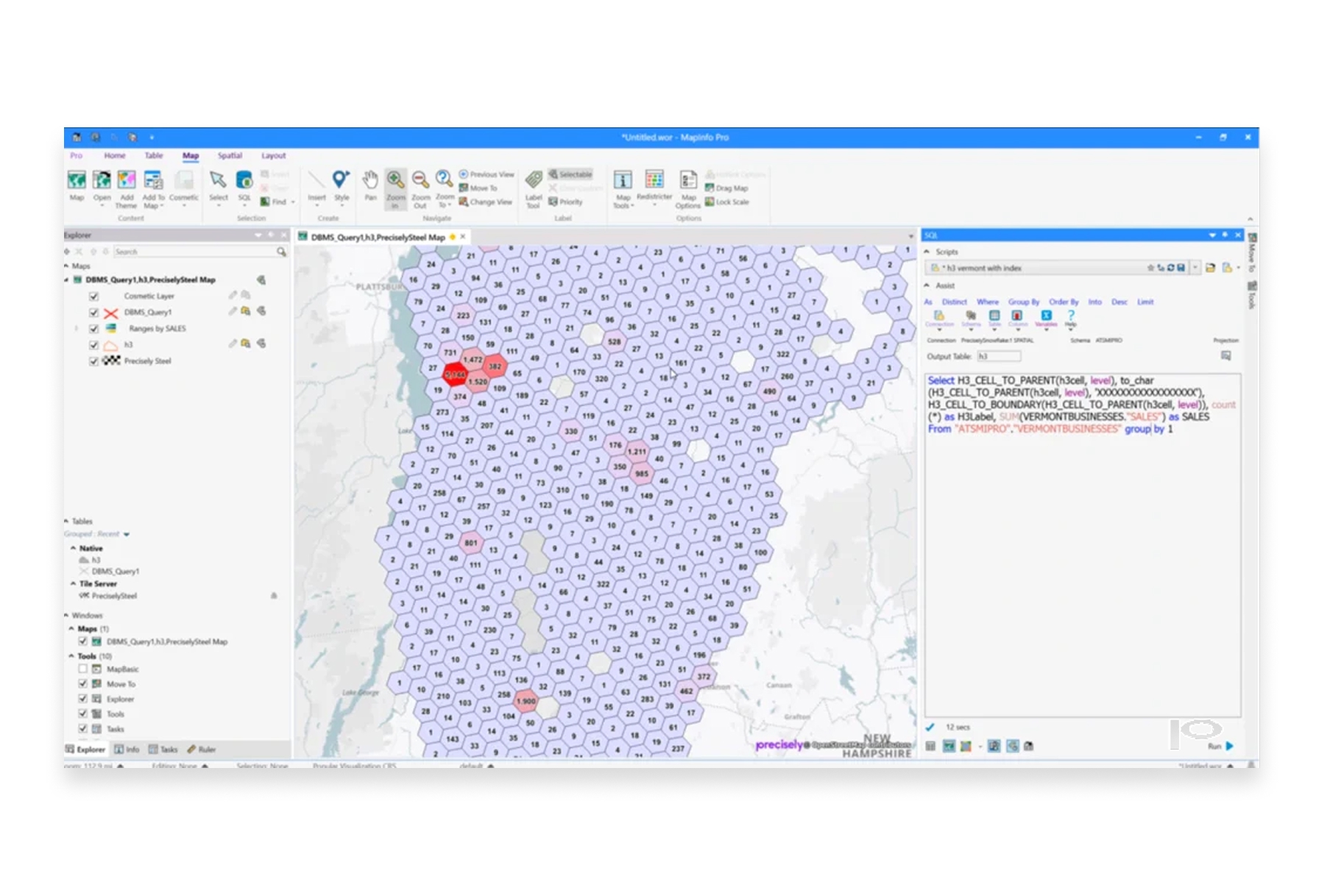
Best for: Organizations with existing MapInfo investments or specific needs around location analytics and data enrichment.
MapInfo Pro, now owned by Precisely, has been a direct Esri competitor for decades. It offers traditional desktop GIS with strong integration with Precisely's data products.
Key Differentiators:
- Mature platform: Decades of development and enterprise deployments
- Precisely data integration: Access to comprehensive address, boundary, and demographic data
- Familiar workflows: Traditional GIS interface that long-time users know well
- Web publishing: MapInfo Pro can publish to web through MapXtreme
Capabilities:
- Full desktop GIS functionality
- Thematic mapping and analysis
- SQL queries and spatial operations
- Database connectivity
- Scripting with MapBasic
Limitations: Less modern interface, smaller community than QGIS or Esri, collaboration features lag behind cloud-native platforms.
Pricing: Contact Precisely for pricing; typically lower than Esri.
Website: precisely.com/product/precisely-mapinfo
7. Kepler.gl
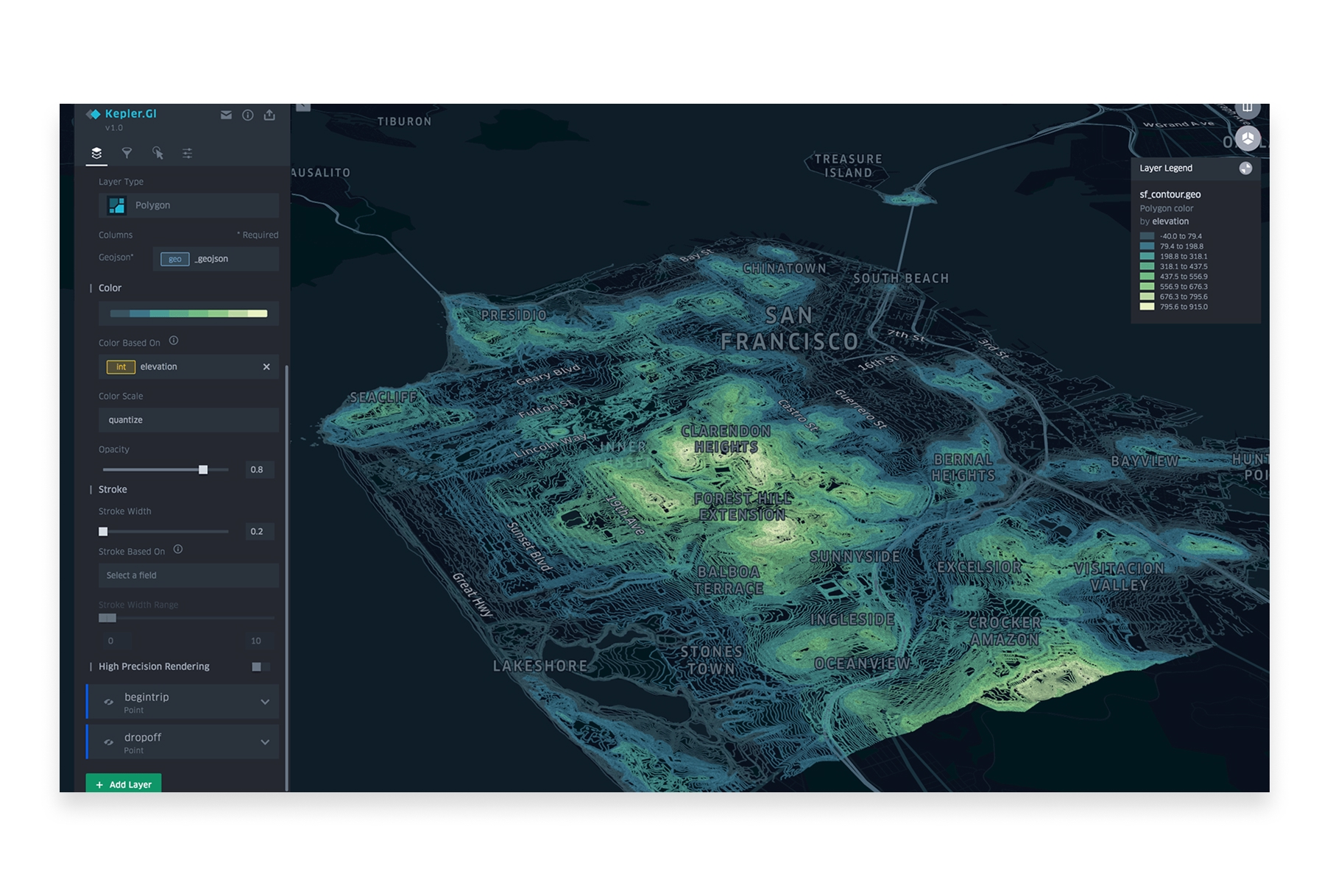
Best for: Data scientists and analysts who need to visualize and explore large spatial datasets quickly.
Kepler.gl is an open-source geospatial visualization tool built by Uber. It excels at creating stunning visualizations of large datasets directly in the browser.
Key Differentiators:
- Performance: Handles millions of data points smoothly
- Beautiful defaults: Stunning visualizations with minimal configuration
- Open source: Free and community-driven
- No installation: Runs entirely in the browser
Capabilities:
- Large-scale data visualization
- Time-series animations
- 3D views and deck.gl integration
- Multiple layer types (points, arcs, heatmaps, hexbins)
- Filtering and aggregation
- Export to images and data
Limitations: Visualization-focused (limited analytical capabilities), no data storage, requires some technical comfort.
Pricing: Free and open-source.
Website: kepler.gl
8. GRASS GIS
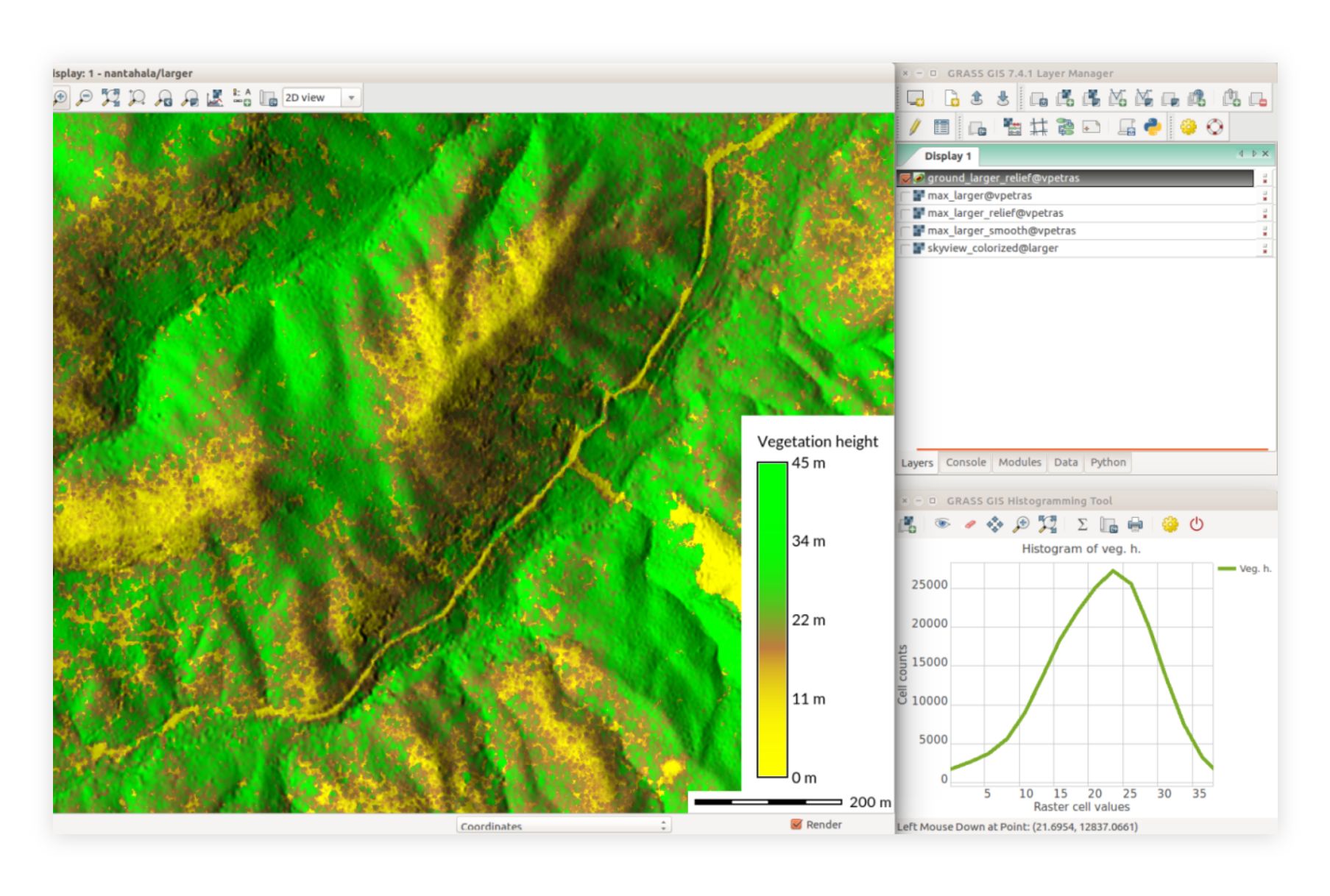
Best for: Researchers and scientists needing advanced analytical capabilities for environmental and geoscientific work.
GRASS GIS (Geographic Resources Analysis Support System) is one of the oldest open-source GIS platforms, with particularly strong capabilities for scientific analysis.
Key Differentiators:
- Scientific depth: Advanced geostatistical and hydrological modeling
- Raster analysis: Particularly strong for raster data processing
- Temporal support: Built-in support for time-series spatial data
- Research pedigree: Decades of use in academic research
Capabilities:
- Advanced raster and vector analysis
- Hydrological and terrain modeling
- Image processing and remote sensing
- 3D visualization
- Temporal data framework
- Integration with QGIS
Limitations: Steep learning curve, dated interface, requires significant expertise.
Pricing: Free and open-source.
Website: grass.osgeo.org
9. Felt
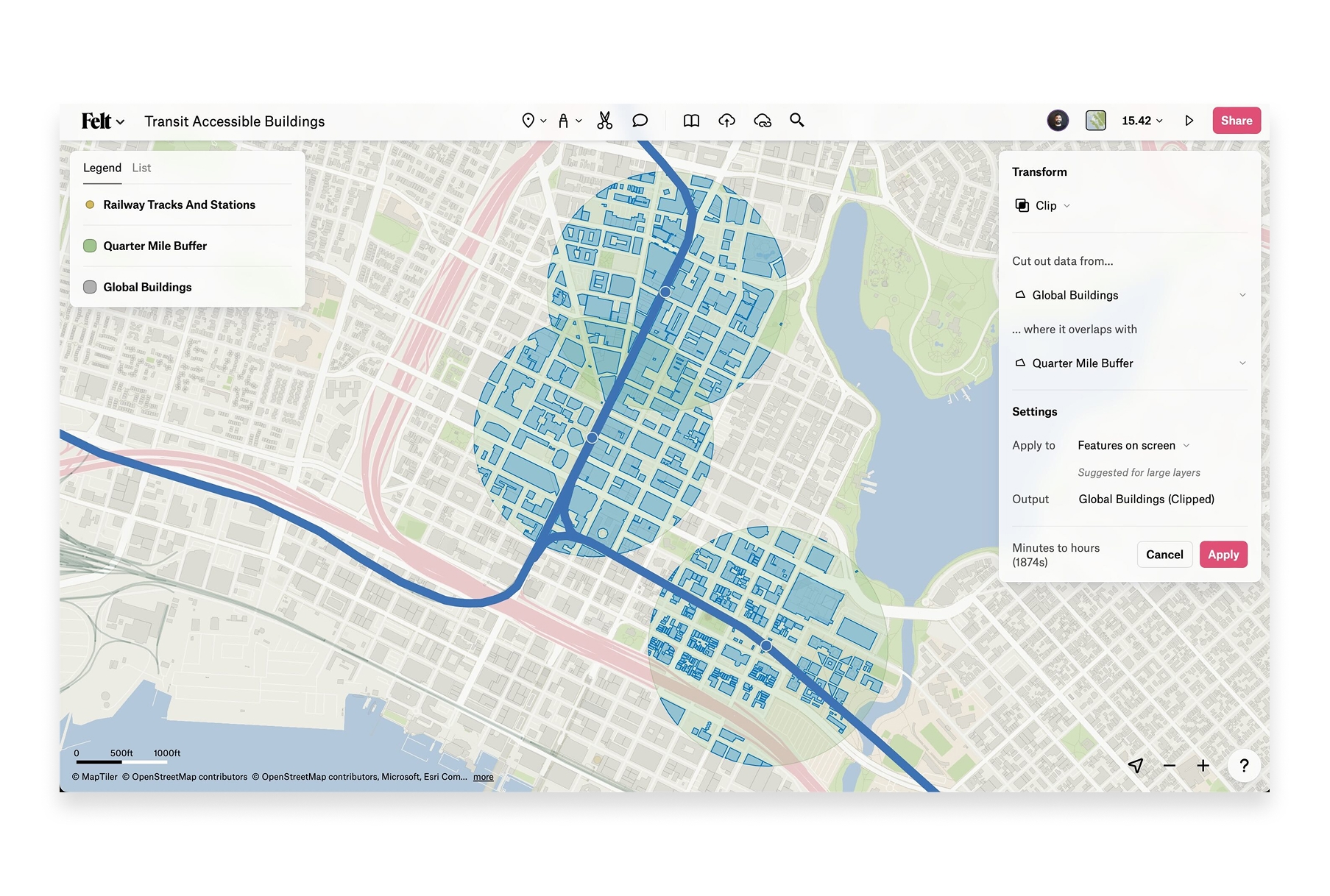
Best for: Teams needing simple, collaborative mapping without GIS expertise.
Felt is a browser-based collaborative mapping platform that emphasizes simplicity and real-time collaboration. It's designed to make mapping accessible to everyone, not just GIS professionals.
Key Differentiators:
- Simplicity: Extremely easy to use, minimal learning curve
- Real-time collaboration: Multiple users can work on maps together
- Beautiful interface: Clean, modern design
- Embeddable: Easy to share and embed maps
Capabilities:
- Drawing and annotation tools
- Data upload (limited on free plan)
- Layer management
- Comments and collaboration
- Embeddable maps
- Presentation mode
Limitations: Very limited free tier (can't upload your own data), basic analysis capabilities, requires paid plan for most useful features.
Pricing: Limited free tier, Pro from $20/month.
Website: felt.com
10. Maptitude (Caliper)
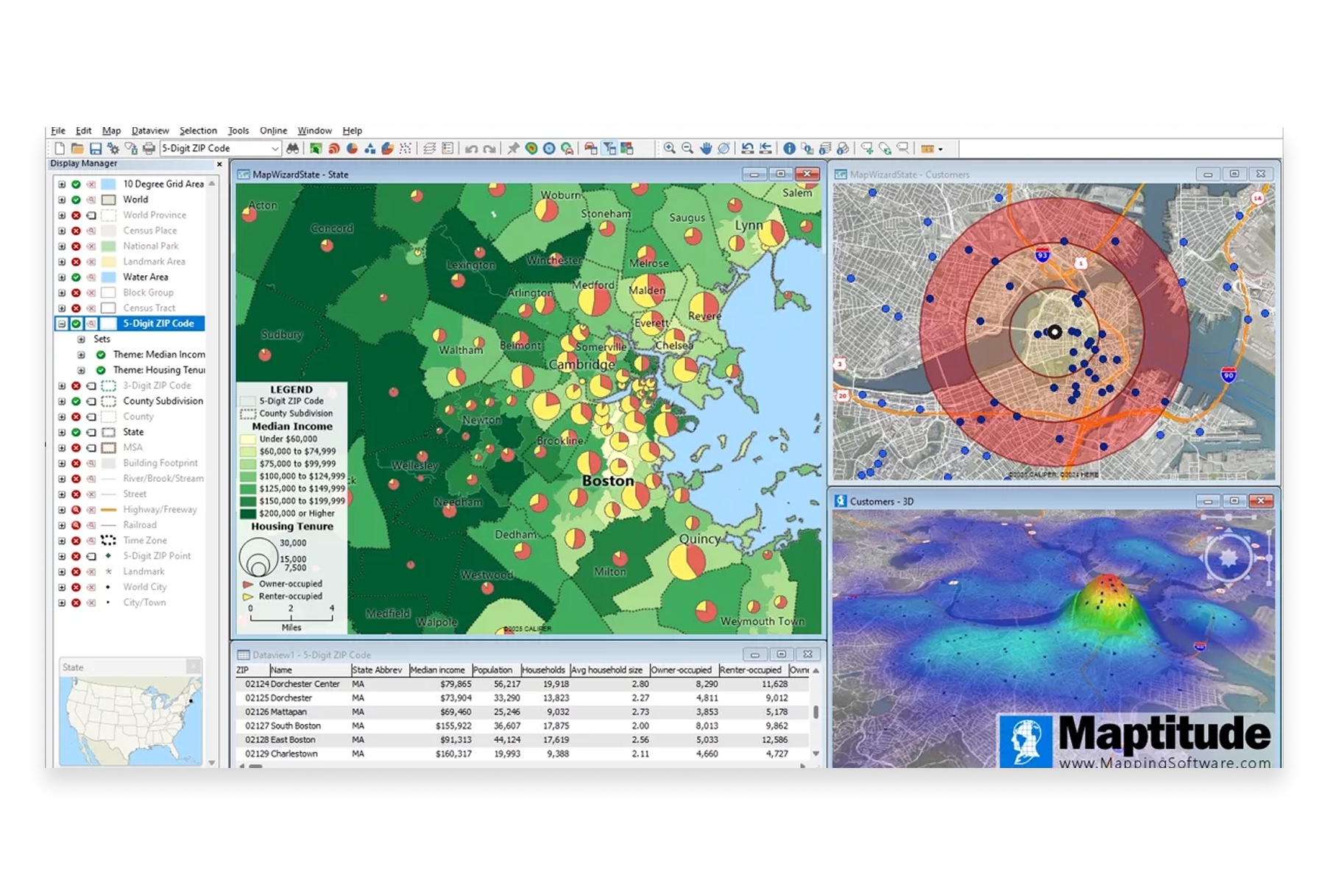
Best for: Business applications like territory management, site selection, and market analysis.
Maptitude is a desktop GIS from Caliper Corporation that includes extensive demographic and business data for the US. It's positioned as a more affordable alternative to Esri for business mapping.
Key Differentiators:
- Bundled data: Includes comprehensive US demographic and boundary data
- Business focus: Tools designed for commercial applications
- Affordable: Significantly cheaper than ArcGIS for business use cases
- One-time purchase: Perpetual license option vs. subscription-only
Capabilities:
- Thematic mapping and analysis
- Territory creation and management
- Drive-time and radius analysis
- Demographic data access
- Route optimization
- Geocoding
Limitations: Windows-only, primarily US-focused data, traditional desktop workflows.
Pricing: Starting around $700 perpetual license (one-time purchase).
Website: caliper.com/maptitude
11. GE Smallworld (Hexagon)
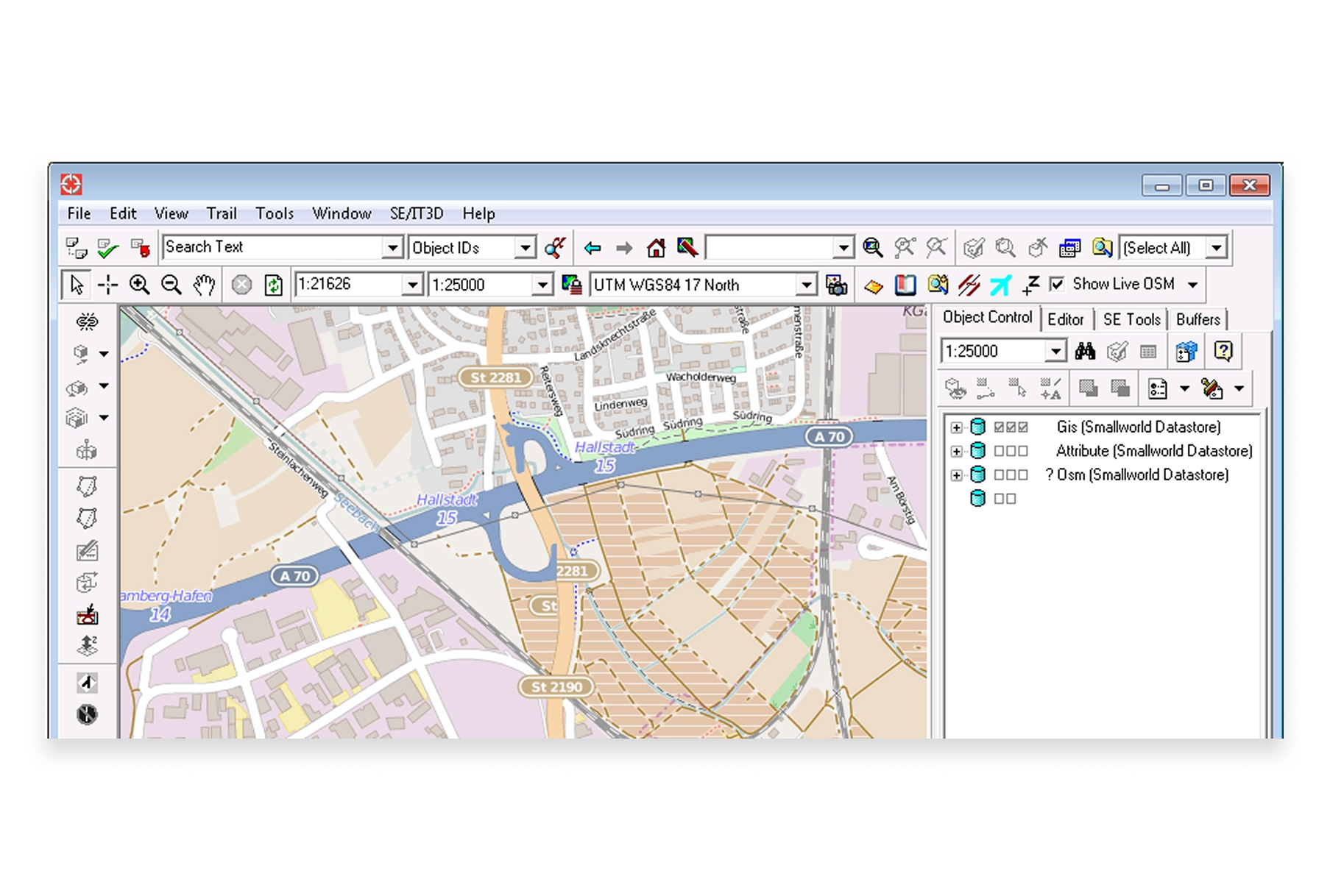
Best for: Utility companies and telecommunications providers managing network infrastructure.
GE Smallworld, now part of Hexagon, is an enterprise GIS specifically designed for managing utility and telecom networks. It's a specialized solution for industries with complex infrastructure.
Key Differentiators:
- Industry-specific: Purpose-built for utilities, telecom, and infrastructure
- Network management: Specialized tools for managing linear assets
- Enterprise scale: Designed for very large organizations
- Integration: Connects with enterprise systems like SAP and Oracle
Capabilities:
- Network modeling and management
- Outage management integration
- Asset lifecycle management
- Mobile workforce solutions
- Integration with utility billing and ERP systems
Limitations: Very specialized, significant implementation investment, not suitable for general-purpose GIS.
Pricing: Enterprise pricing, contact vendor.
Website: hexagon.com
12. SuperMap
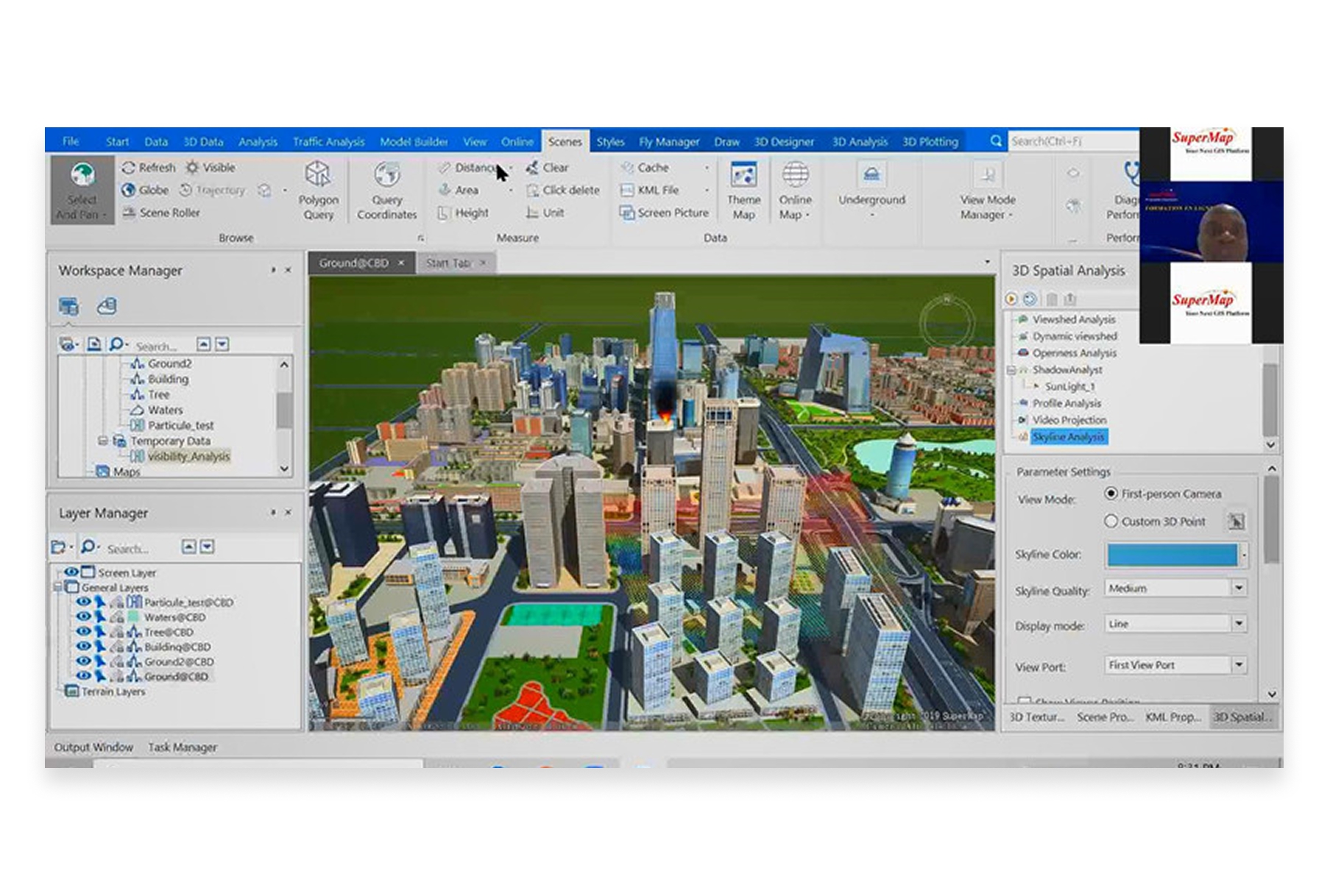
Best for: Organizations in China or those working with Chinese government entities.
SuperMap is China's leading GIS platform and a significant Esri competitor in Asian markets. It offers a full stack of GIS products from desktop to server to cloud.
Key Differentiators:
- Chinese market leader: Dominant in China with strong government relationships
- Full product line: Desktop, server, mobile, and cloud offerings
- 2D/3D integration: Strong 3D GIS capabilities
- BIM integration: Tools for building information modeling
Capabilities:
- Desktop GIS (SuperMap iDesktop)
- Server GIS (SuperMap iServer)
- Cloud GIS
- Mobile GIS applications
- 3D and BIM integration
Limitations: Primarily focused on Chinese market, smaller global community and ecosystem.
Pricing: Contact vendor.
Website: supermap.com
Comparison Table: Esri Competitors at a Glance
| Platform | Type | Best For | Price | Collaboration |
|---|---|---|---|---|
| Atlas | Cloud-native | Modern teams, collaboration | Free tier, from $29/mo | Real-time |
| QGIS | Desktop (OSS) | Power users, budget-conscious | Free | File-based |
| Mapbox | Developer APIs | Custom app development | Usage-based | N/A |
| Google Earth Engine | Cloud platform | Research, satellite analysis | Free (research) | Via Cloud |
| Carto | Cloud analytics | Business location intelligence | Enterprise | Cloud-based |
| MapInfo Pro | Desktop | Traditional GIS workflows | Contact vendor | File-based |
| Kepler.gl | Visualization | Large dataset visualization | Free | Export-based |
| GRASS GIS | Desktop (OSS) | Scientific research | Free | File-based |
| Felt | Cloud-native | Simple collaborative mapping | From $20/mo | Real-time |
| Maptitude | Desktop | Business mapping (US) | ~$700 perpetual | File-based |
| GE Smallworld | Enterprise | Utilities/telecom infrastructure | Enterprise | Enterprise |
| SuperMap | Full stack | Chinese market | Contact vendor | Various |
How to Choose the Right Esri Alternative
The best Esri alternative depends on your specific situation:
Choose Atlas if:
- Your team needs real-time collaboration and modern workflows
- You want powerful GIS without months of training
- Budget is a concern but you still need professional capabilities
- You work in a browser-first environment
Choose QGIS if:
- You need maximum feature depth without licensing costs
- You're comfortable with open-source software and community support
- Cross-platform support (Mac, Linux) is important
- You have GIS expertise on your team
Choose Mapbox if:
- You're building custom location-powered applications
- Developer experience and APIs are your priority
- You need beautiful, performant maps at scale
- Your team has development capabilities
Choose Google Earth Engine if:
- You're doing research with satellite imagery
- You need planetary-scale environmental analysis
- Programming skills are available on your team
- Non-commercial use applies to your organization
Choose Carto if:
- Business location intelligence is your focus
- You need integrated demographic and movement data
- Enterprise budget is available
- Your use cases center on retail, real estate, or logistics
The Landscape is Changing
Esri built an empire on desktop GIS when that was what the industry needed. But the world has changed. Teams are distributed. Collaboration is essential. Speed matters more than ever.
The most innovative GIS work today happens on platforms built for the cloud era—where real-time collaboration isn't an afterthought, where interfaces don't require months of training, and where shipping new features happens in weeks, not years.
Whether you choose a specialized tool like Google Earth Engine, a traditional alternative like QGIS, or a modern platform like Atlas, the important thing is finding the solution that fits how your team actually works—not how GIS worked twenty years ago.
Also read: Top 10 GIS Software in 2026




