The AI GIS for modern teams
Connect your data, describe what you need, and ship a live map your whole organization can use — built for GIS pros and everyone else.
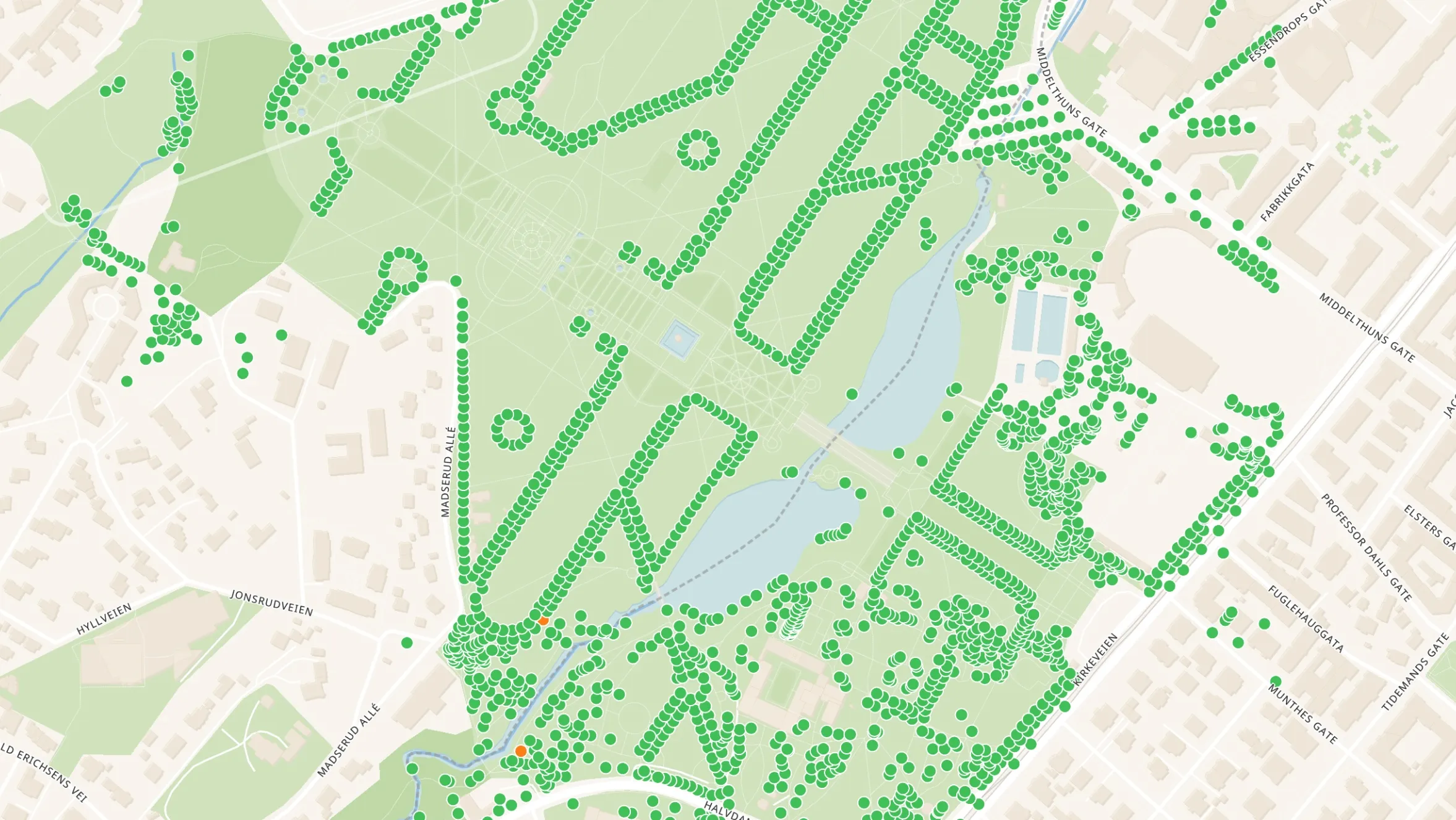
The AI GIS behind ambitious energy, infrastructure, and real-estate teams









Describe what you need. Navi builds it.
Atlas is the first GIS where the map is built from a conversation — not from a course or a desktop install.
Maps, dashboards, and analysis — owned by your team, editable by anyone.
Your data is scattered.
Your map should bring it together.
 PostgreSQL
 Google Sheets
All your sources, connected
Spreadsheets, databases, ERPs, field reports — pulled together and live-synced on a single map.
One visual overview
See asset status, project progress, and team locations at a glance. No more stitching files together.
Live pipelines, built from a prompt
Every development site, colour-coded by stage and filterable by region — generated from your data and updated in real time.
AI-powered reporting
Navi writes the weekly status update, flags what changed, and sends it to the team — on schedule, without anyone touching it.
Agentic GIS, by design.
Workflows that don't just run — they reason. Navi chains analysis, scheduling, and alerts across your data, then hands you the canvas to inspect and edit every step.
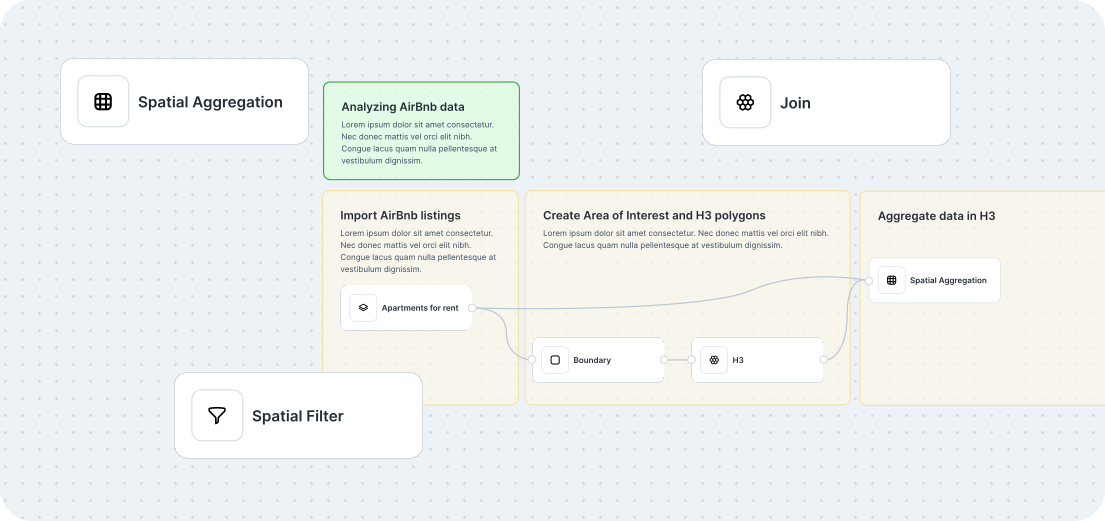
Agentic by default. Navi builds and edits multi-step workflows from a prompt — contextually grounded in your data, fully transparent, fully editable.
Workflows on schedule. Run daily site screenings, weekly status reports, and live alerts — without writing a cron job or owning a server.
Built for teams. Co-author workflows the way you'd co-author a doc. Comment, share, and ship — across departments and orgs.
One map. Your whole team.
Free your GIS team from the request queue. Atlas lets the land team, engineers, and leadership see (and update) the same live map — no files emailed around, no exports re-cut every Monday. Just a link.

Don't start from a blank map.
Start from a template that already looks like your work — solar pipelines, asset portfolios, field operations, site selection — or ask Navi to build one from scratch.


From sign-up to a live map in an afternoon
Documentation
Atlas Academy
Atlas Blueprints
FAQ
Atlas is the AI-native GIS. Describe what you need — a site selection, a portfolio map, a field operations dashboard — and Navi builds it from your data. GIS-grade analysis, accessible to your whole team, in the browser.
Both. Atlas is a full GIS underneath — real geometry, real projections, real spatial analysis on shapefiles, GeoJSON, GeoTIFF, KML, GPKG, and live PostgreSQL connections. Navi sits on top, so you can build, run, and edit those workflows from a conversation. GIS pros get a tool that respects their craft; the rest of the team gets a way in.
Navi can build maps, dashboards, and multi-step spatial workflows from a prompt — site screening with buffers and exclusions, portfolio overviews, automated reports, and more. Every workflow it generates is fully transparent and editable: you (or your GIS team) can inspect each step on the canvas and change anything. Navi is an accelerator, not a black box.
ArcGIS and QGIS are powerful desktop-era tools built for GIS specialists. Atlas is built for the whole team — browser-based, AI-native, and collaborative by default. GIS pros still get the analysis they need; everyone else can finally help themselves instead of waiting on the GIS queue.
Sign up for a free account, drag in a CSV or connect a database, and ask Navi to build your first map. Most teams ship something useful in an afternoon.
Atlas is used by energy developers, asset managers, field operations teams, real estate portfolios, and municipalities — alongside the GIS pros who power them.
Our customers range from small teams to global enterprises, working anywhere location data drives decisions.
Your data stays yours. You can export anything you import, and you keep your accounts and projects until you decide otherwise. Atlas is built so you never feel locked in.
Every Atlas project is private by default and can be shared publicly. Public links are a great way to engage stakeholders, the community, or colleagues who don't have an Atlas account — without exporting another file.

