QGIS Alternative
Cloud-based QGIS alternative for performing spatial analysis and creating interactive maps

Why teams switch from QGIS to Atlas
QGIS is powerful on the desktop. Atlas is for teams that need the same ideas—maps, layers, analysis—without installs, plug-in hunting, or emailing project files.
Zero install for contributors
Share a URL; reviewers and field partners use the map in the browser—no QGIS build per machine.
Built for collaboration
Work on the same map together instead of merging shapefiles and guessing who has the latest copy.
Apps, not just map exports
Turn maps into lightweight tools: filters, forms, and embeds stakeholders can actually use.
QGIS vs Atlas
Compare QGIS and Atlas on core mapping and collaboration features.
| Feature | QGIS | Atlas |
|---|---|---|
| Upload geo data | ||
| Free to use | ||
| Customizable layer styles | ||
| Spatial analysis tools | ||
| Visual workflow builder | ||
| Cloud-based | ||
| Real-time collaboration | ||
| No-code interface builder | ||
| Form builder | ||
| Easy for beginners | ||
| Mobile access | ||
| Cloud storage | ||
| Share web maps |
Make maps with QGIS alternative
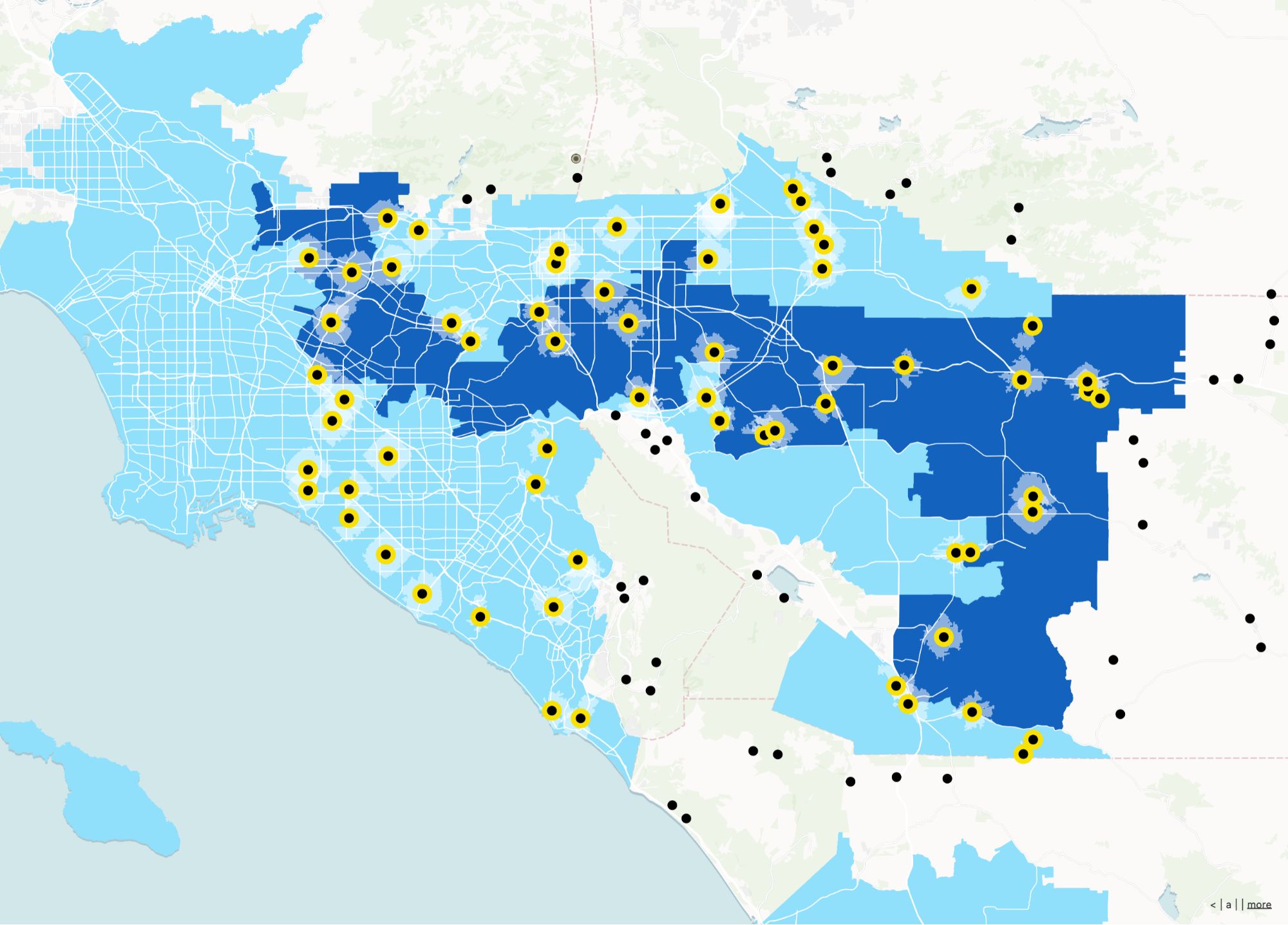
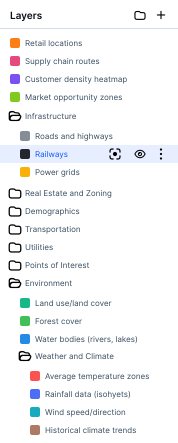
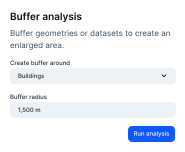
Atlas is a powerful, no-code platform for creating interactive heatmaps and visualizing your data. With Atlas, you can easily upload your geo data, customize layer styles, and perform spatial analysis without any coding skills.
Create your first map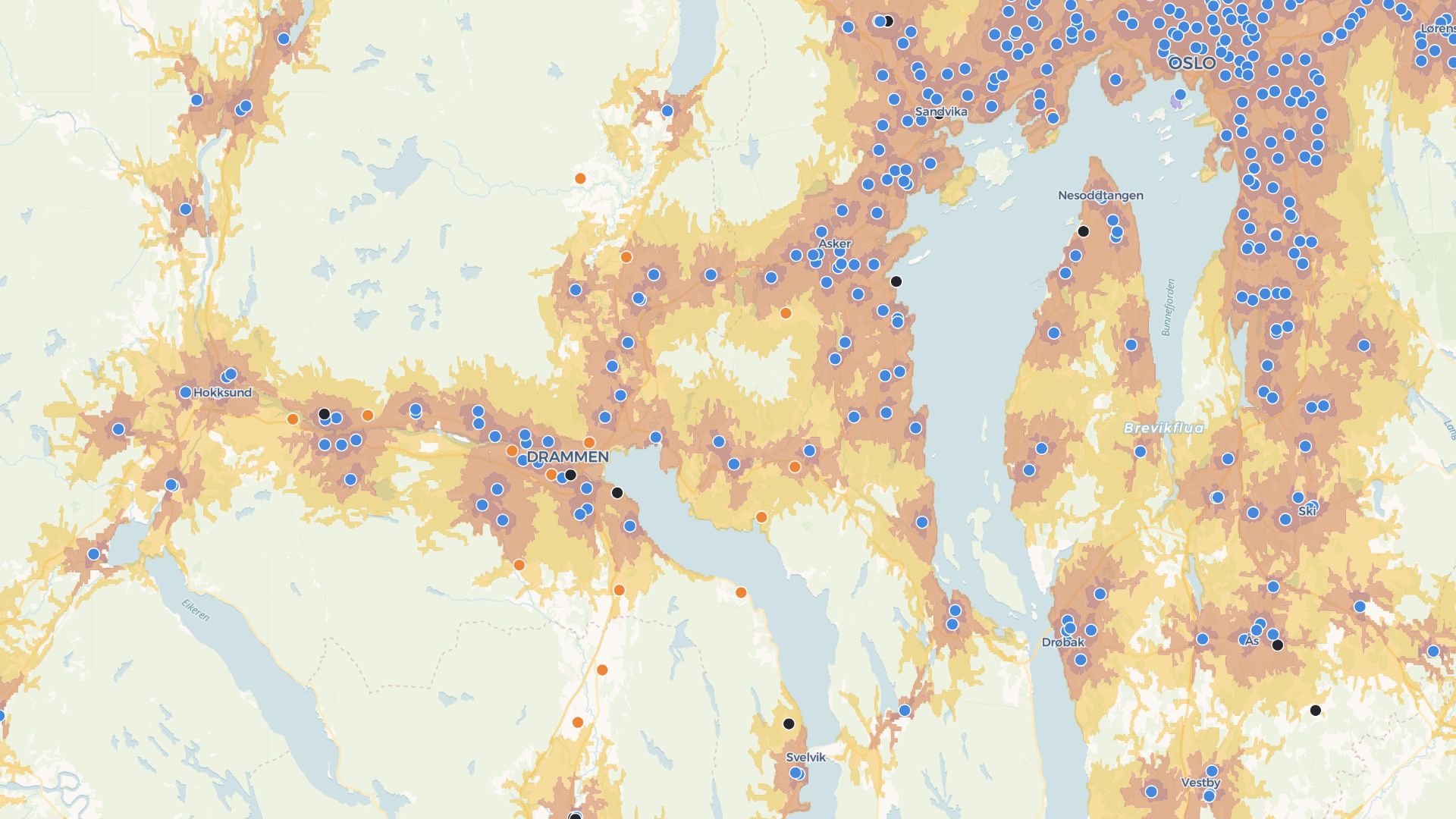
Build custom apps with QGIS alternative
Atlas allows you to create interactive applications that visualize your data in real-time. Use our no-code interface builder to design forms, dashboards, and maps that can be shared with your team or clients.
Build your first appWho uses Atlas instead of QGIS
Ops & infrastructure teams
Track assets and sites with live maps the whole org can open.
Consultants & agencies
Deliver interactive deliverables clients can explore without GIS software.
Cross-functional projects
Let GIS specialists and non-GIS roles share one workspace.
What you get with Atlas
Keep the parts of QGIS you care about—data, styling, analysis—without the desktop-only workflow.
Browser-first GIS
Open projects from any device with a link.
Workflow automation
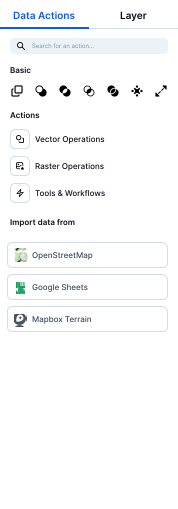
Chain geospatial steps without writing Python plugins.
Live collaboration
Edits and comments stay in sync for the whole team.
Shareable web maps
Publish maps stakeholders can pan, zoom, and filter.
Forms on the map
Collect structured updates tied to places.
Polished styling
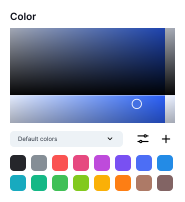
Preset palettes and controls tuned for web delivery.
Frequently asked questions
Answers to common questions about switching from QGIS to Atlas.
Do I need to install anything?
Can I open shapefiles?
Is Atlas easier to use than QGIS?
Can I work with others on the same map?
Does it support automation?
Is my data safe?

© Atlas 2026 / Your all-in-one map builder