GeoJSON to WKT Converter

Convert GeoJSON to WKT data directly on the map.

GeoJSON to WKT Converter

Convert GeoJSON to Well-Known Text (WKT) and visualize it on the map.

Intuitive conversion
Accurate conversion
No downloads required
Works in your browser

How to Convert GeoJSON to WKT

1

Paste your GeoJSON

Paste your GeoJSON data into the textarea.

2

Convert your GeoJSON to WKT

Click the "Convert & Visualize" button to convert your GeoJSON to WKT.

3

See GeoJSON visualization

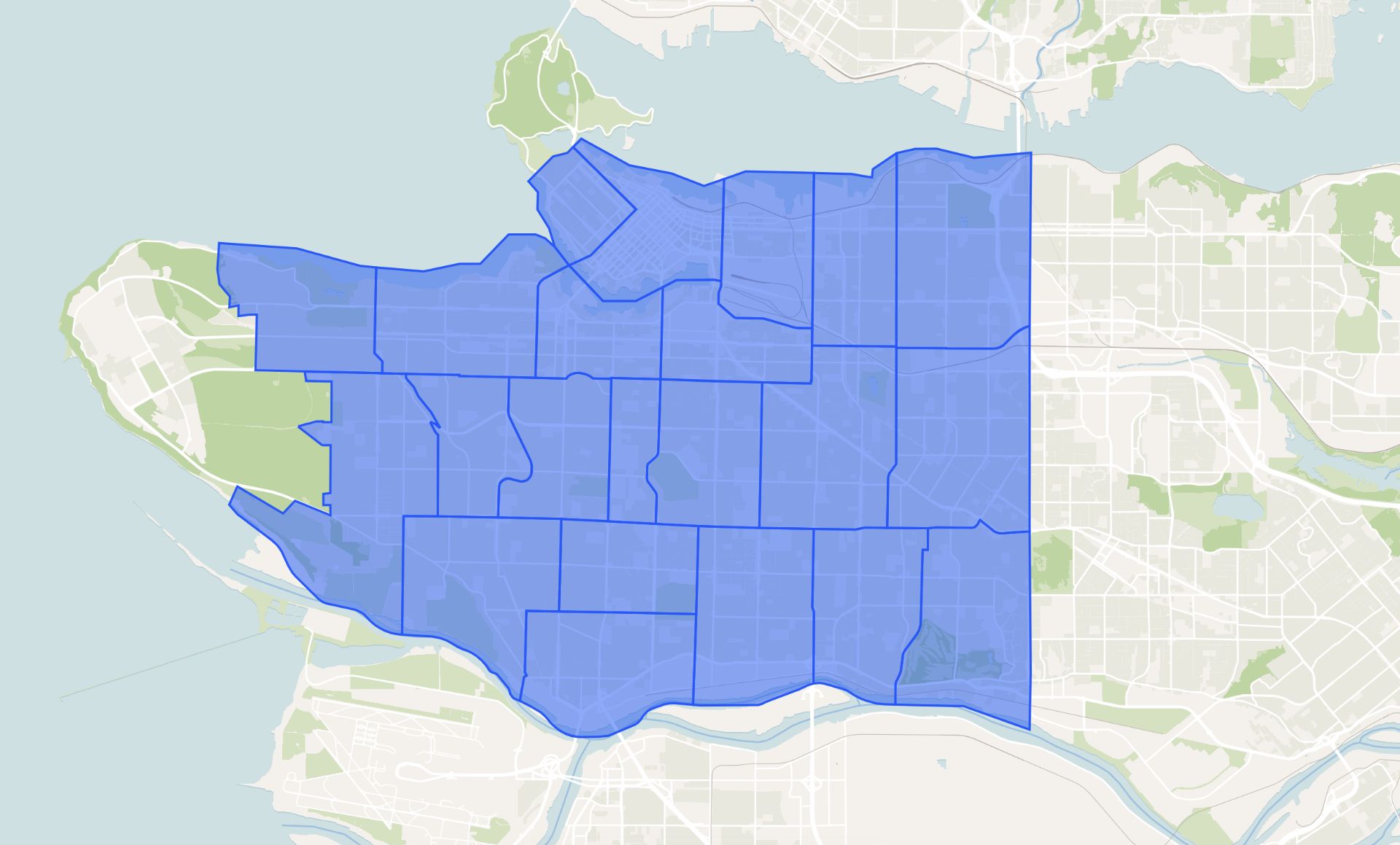
The GeoJSON will be visualized on the map.

4

Reset the tool

You can reset the tool to start over. Use the reset button to start over.
Use Cases for GeoJSON to WKT Conversion

Use Cases for GeoJSON to WKT Conversion

GIS Data Conversion

Convert your GIS data before using it in your projects.

Legacy System Integration

Convert your GeoJSON data to WKT for use in legacy GIS systems.

Database Storage

Convert your GeoJSON data to WKT for storage in spatial databases.

What Is the GeoJSON to WKT Converter?

It's a simple tool that lets you convert GeoJSON to WKT data directly on the map. Just paste your GeoJSON data into the textarea, and we'll convert it to WKT and visualize the original GeoJSON on the map.
Check out Atlas

Frequently asked questions

Learn more about our GeoJSON to WKT converter tool

What is GeoJSON?

GeoJSON is a format for encoding a variety of geographic data structures using JavaScript Object Notation (JSON). It's widely used in web mapping applications.

Do I need to install anything?

Nope. It works straight from your browser. Nothing to download or install.

Is it free to use?

Yes. You can use the tool for free with basic features. To explore all GIS features, check out our GIS software.

How do I get my GeoJSON data?

You can get your GeoJSON data from various sources like web mapping applications, GIS software, or create it using our drawing tools.

How do I convert my GeoJSON to WKT?

You can convert your GeoJSON to WKT by pasting it into the textarea and clicking the "Convert & Visualize" button.

How do I visualize my GeoJSON data?

You can visualize your GeoJSON data by clicking the "Convert & Visualize" button. The GeoJSON will be visualized on the map.

How do I reset the tool?

You can reset the tool by clicking the "Reset" button.