A feature-rich week with new percentage calculations in widgets, phase indicators in popups, batch form submissions from buttons, dataset views, and a new elevation-aware analysis tool — plus a long list of fixes across the platform.
Features
Percentage Widget
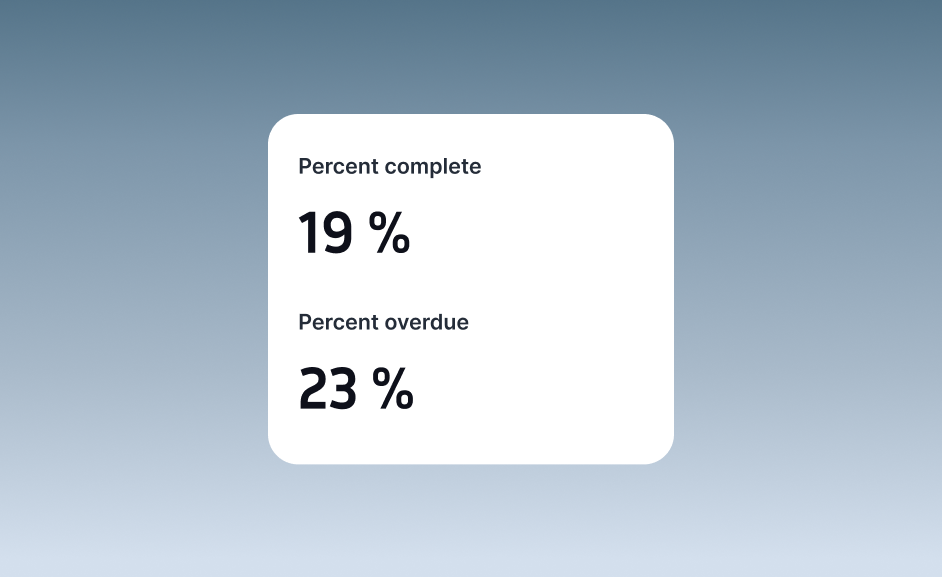
The formula widget now supports a percentage display mode. You can calculate the percentage of features matching any filter criteria — from simple counts like "percentage of data in a region" to more complex aggregations like "percentage of total revenue in a category." Existing scalar widgets also now support adding filters, making it easy to compare subsets of your data side by side.
Progress Indicator Popup Element
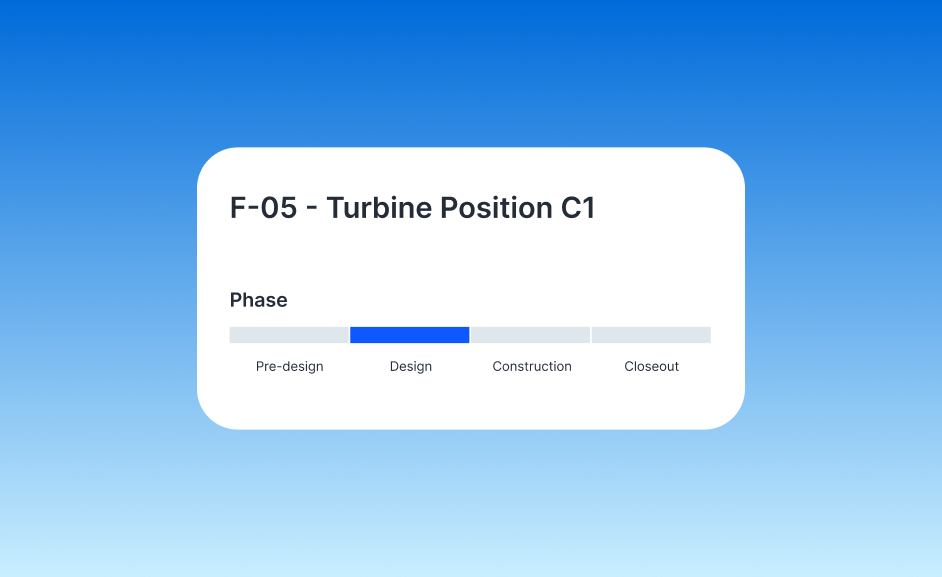
A new popup element lets you display phase or status information directly on feature popups. Choose between two visual styles — badges or progress phases — to show where a feature stands in a workflow. The element works in both standard popups and the feature list widget, and supports multi-select fields.
Batch Form Submissions via Buttons
Buttons in the Builder can now submit forms for multiple selected features at once. Link a button to a dataset, select features on the map, and submit a form for each one in a single batch — with progress tracking and pre-filled fields from the selected features.
Dataset Views
You can now create and manage different views of your datasets. Views let you configure distinct styling and visualization settings for the same underlying data, making it easy to present different perspectives without duplicating layers.
True Length from DEM
A new analysis operation calculates true (3D) length of line features using elevation data from a DEM raster. This accounts for terrain elevation changes, giving you more accurate distance measurements over hilly or mountainous areas.
Fixes and Improvements
- Fixed preview banner shifting interface sections down in Builder mode
- Preview mode banner no longer appears in shared or embedded views
- Fixed single select values not displaying correctly in the feature list widget
- Fixed visual styling for the box select tool on the map
- Fixed timestamps not displaying correctly in the mapper
- Fixed random layer ordering for labels
- Users with view or edit access can now open shared links for non-public projects
- Fixed right panel elements jumping when switching between different data types
- Improved error messages for analysis operations
- Hidden interface items are now shown by default in the editor for better discoverability
- Fixed column select dropdowns not clearing properly
- Fixed scroll-to-bottom button overlapping the chat input when typing long messages
- Fixed filtering for computed columns in the number widget
- Fixed wind-to-raster analysis
- AI columns now respect column-specific constraints like select options for more accurate generated values
- Fixed dates in a column sometimes being parsed with inconsistent formats
- Button widgets now display dataset icons
- Fixed created field display