

A productive week: travel time analysis gains non-overlapping zone output, filter pickers add "is any of" and "is none of" operators, and per-interface camera and map bounds settings give you fine-grained control over how each view is presented.
Features
Travel zones output mode
Travel time analysis now offers a Travel zones mode alongside the existing Reachable areas output. Instead of nested polygons, Travel zones produces non-overlapping rings between each time threshold — ideal for pricing zones, delivery fee tiers, or service coverage where a location should belong to exactly one band. Rings are pre-styled with a blue-to-red diverging color ramp, and you can define them with equal intervals or custom breakpoints (up to 6 zones).
"Is any of" and "is none of" filter operators
Filters on select and people columns now support Is any of and Is none of operators, letting you match or exclude multiple values in a single filter rule. The picker shows a checkmark next to selected values and caps pill overflow when many options are chosen.
Reverse geocode workflow node
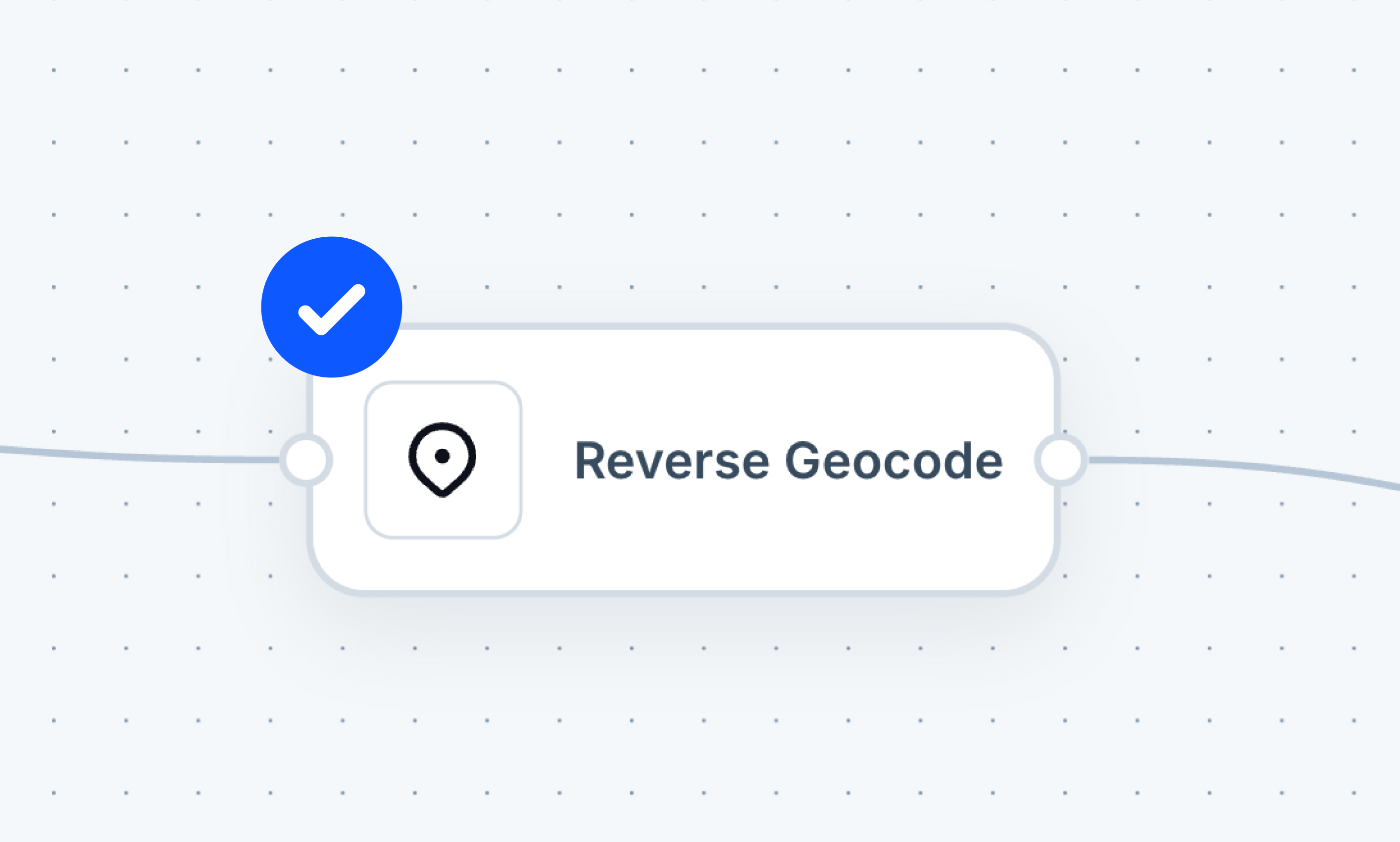
A new Reverse Geocode node is available in the workflow editor. Point it at a column of coordinates and it returns an address for each row — useful for enriching GPS tracks, form submissions, or any dataset where you have coordinates but need readable location names.
Per-interface camera and map bounds
Map bounds and camera settings are now configured per interface rather than per project. Each interface can have its own initial view, max bounds, and full 3D camera settings. Switching between interfaces now correctly restores the camera to each interface's configured position, opening the door to story-map style narratives.
Show/hide empty values in popups
A new toggle in popup settings controls whether fields with no value are shown or hidden. Turn it off to keep popups clean when many fields are partially filled, or keep it on to see the full field structure at a glance.
Navi can access workflow run history
The AI assistant can now look up previous workflow runs, making it easier to debug pipelines, check past outputs, and understand what changed between runs — without leaving the chat.
Location search in forms
Form map fields now include a location search bar, letting users pan to a named place before pinning a point or drawing a shape.
Pie chart colors follow layer palette
Pie chart widgets now automatically match the color palette of their source layer, keeping data visually consistent across the map and the chart without any manual configuration.
Basemap switcher in mobile editor
The mobile editor now includes a basemap switcher, matching the desktop editor experience and letting you change the background map while on the go.
Fixes and Improvements
- Widget panel — header and tabs stay pinned while scrolling through long widget content
- Map comments — overlapping comment pins now fan out so co-located threads are all accessible
- Map export — legend no longer renders empty when layers finish loading after the snapshot
- Shared projects — projects shared with you now correctly display their shared status in the project list
- Numbers widget — widget now refreshes immediately after using the Update Record button
- Column editor — reopening the column editor no longer shows stale values from a previous session
- Lookup filter — "today" preset now persists when you close and reopen the filter panel
- Marker styling — styling by appearance now works when there is only one unique value
- Marker export — several marker rendering issues in exported maps have been resolved
- Formula save button — the save button is now disabled while a formula contains an error
- Datatable people search — people columns can now be searched by name or email
- Wind energy analysis — wind turbine markers now render correctly on the map
- Navi weather tool — updated to a more reliable data source for better global coverage
- Navi filter tool — fixed an issue where internal messages were visible in the chat
- Interfaces basemap picker — fixed a rare loop that could occur when switching basemaps
- Feature list — various styling improvements for a cleaner look




