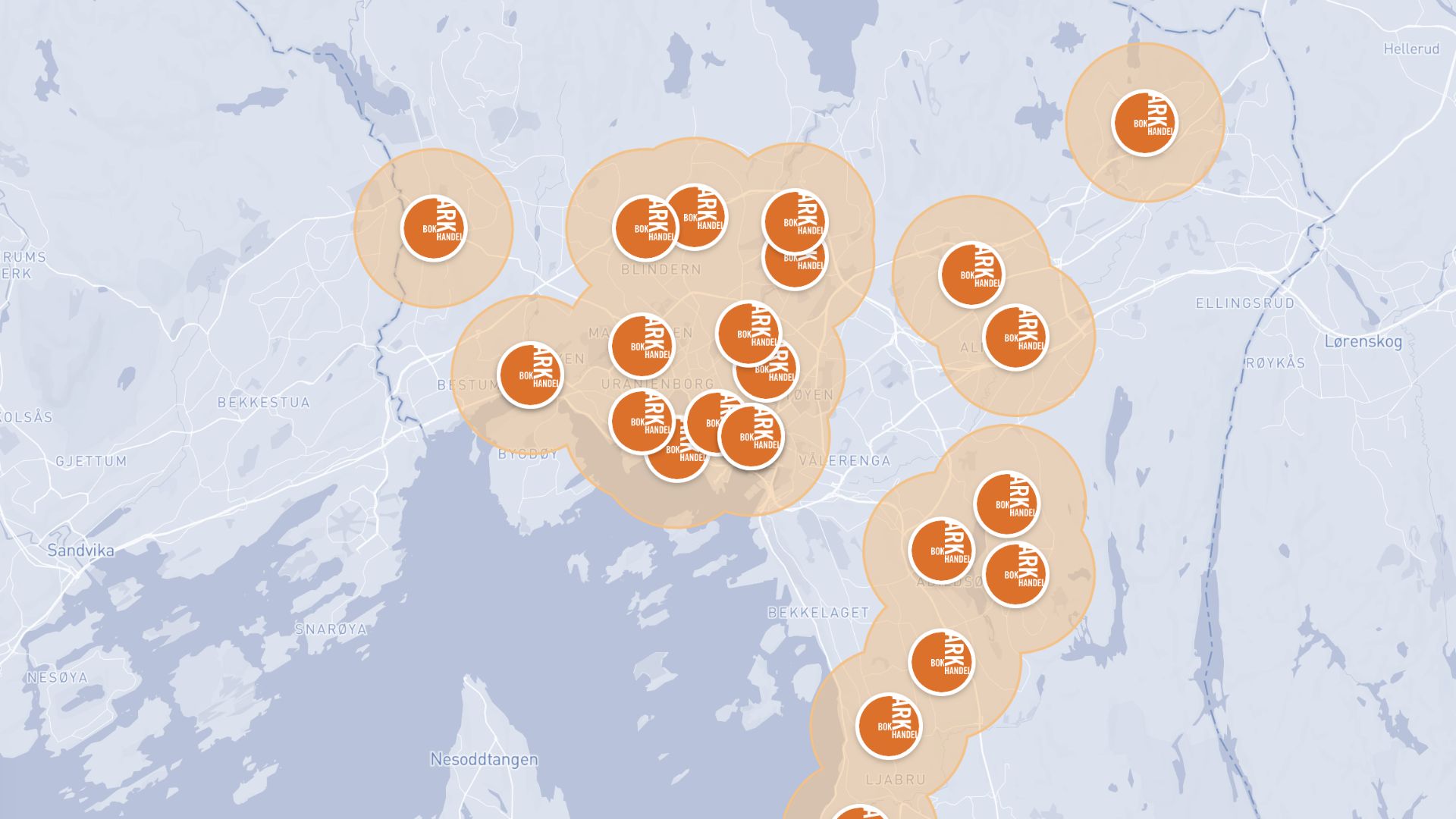
Create radius maps
Draw precise distance circles around any location and analyze what falls inside in minutes with Atlas
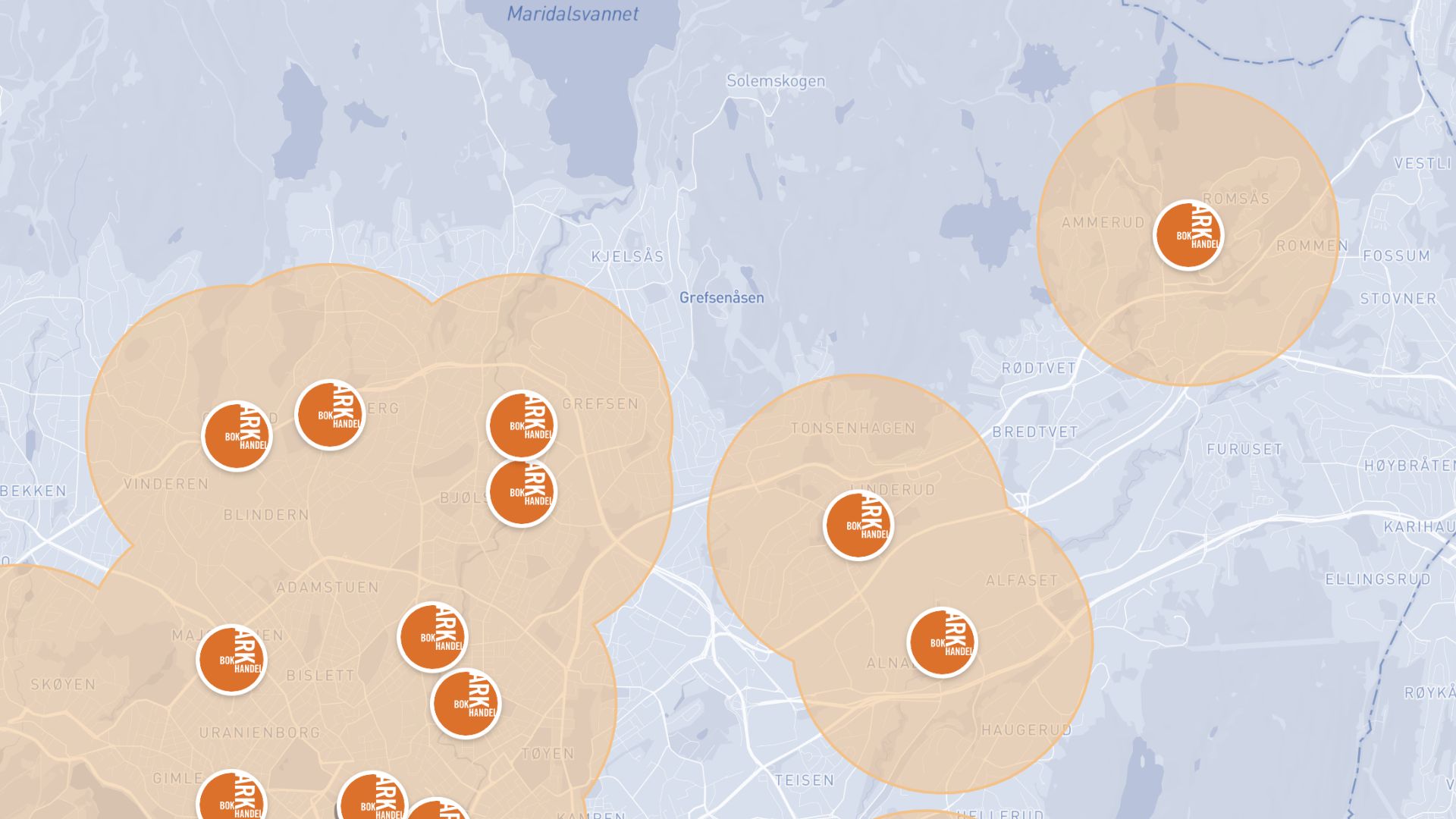
What is a radius map?
A radius map shows a circular area at a set distance around one or more points on a map. It is used to understand coverage, reach, and proximity, such as which customers, stores, or facilities fall within a given distance of a location.
Create your first radius map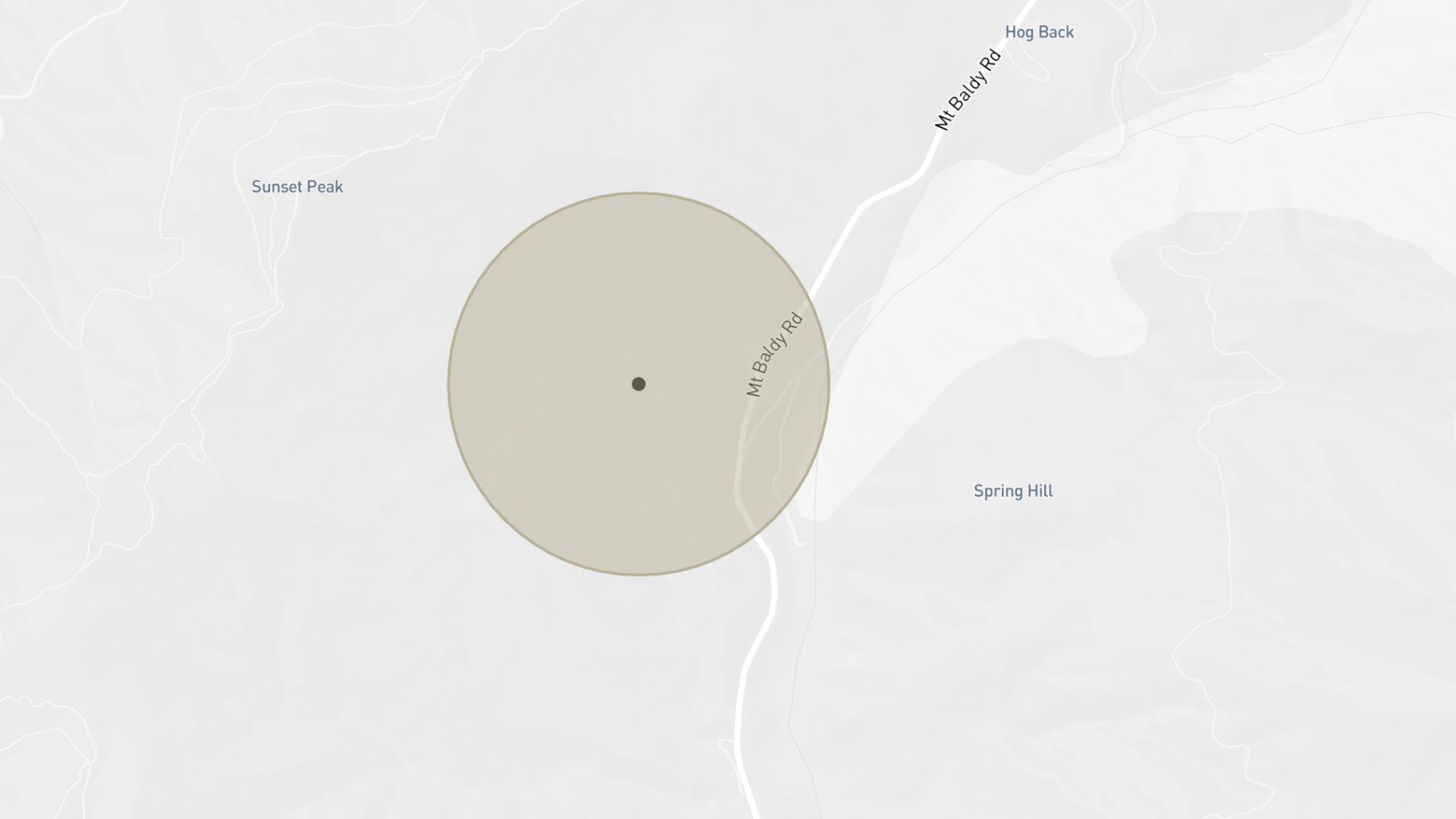
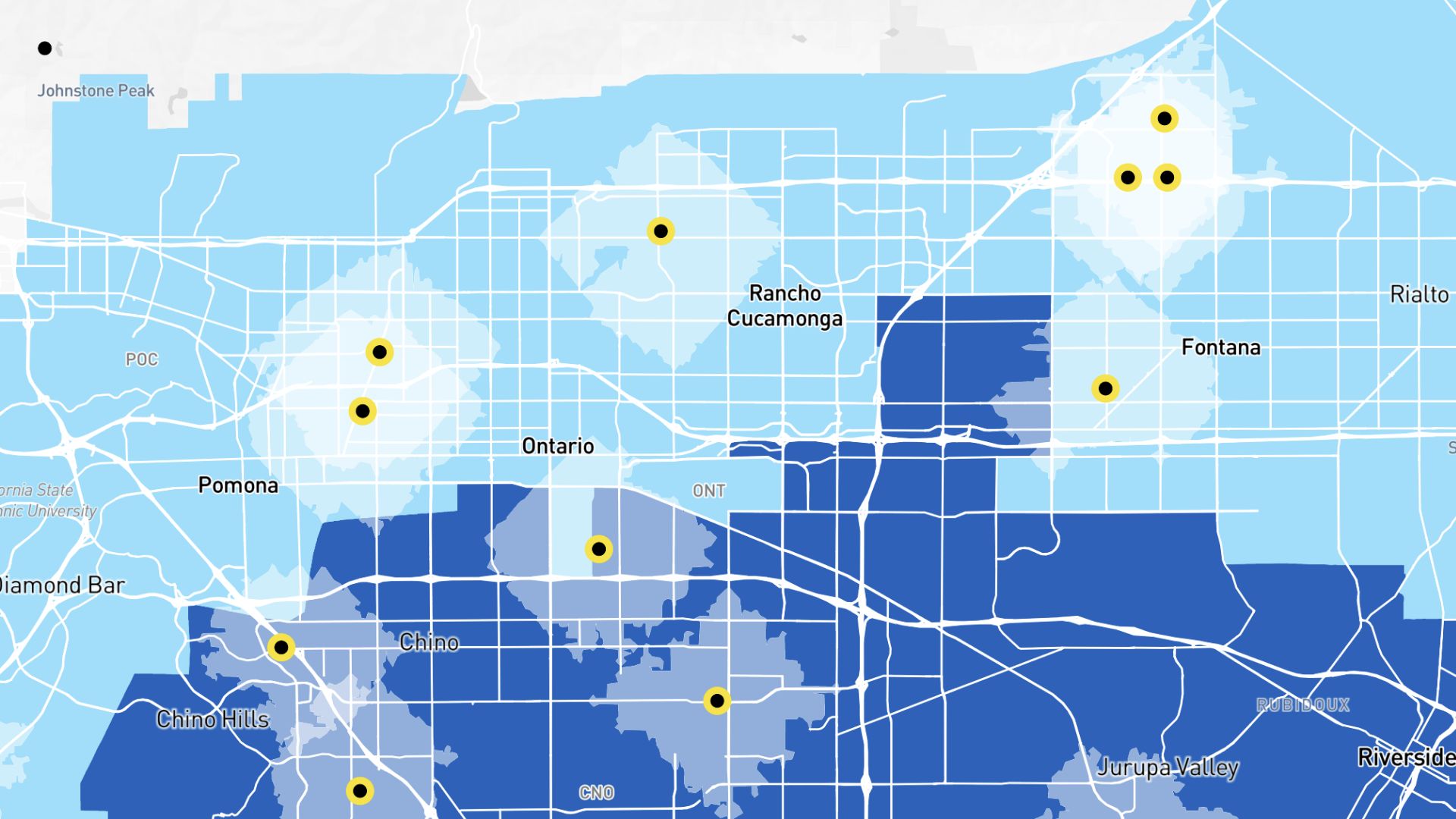
Examples of radius maps
Service coverage
Show how far your service or delivery reaches from each location
Market reach
See how many people live within a set distance of a store
Site planning
Evaluate proximity to competitors or amenities before opening
How to create a radius map?
Add your points
Upload locations or drop pins directly on the map.
Set the radius
Choose a distance in miles or kilometers for each point.
Style your circles
Adjust colors, fill, and opacity for clear readability.
Save and share
Download your map or share a link directly from Atlas.
Why choose Atlas for radius maps?
Atlas makes building radius maps fast and fully customizable, with powerful features for teams of any size.
Export high-quality maps
Download your map in multiple formats with no quality loss.
Integration-friendly
Connect with tools like Google Sheets, Salesforce, and more.
Real-time updates
See your data visualized the moment it changes.
Interactive visualization
Hover and click to explore data points in detail.
Custom branding
Add your logo and style for a professional touch.
Access from anywhere
Create and view maps on any device with an internet connection.
Frequently asked questions
Learn more about creating and using radius maps.
