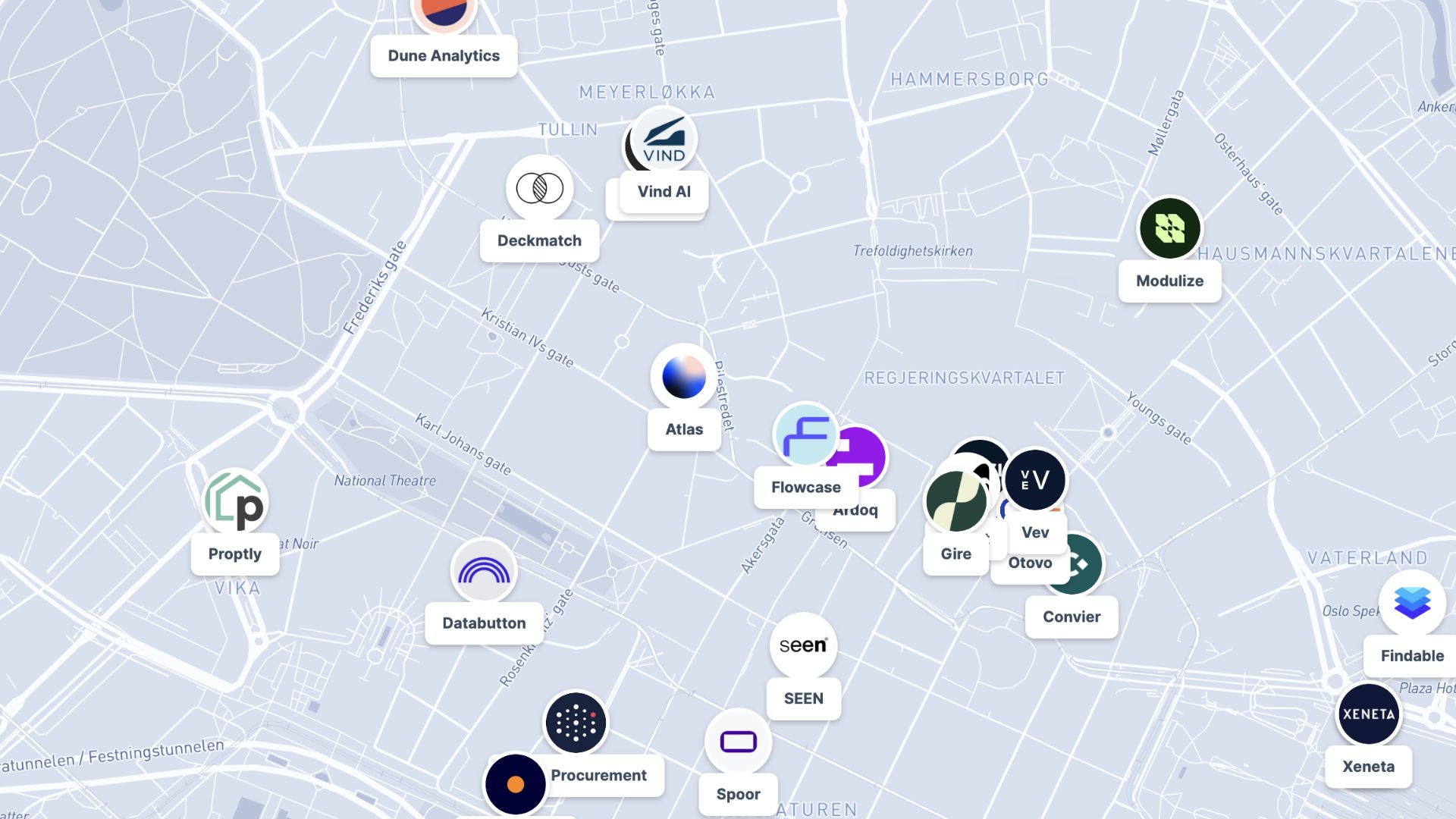
Create interactive maps
Turn your data into a clickable, zoomable map your audience can explore in minutes with Atlas
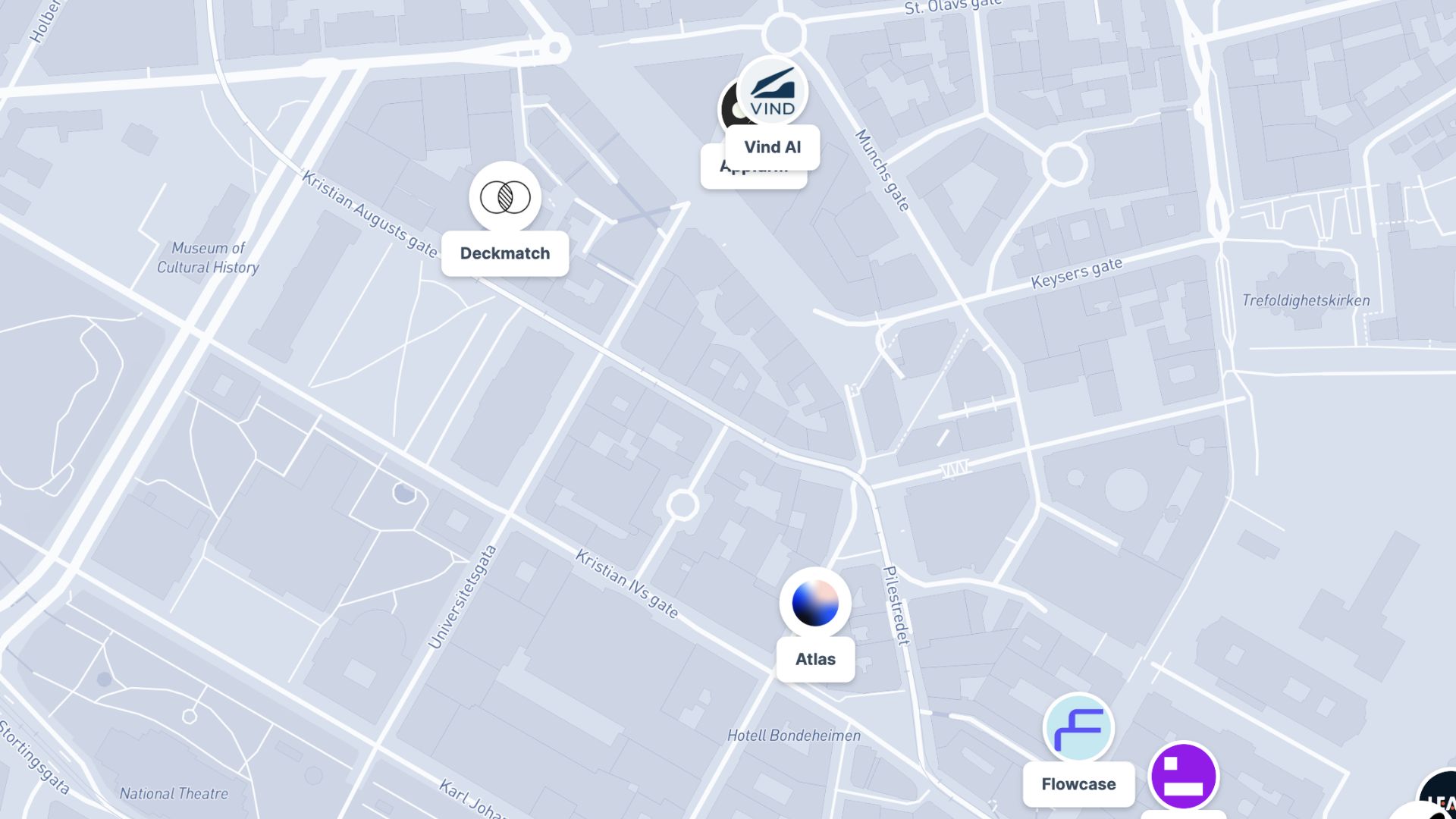
What is an interactive map?
An interactive map lets viewers zoom, pan, click, and filter to explore data on their own. Unlike a static image, it reveals details on demand, making it ideal for dashboards, reports, and websites where users want to dig into the data.
Create your first interactive map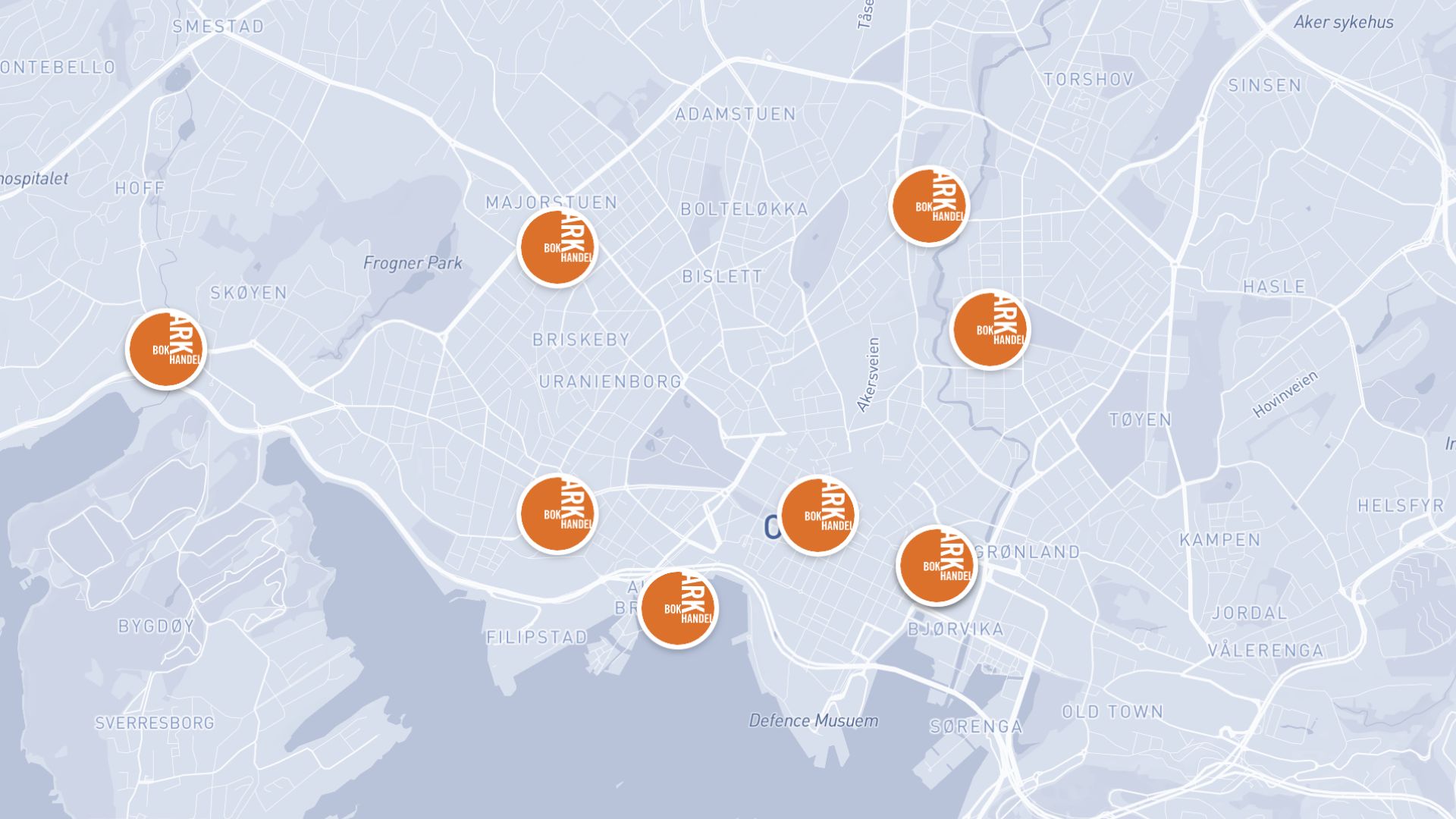

Examples of interactive maps
Store locators
Let customers find and explore your nearest locations
Data dashboards
Embed live, explorable maps in reports and websites
Project portfolios
Showcase sites and assets with clickable details
How to create an interactive map?
Import your data
Upload a file or connect a live data source such as a CRM.
Add layers
Combine points, lines, and areas into rich, layered views.
Configure interactions
Set up popups, filters, and tooltips for each layer.
Publish and embed
Share a link or embed the map directly on your website.
Why choose Atlas for interactive maps?
Atlas makes building interactive maps fast and fully customizable, with powerful features for teams of any size.
Export high-quality maps
Download your map in multiple formats with no quality loss.
Integration-friendly
Connect with tools like Google Sheets, Salesforce, and more.
Real-time updates
See your data visualized the moment it changes.
Interactive visualization
Hover and click to explore data points in detail.
Custom branding
Add your logo and style for a professional touch.
Access from anywhere
Create and view maps on any device with an internet connection.
Frequently asked questions
Learn more about creating and using interactive maps.
