Create dot density maps
Represent quantities and categories as scattered dots across regions in minutes with Atlas
What is a dot density map?
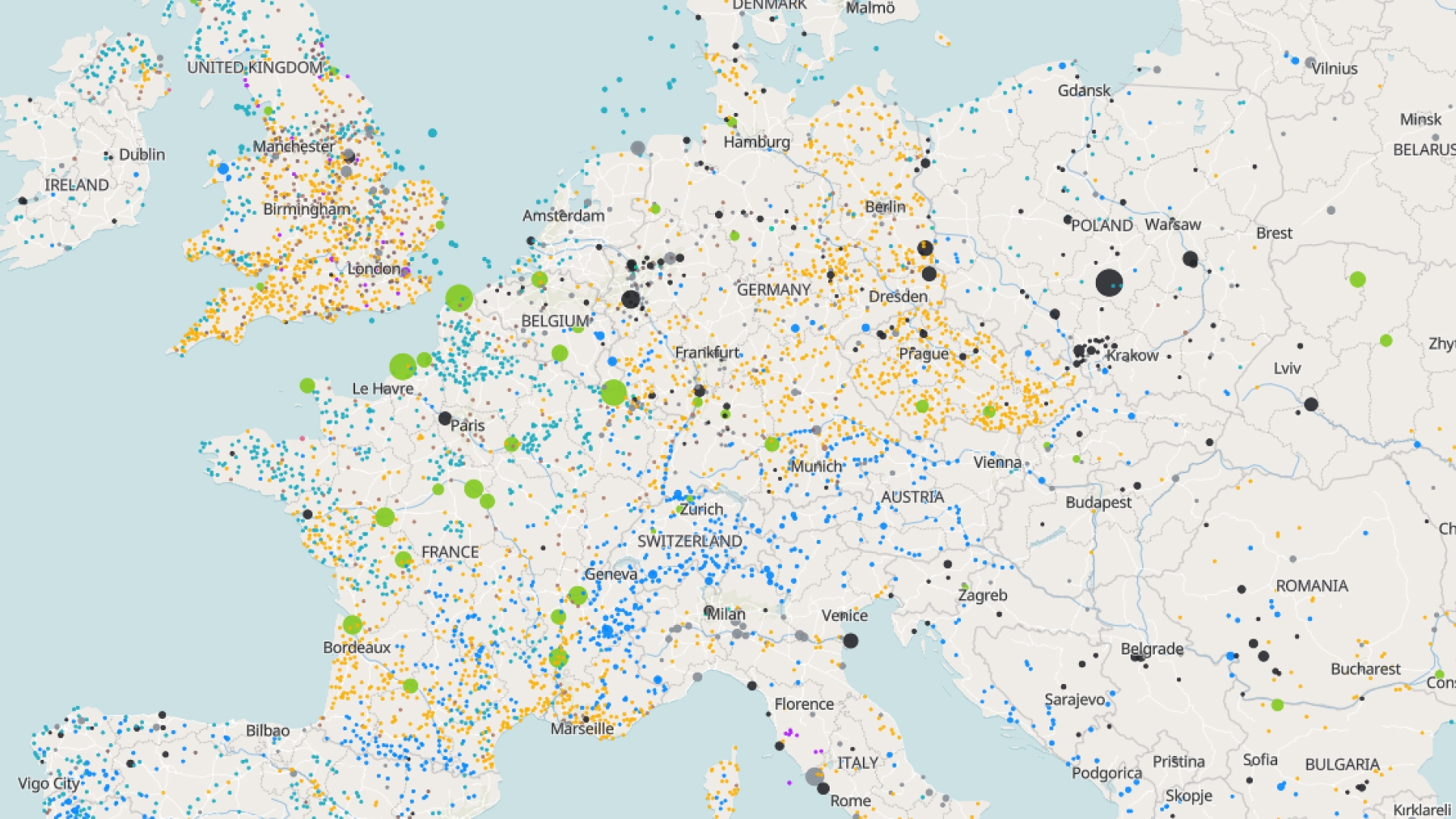
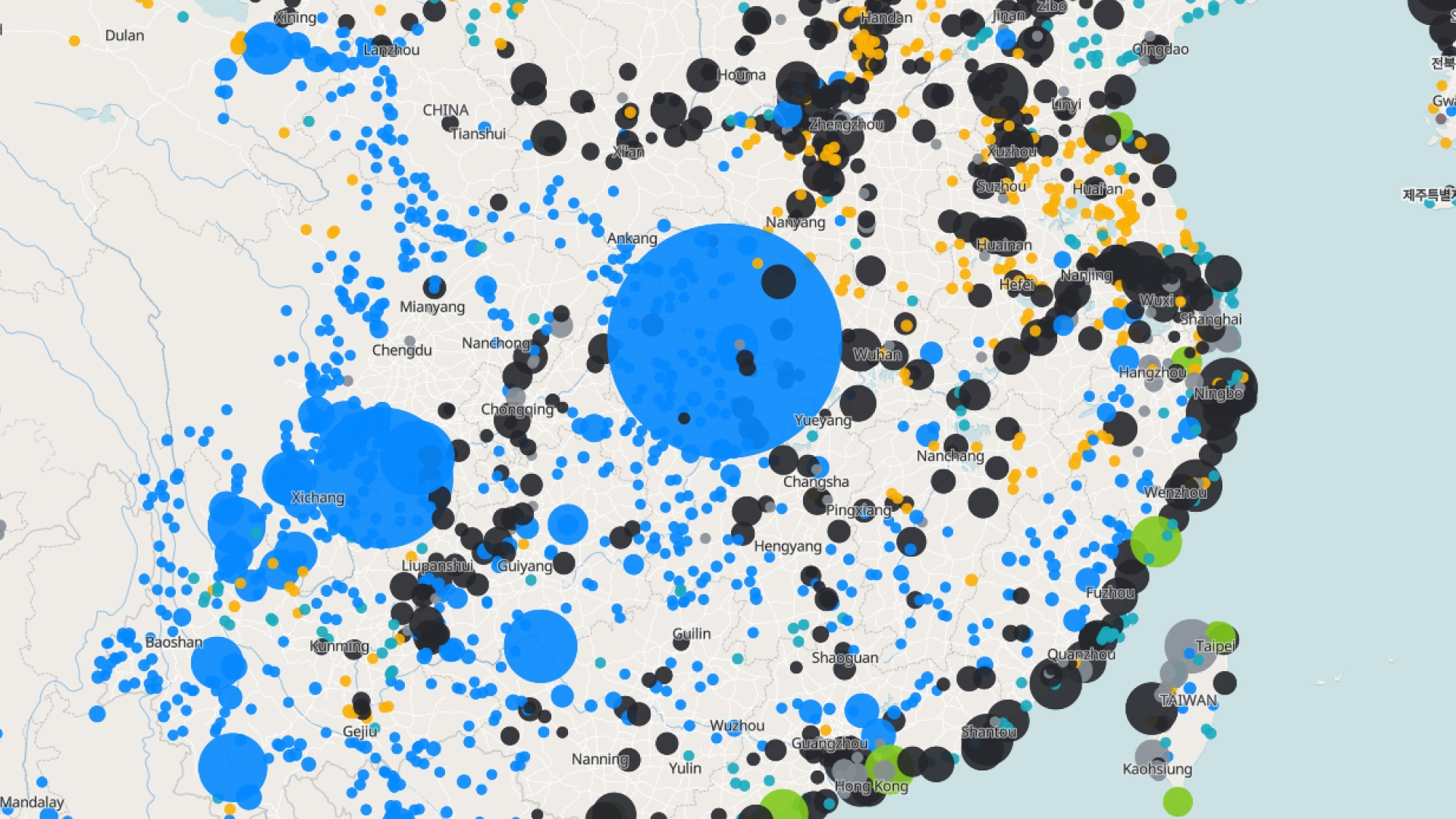
A dot density map places dots within areas to represent quantity, where each dot stands for a set number of items. It shows the true spread of data within regions and is great for comparing distribution and density across categories.
Create your first dot density map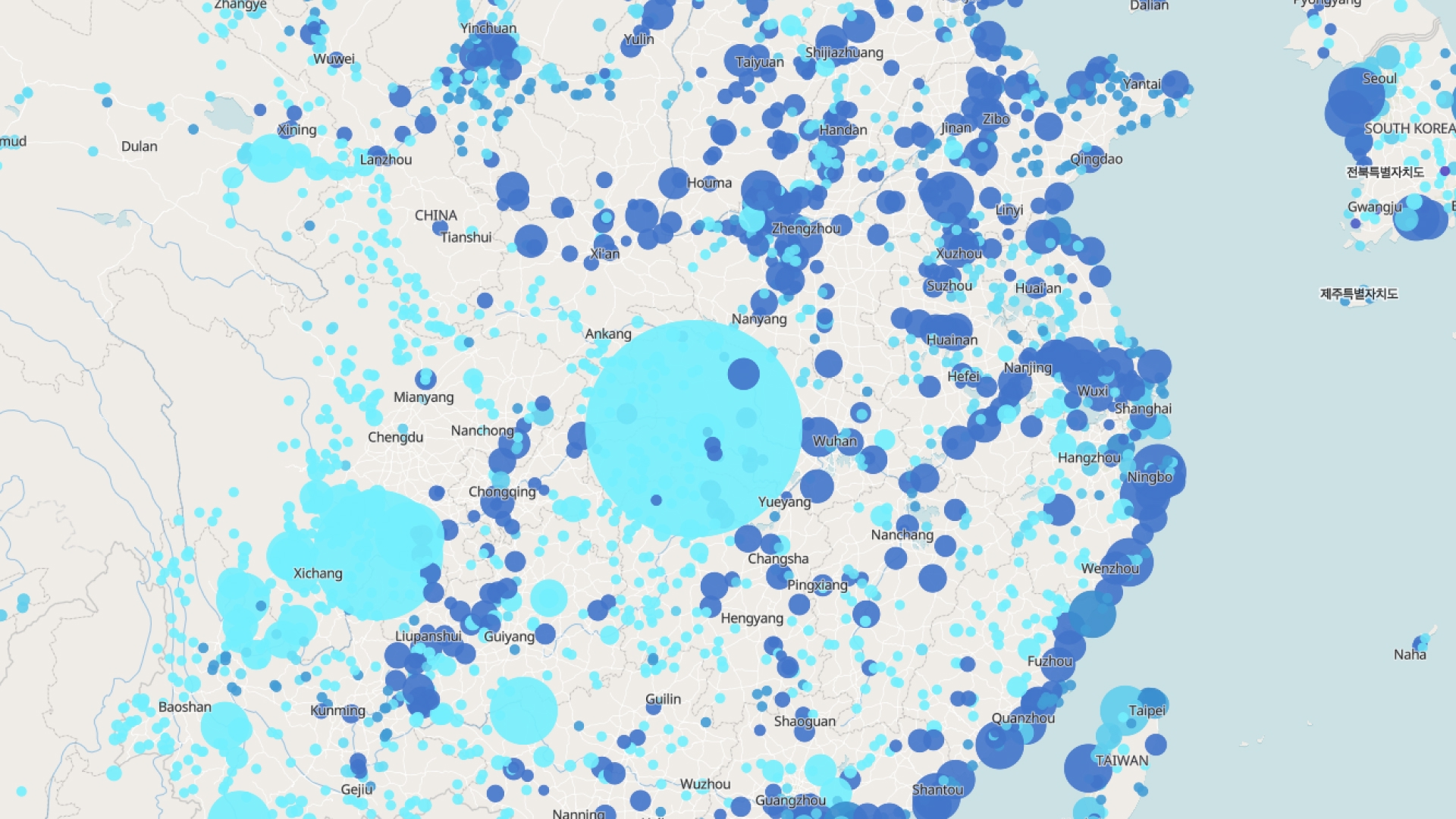
Examples of dot density maps
Population spread
Show how people are distributed within regions
Category distribution
Compare groups using differently colored dots
Resource mapping
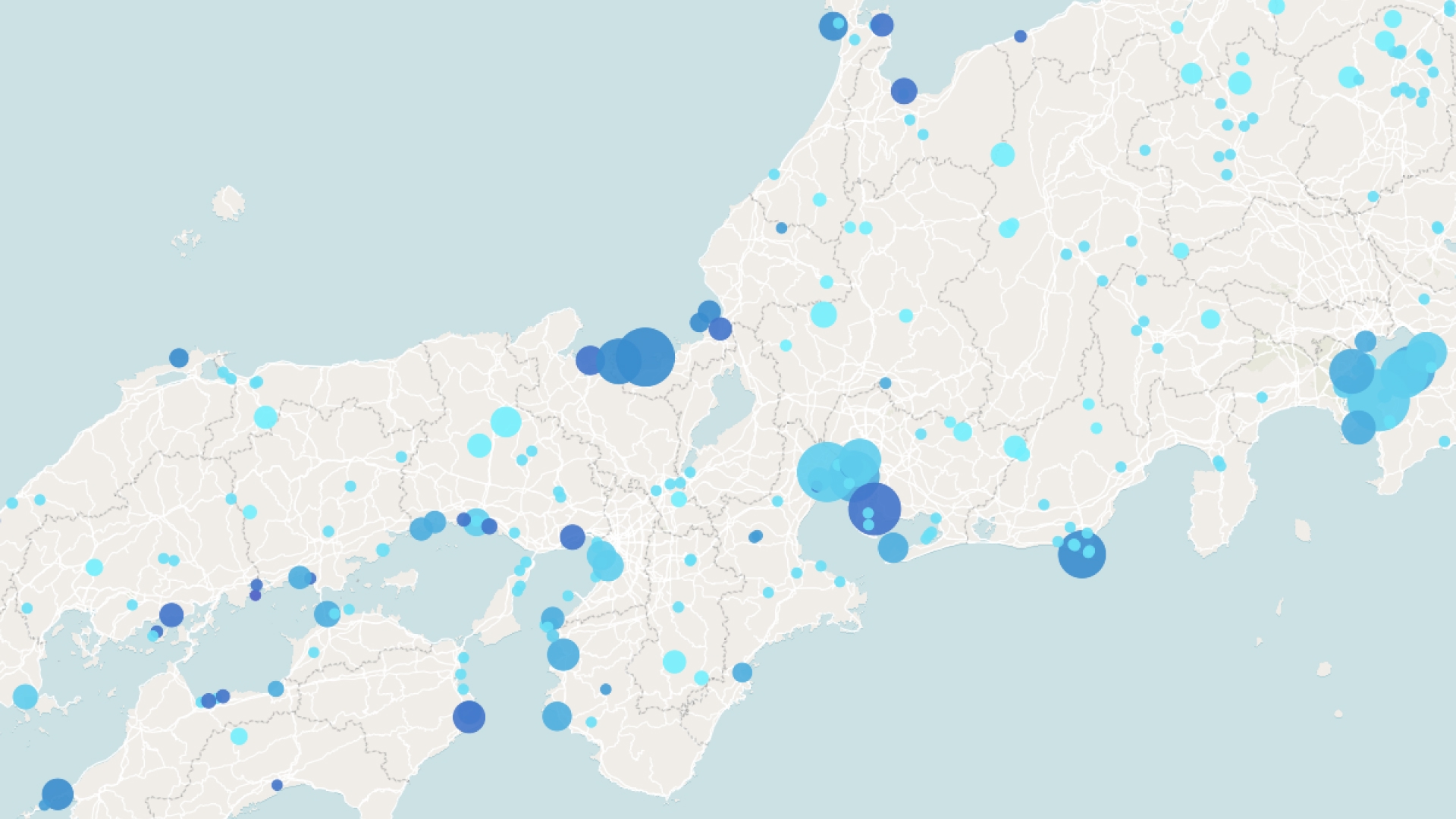
Visualize where assets or events are spread out
How to create a dot density map?
Add your data
Upload values by region or boundary to map.
Set dot value
Choose how many items each dot represents.
Style the dots
Pick colors per category and adjust dot size.
Save and share
Download your map or share a link directly from Atlas.
Why choose Atlas for dot density maps?
Atlas makes building dot density maps fast and fully customizable, with powerful features for teams of any size.
Export high-quality maps
Download your map in multiple formats with no quality loss.
Integration-friendly
Connect with tools like Google Sheets, Salesforce, and more.
Real-time updates
See your data visualized the moment it changes.
Interactive visualization
Hover and click to explore data points in detail.
Custom branding
Add your logo and style for a professional touch.
Access from anywhere
Create and view maps on any device with an internet connection.
Frequently asked questions
Learn more about creating and using dot density maps.
