Create custom maps
Design a fully branded, tailor-made map with your own data and styling in minutes with Atlas
What is a custom map?
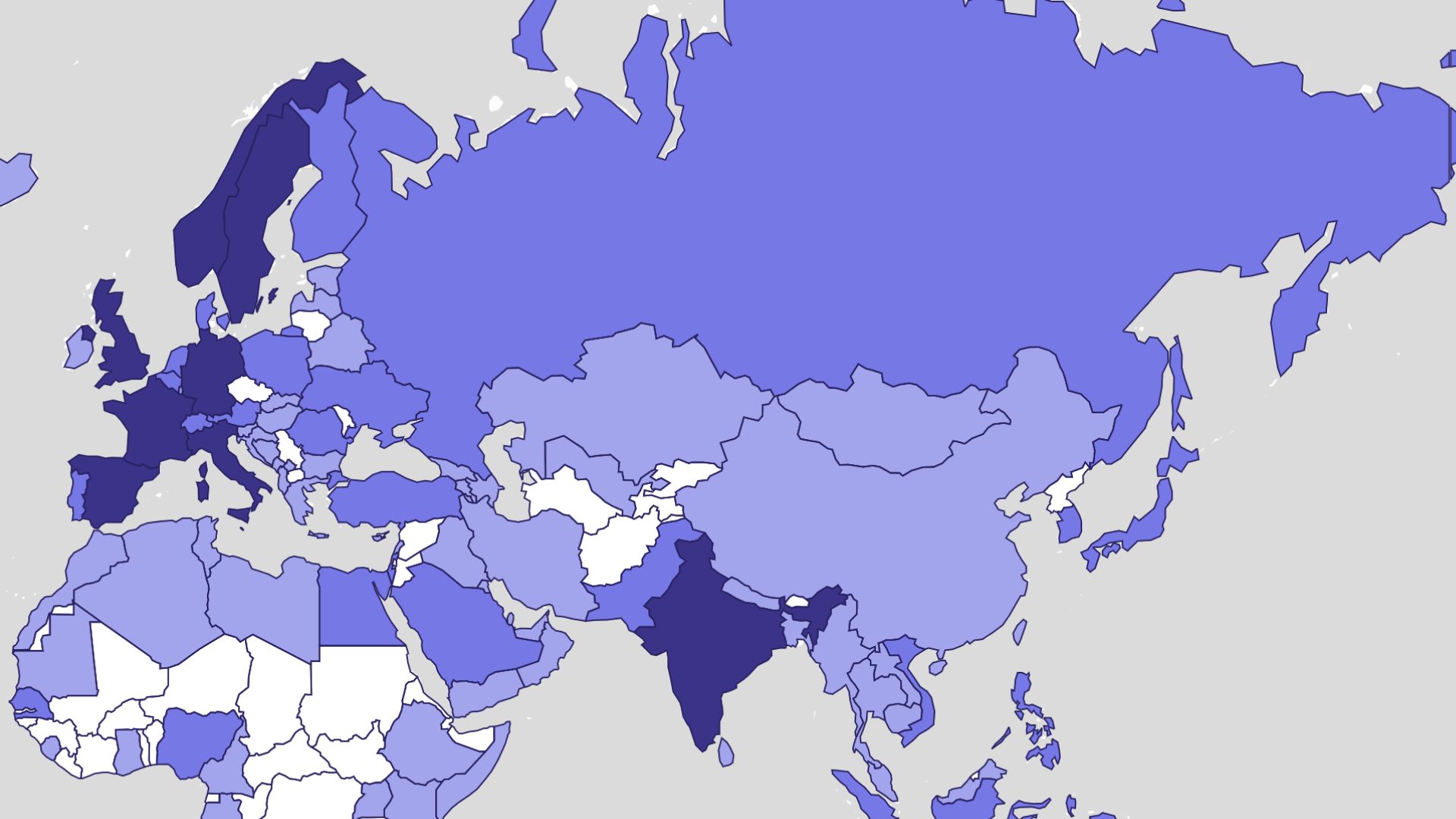
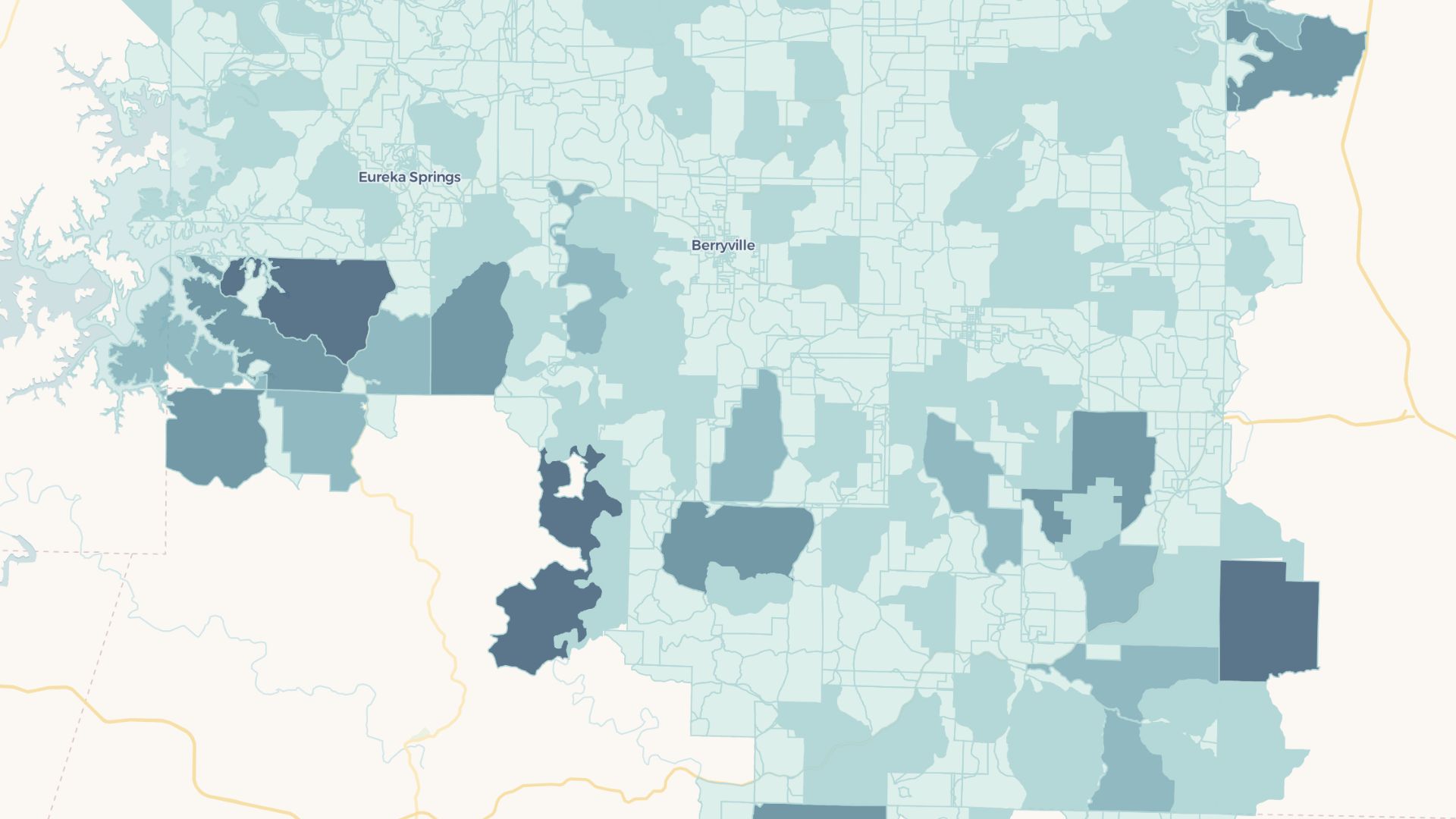
A custom map is a map you design from scratch with your own data, colors, labels, and styling. It lets you go beyond default basemaps to create something that matches your brand and tells your specific story.
Create your first custom map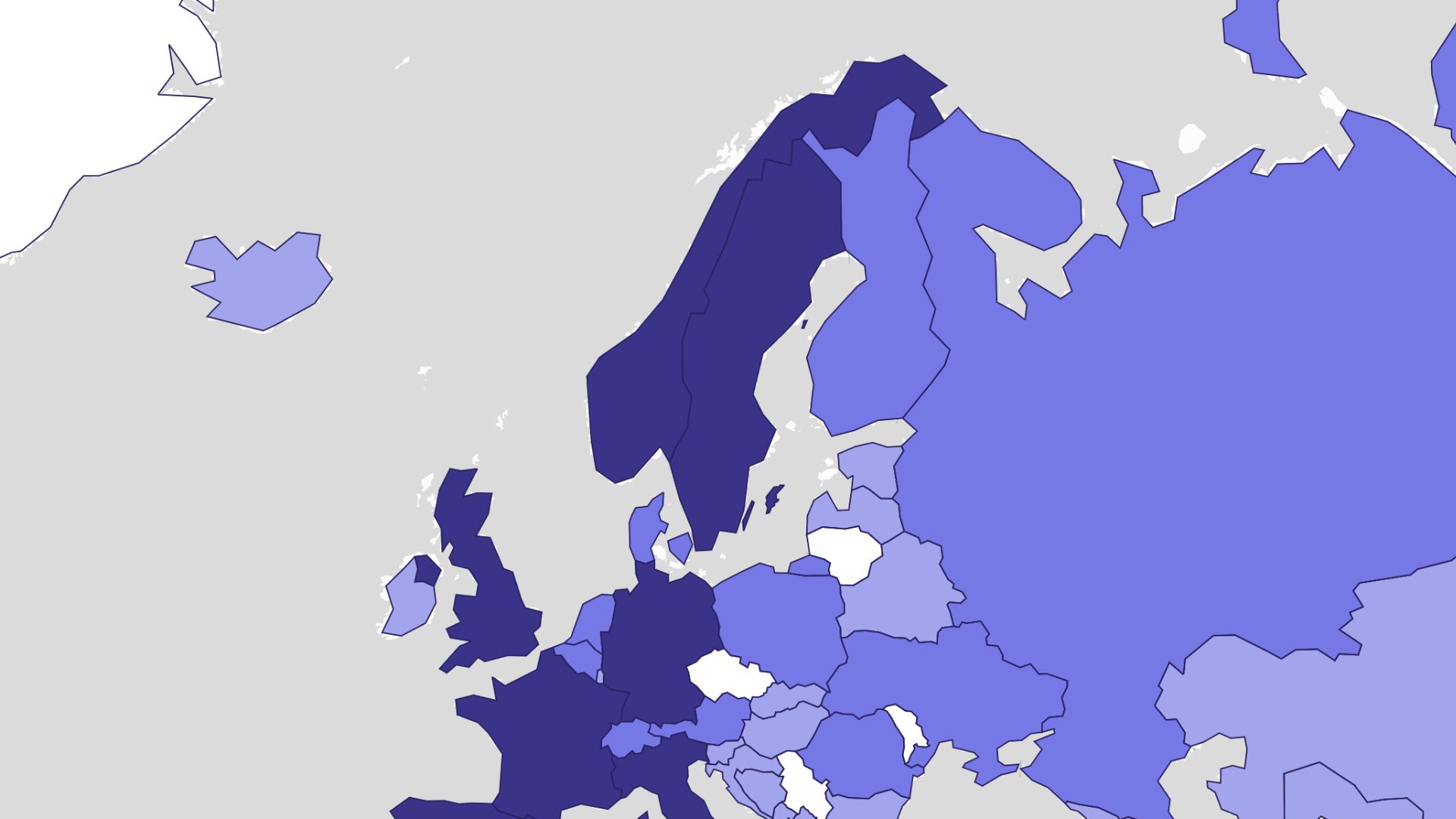
Examples of custom maps
Branded location maps
Match your map colors and markers to your brand
Event and venue maps
Design clear maps for attendees and visitors
Custom data stories
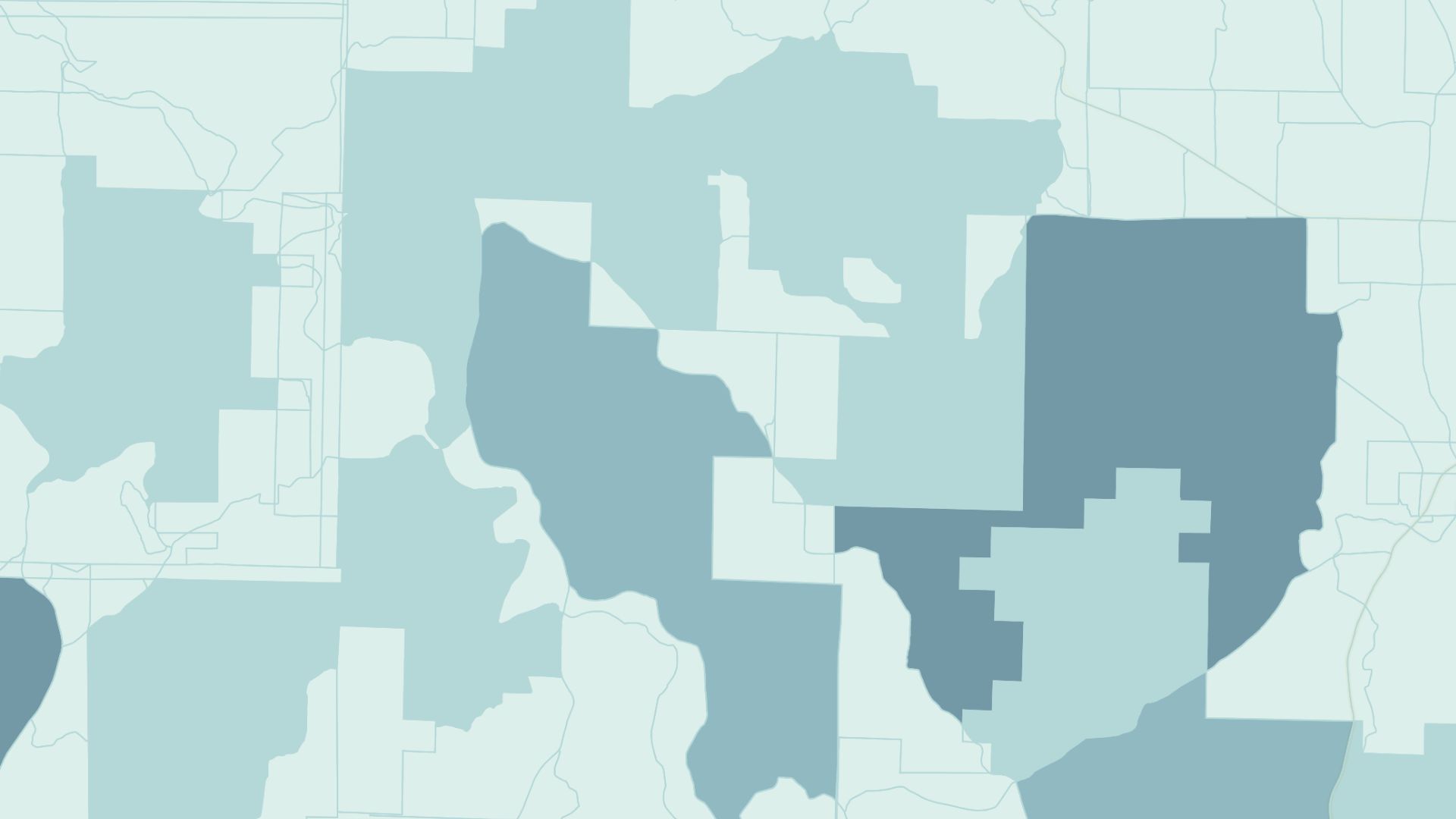
Combine layers to tell a unique geographic story
How to create a custom map?
Choose a basemap
Start from a clean, satellite, or styled base layer.
Add your data
Upload points, areas, and lines or draw them by hand.
Style every element
Customize colors, icons, labels, and fonts to fit your brand.
Save and share
Export an image or share an interactive link from Atlas.
Why choose Atlas for custom maps?
Atlas makes building custom maps fast and fully customizable, with powerful features for teams of any size.
Export high-quality maps
Download your map in multiple formats with no quality loss.
Integration-friendly
Connect with tools like Google Sheets, Salesforce, and more.
Real-time updates
See your data visualized the moment it changes.
Interactive visualization
Hover and click to explore data points in detail.
Custom branding
Add your logo and style for a professional touch.
Access from anywhere
Create and view maps on any device with an internet connection.
Frequently asked questions
Learn more about creating and using custom maps.
