Create cluster maps
Group thousands of overlapping points into clean, readable clusters in minutes with Atlas
What is a cluster map?
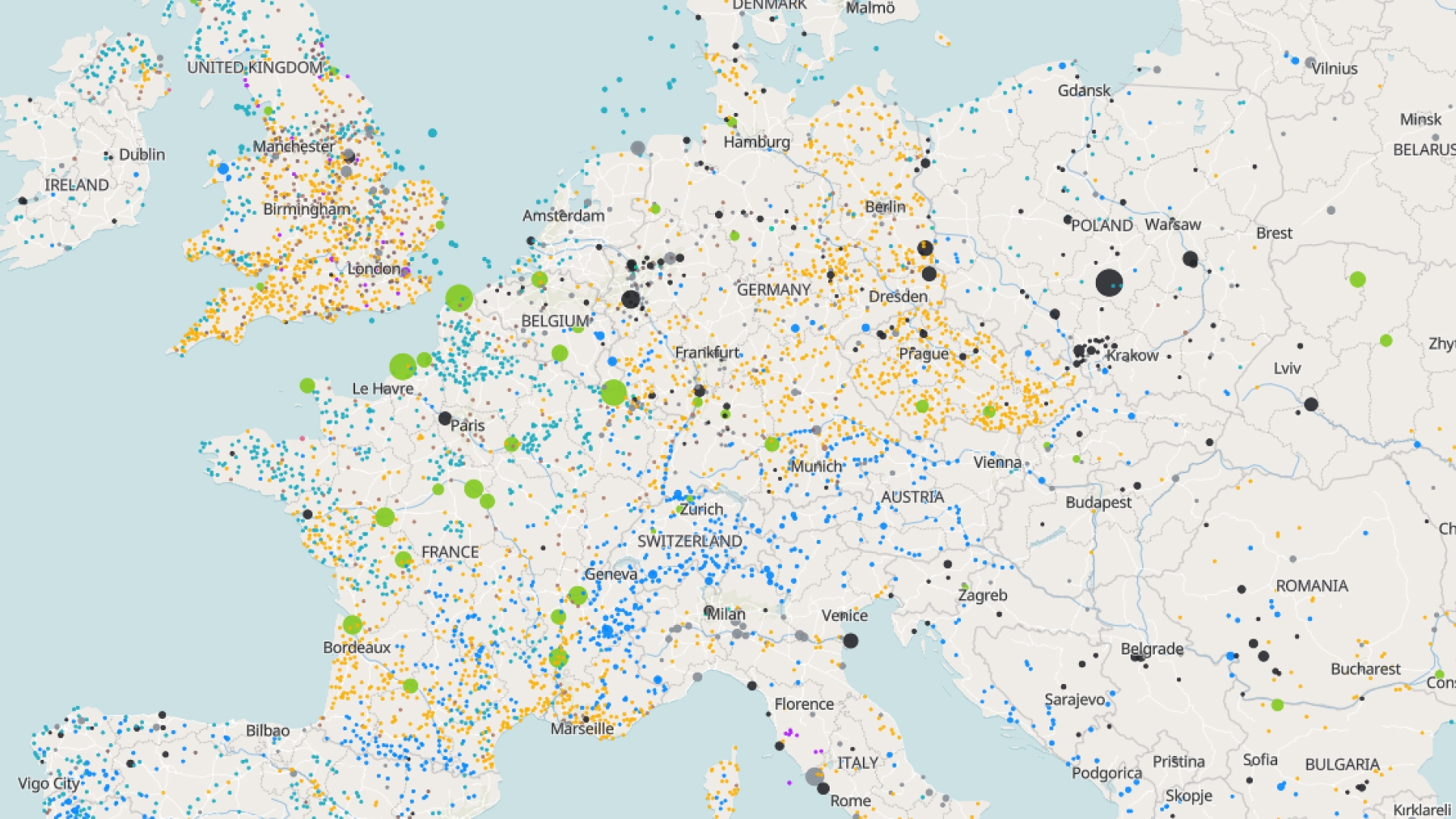
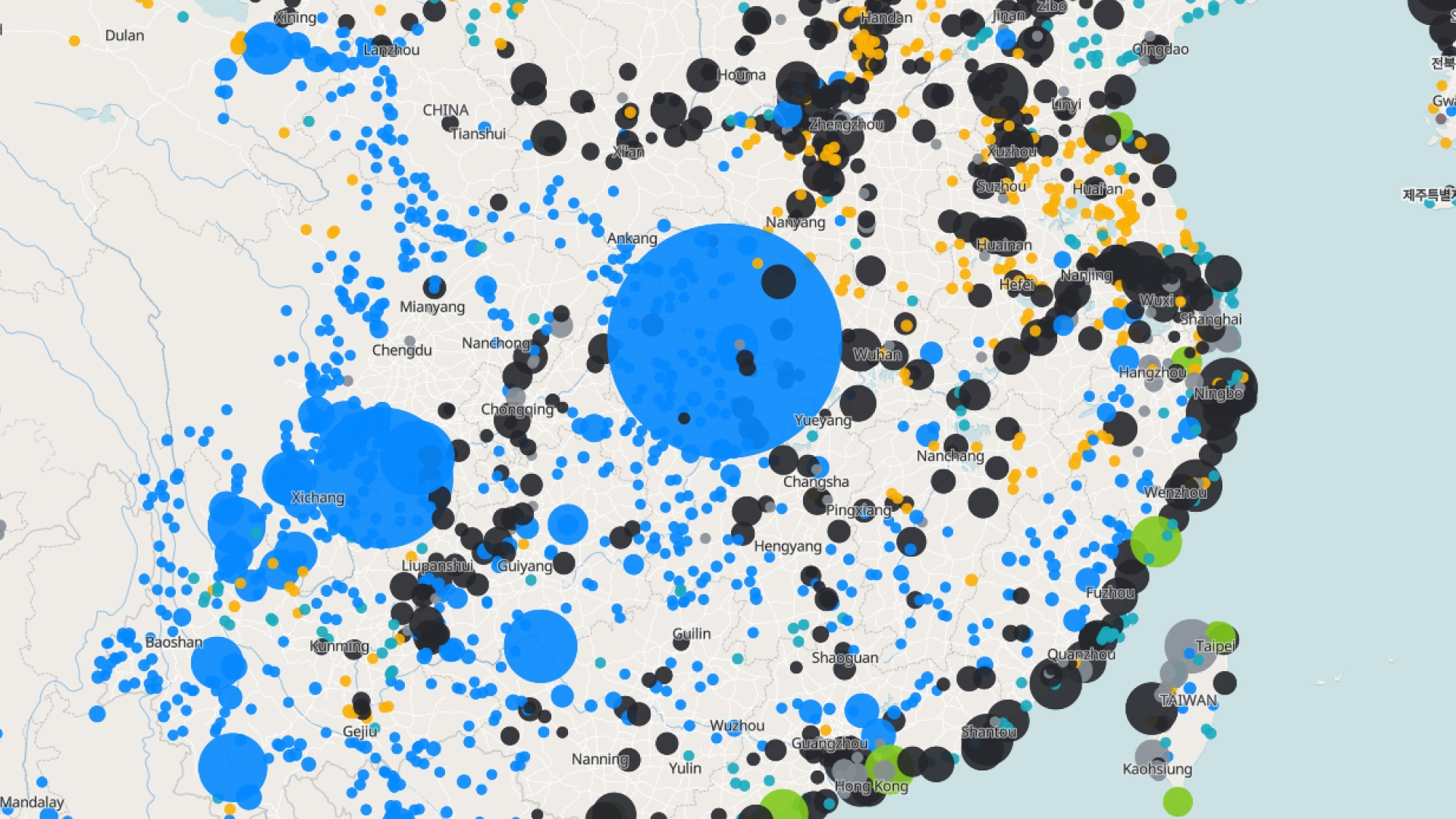
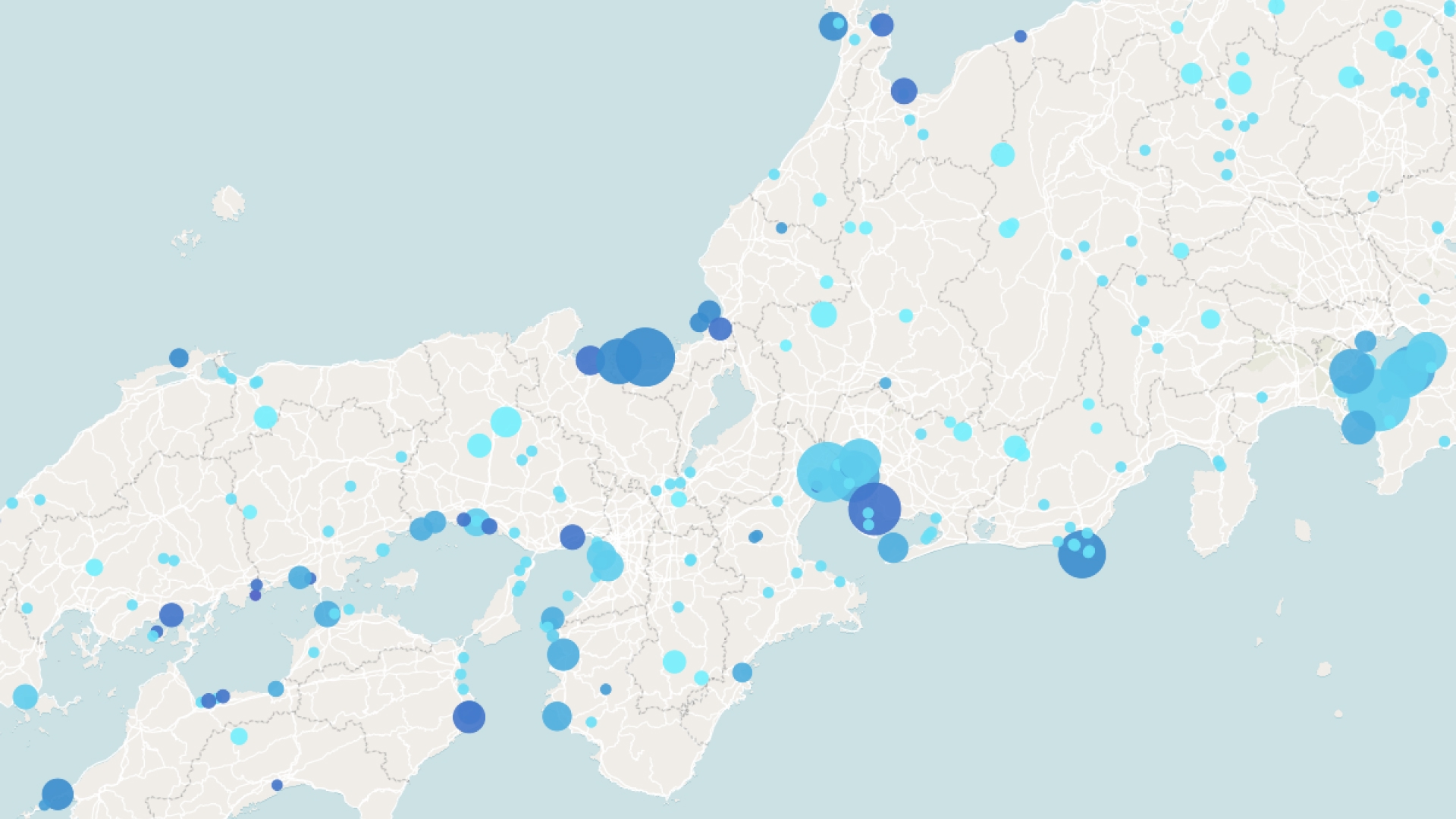
A cluster map groups nearby points into a single marker showing how many points it contains. As you zoom in, clusters break apart into individual points, keeping dense maps readable even with thousands of locations.
Create your first cluster map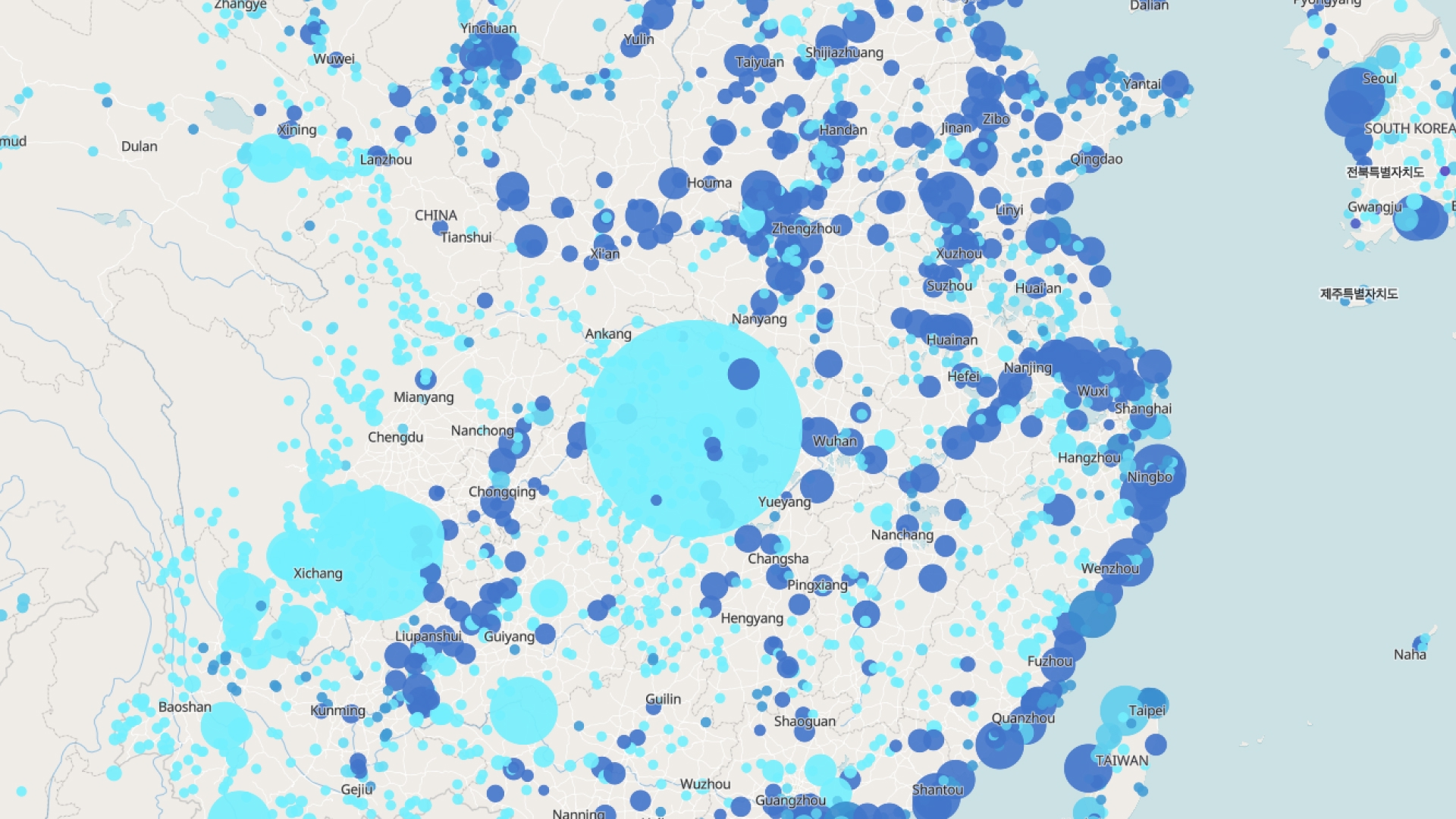
Examples of cluster maps
Customer locations
Cleanly map thousands of customers without clutter
Asset inventories
Group dense assets and drill down by zooming
Incident reports
See where events concentrate across a region
How to create a cluster map?
Upload your points
Add a dataset with many locations, even thousands.
Enable clustering
Atlas automatically groups nearby points into clusters.
Style the clusters
Set colors, sizes, and count labels for clarity.
Save and share
Download your map or share a link directly from Atlas.
Why choose Atlas for cluster maps?
Atlas makes building cluster maps fast and fully customizable, with powerful features for teams of any size.
Export high-quality maps
Download your map in multiple formats with no quality loss.
Integration-friendly
Connect with tools like Google Sheets, Salesforce, and more.
Real-time updates
See your data visualized the moment it changes.
Interactive visualization
Hover and click to explore data points in detail.
Custom branding
Add your logo and style for a professional touch.
Access from anywhere
Create and view maps on any device with an internet connection.
Frequently asked questions
Learn more about creating and using cluster maps.
