Mergin Maps Alternative
A faster, app-free alternative to Mergin Maps for collecting and syncing geospatial data
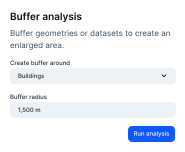

Why teams evaluate Atlas alongside Mergin Maps
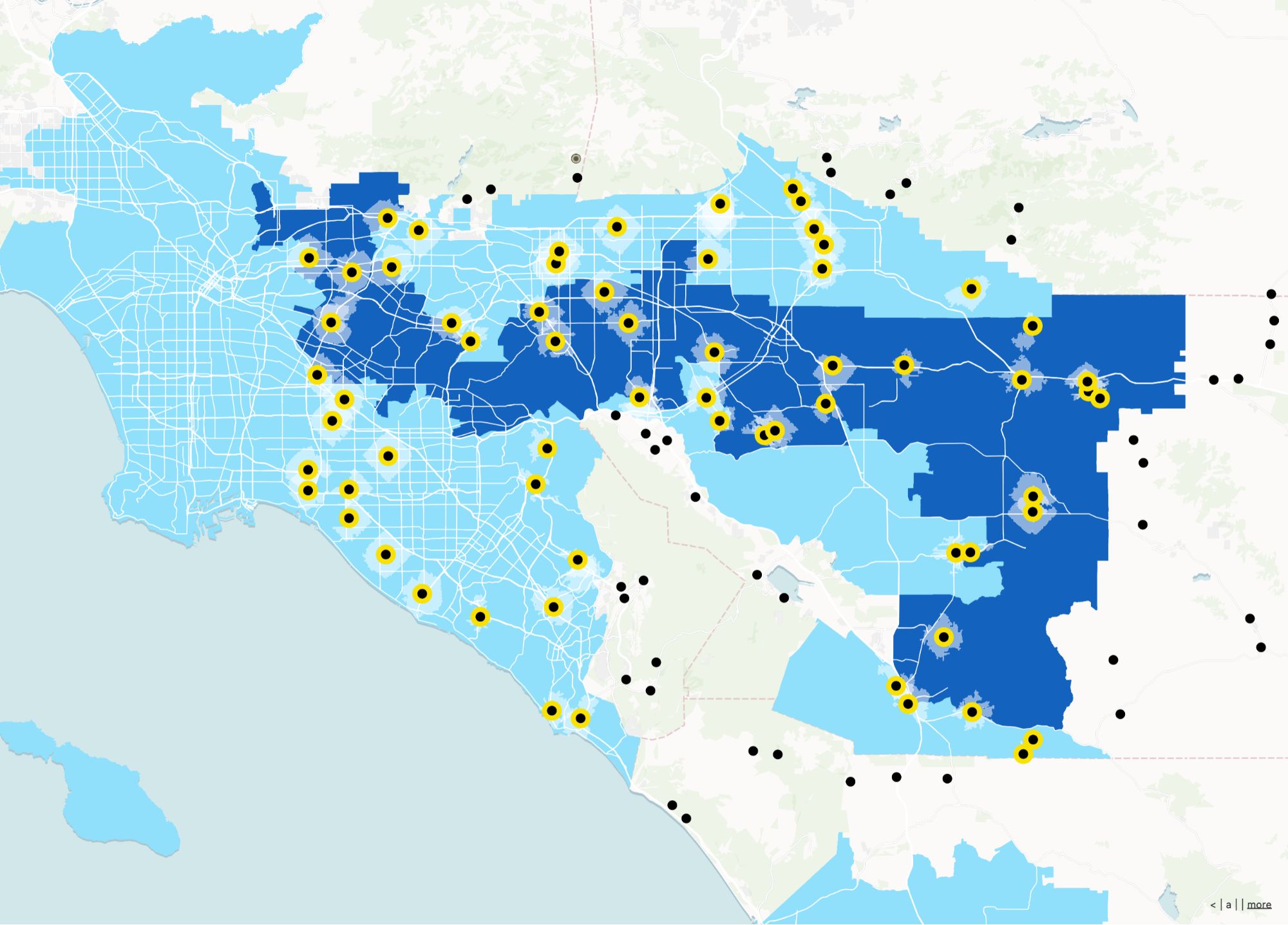
Mergin extends QGIS into the field. Atlas is a browser-first path when you want field and office on the same live web map—without a desktop sync chain.
Browser-first collaboration
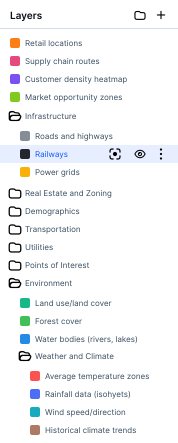
Reduce “who has the latest project” issues with cloud-native projects.
Apps for non-QGIS teammates
Let reviewers, managers, and partners participate without QGIS installs.
No-code layer on top of maps
Add filters, dashboards, and embeds beyond raw data collection.
Offline-capable field capture
Atlas now supports offline mode, letting teams collect data without signal and sync automatically when connectivity returns.
Mergin Maps vs Atlas
Compare Mergin Maps and Atlas on core mapping and collaboration features.
| Feature | Mergin Maps | Atlas |
|---|---|---|
| Field data collection | ||
| Sync with QGIS | ||
| No app install needed | ||
| Mobile forms | ||
| Live map updates | ||
| Team collaboration | ||
| Works in browser | ||
| Offline support | ||
| Free to use | ||
| No-code builder |
Collect and sync field data—without apps
Atlas lets your field teams collect data and update maps from any device. No installs, no file syncing—just open a browser and go.
Try it in the field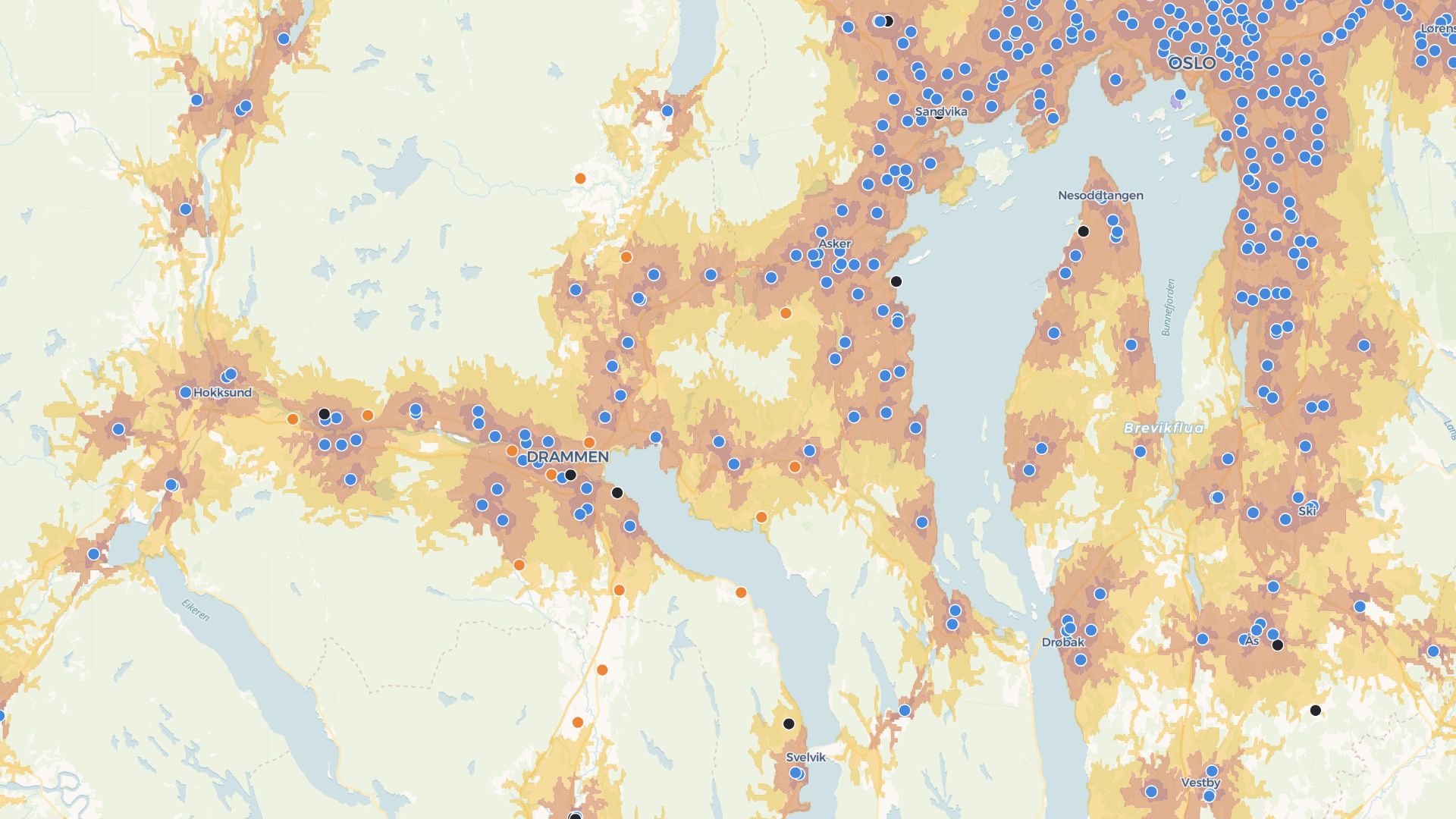
Build field-ready tools fast
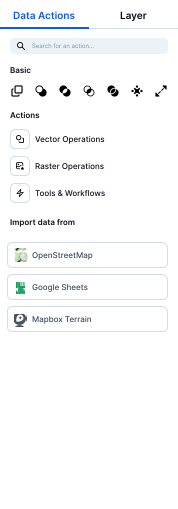
Need a form for inspections? A live map for managers? Atlas lets you build what you need with clicks, not code.
Build your first toolWho picks Atlas over Mergin-style workflows
Mixed skill teams
GIS leads + operational staff in one workspace.
Partners and clients
Share live progress without exporting packages.
Rapid pilots
Stand up a field program without a long GIS toolchain.
What Atlas adds for field programs
Field data matters most when the office can act on it immediately.
Unified web workspace
Field submissions land in the same map PMs use.
Live collaboration
Coordinate crews without waiting for sync windows.
Embeddable maps
Drop status into internal portals.
No-code tools
Filters and views for each audience.
Mobile web capture
Lower deployment overhead for many roles.
Consistent styling
Keep field and exec views on-brand.
Offline support
Work without connectivity and sync when back online.
Frequently asked questions
Answers for teams switching from Mergin Maps to Atlas.
Do I need to install an app?
Can I use Atlas offline?
Can I build my own forms?
Does Atlas sync with QGIS?
Is Atlas good for teams?
Is it really free?

© Atlas 2026 / Your all-in-one map builder