Maptive Alternative
A more flexible, collaborative alternative to Maptive—built for teams and beautiful maps

Why teams compare Maptive to Atlas
Maptive popularized spreadsheet-to-map. Atlas pushes further into collaboration, apps, and operational workflows for teams that live on their maps daily.
Deeper team workflows
Move from visualization-only to ongoing spatial operations.
No-code app surfaces
Filters, forms, and embeddable tools—not just a static map export.
Modern collaboration
Multiple editors and viewers with cloud-native patterns.
Maptive vs Atlas
Compare Maptive and Atlas on core mapping and collaboration features.
| Feature | Maptive | Atlas |
|---|---|---|
| Upload spreadsheets | ||
| Custom map styles | ||
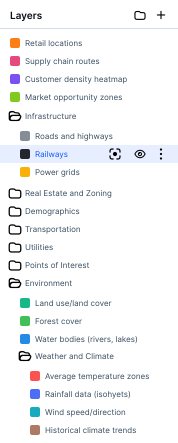
| Add multiple data layers | ||
| Interactive map filters | ||
| Real-time team collaboration | ||
| Cloud-based | ||
| Mobile-friendly maps | ||
| Share live map links | ||
| Free to use |
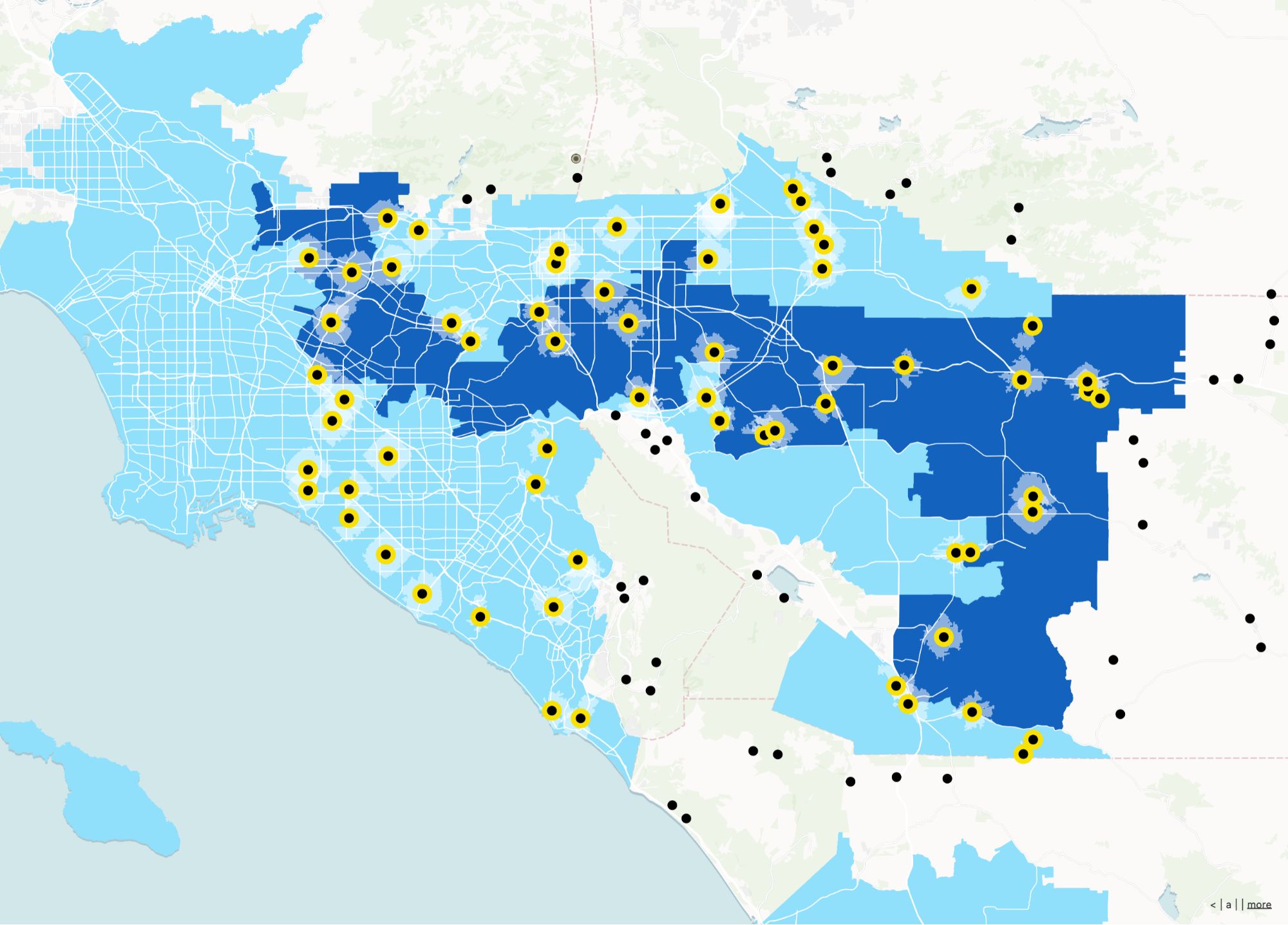
Make maps that feel modern
Atlas is built for clarity and speed—upload data, style it beautifully, and share instantly. No clunky UI, no export steps.
Create your first map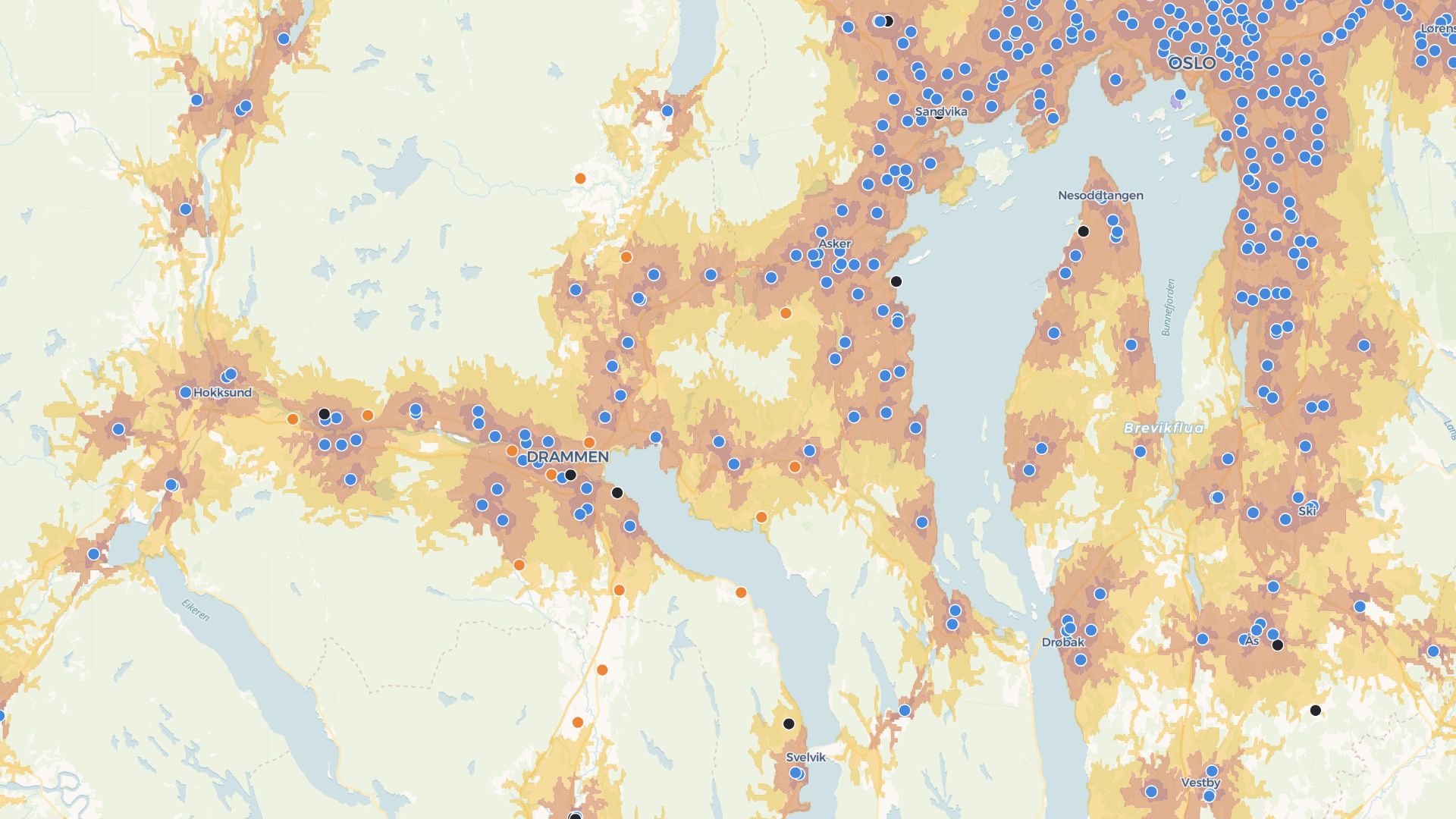
Build tools your team can use daily
Atlas lets you create web maps with filters, forms, and views—great for sales teams, field ops, or leadership dashboards.
Build your first toolWho picks Atlas over Maptive-class tools
Sales & territory teams
Living territory maps with continuous updates.
Ops & logistics
Maps tied to day-to-day decisions.
Customer-facing programs
Embeds that feel like part of your product.
What Atlas emphasizes
Spreadsheet starters welcome—Atlas is built for ongoing spatial collaboration.
Collaborative editing
Teams iterate on the same project.
App-style experiences
Go beyond a single map canvas.
Data uploads
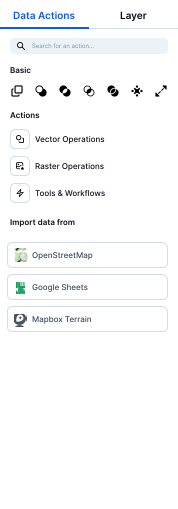
Bring CSVs and geo files into structured layers.
Sharing controls
Project links tuned for internal and external audiences.
Mobile-friendly
Maps that work on the road.
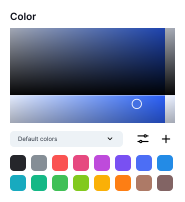
Polished styling
Presentation-ready without a design tool.
Frequently asked questions
Answers for teams switching from Maptive to Atlas.
Is Atlas easier to use than Maptive?
Do I need to export my map to share it?
Can I add more than one layer?
Is it mobile-friendly?
Is it really free?

© Atlas 2026 / Your all-in-one map builder