Kepler.gl Alternative
A simpler, more collaborative alternative to Kepler.gl—made for teams and interactive sharing

Why teams move from Kepler.gl experiments to Atlas
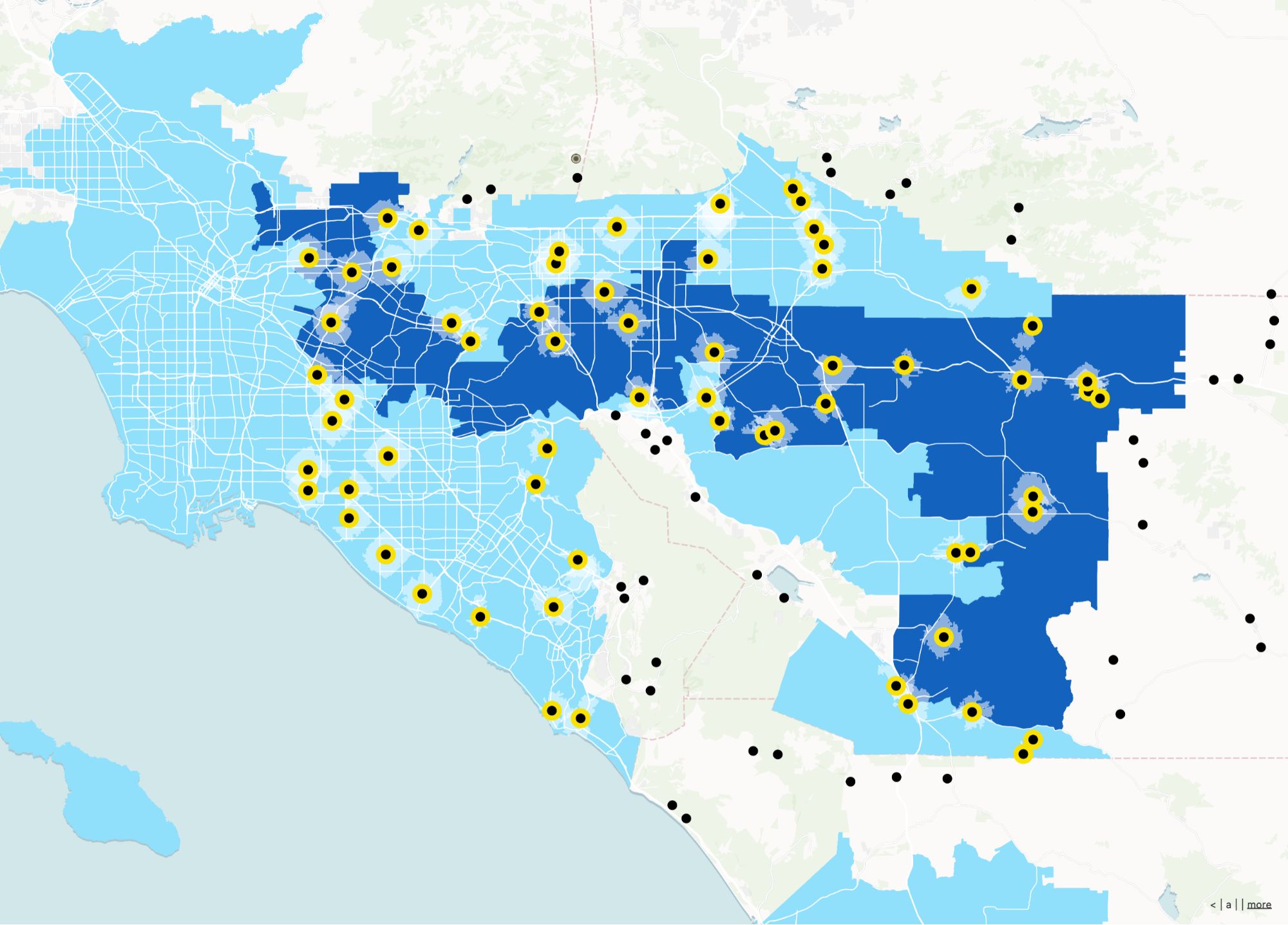
Kepler.gl is fantastic for analytics visuals. Atlas is for shipping those ideas to teammates and customers as maintained, collaborative maps and apps.
Persistent projects
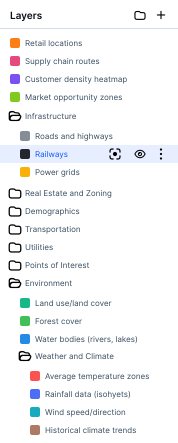
Move past one-off notebooks to projects with history and access control.
Non-developer participation
PMs and ops can edit and comment without touching code.
Operational tooling
Forms, filters, and sharing patterns for everyday use.
Kepler.gl vs Atlas
Compare Kepler.gl and Atlas on core mapping and collaboration features.
| Feature | Kepler.gl | Atlas |
|---|---|---|
| Upload spatial and tabular data | ||
| Custom map styles | ||
| Multiple data layers | ||
| Share live web maps | ||
| Real-time collaboration | ||
| No-code workflows | ||
| Mobile-friendly | ||
| Cloud-based | ||
| Form builder | ||
| Free to use |
Make maps that live on the web
Atlas helps you do more than visualize. Upload your data, style your layers, and share live maps with anyone—no exports needed.
Create your first map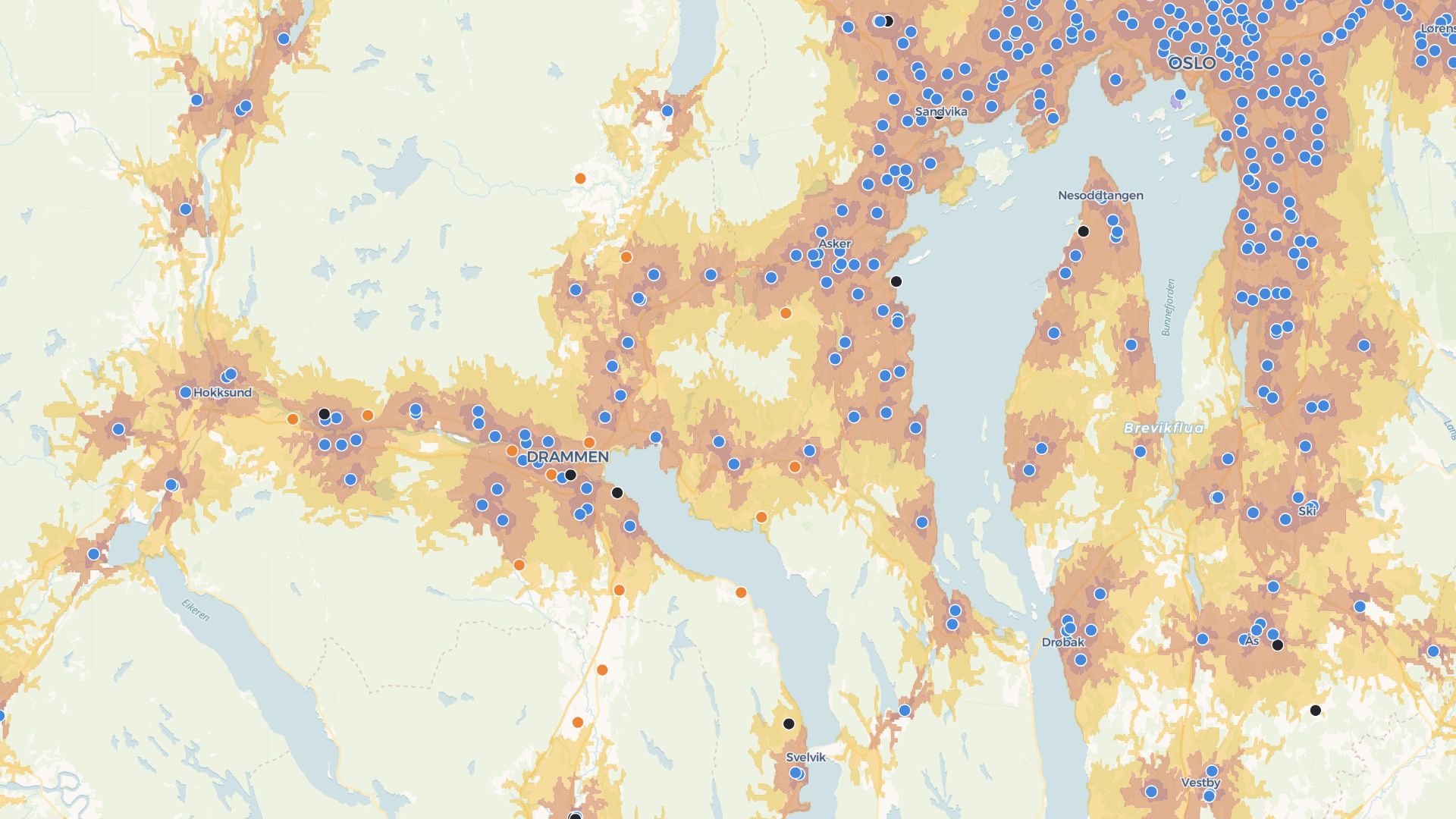
Build tools, not just visuals
Add filters, forms, and logic. Atlas maps aren’t just for viewing—they’re built to explore, update, and use.
Build your first toolWho uses Atlas after Kepler.gl
Data science teams
Promote the best viz into a durable team map.
Product teams
Customer-facing maps without a custom front-end.
GIS-adjacent analysts
Keep exploratory speed; add collaboration.
When you are ready to operationalize
Atlas keeps the spirit of fast visualization—then layers team workflows on top.
Collaboration
Shared editing and commenting flows.
Cloud projects
Always-on links instead of local exports.
No-code apps
Turn a viz into a tool stakeholders reopen.
Data uploads
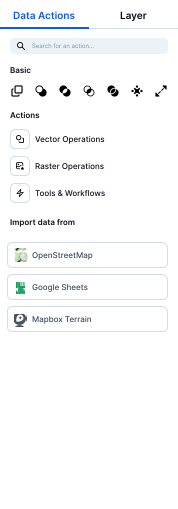
Bring CSV and geo datasets in quickly.
Embeds
Ship maps where your users already work.
Mobile web
Maps travel to the field.
Frequently asked questions
Answers for users moving from Kepler.gl to Atlas.
Is Atlas a visualization tool?
Do I need to code?
Can I share a live map?
Can I work with others?
Can I upload large datasets?
Is Atlas free?

© Atlas 2026 / Your all-in-one map builder