Google Earth Pro Alternative
A modern, browser-based alternative to Google Earth Pro for interactive and shareable maps

Why teams switch from Google Earth Pro
Earth Pro excels at globe visualization. Atlas is for organizations that need editable layers, team workflows, and shareable web maps tied to operational data.
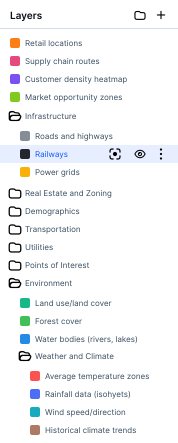
Operational layers
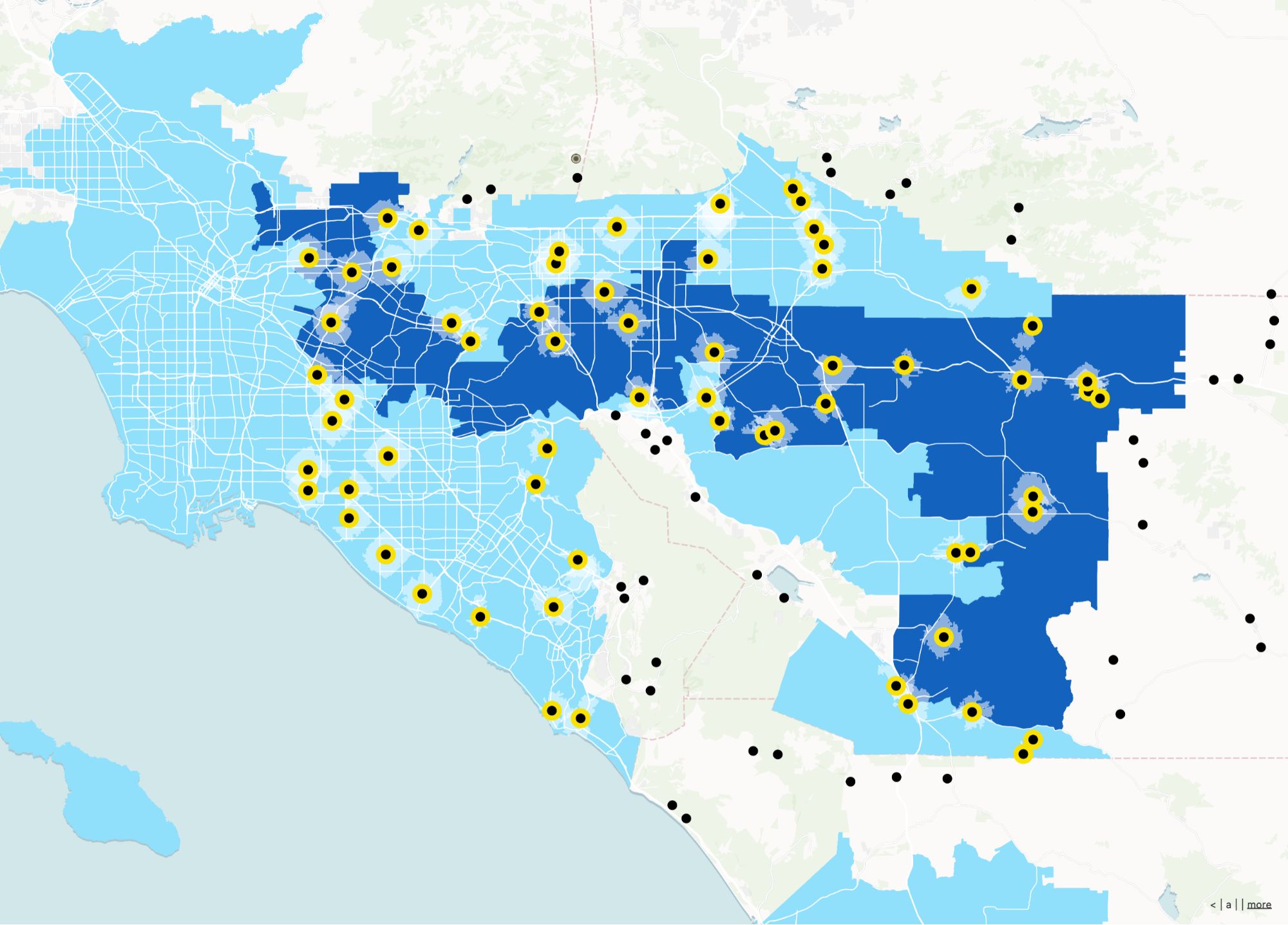
Move from sightseeing mode to data you can update, filter, and analyze.
Collaboration-first
Multiple contributors, not a single KMZ passed around by email.
Web delivery
Stakeholders use a link—no desktop install or huge file transfers.
Google Earth Pro vs Atlas
Compare Google Earth Pro and Atlas on core mapping and collaboration features.
| Feature | Google Earth Pro | Atlas |
|---|---|---|
| 3D globe view | ||
| Upload geo data | ||
| Customizable layer styles | ||
| Add points, lines, and polygons | ||
| Spatial analysis tools | ||
| Real-time collaboration | ||
| Cloud-based | ||
| No-code workflows | ||
| Mobile access | ||
| Free to use | ||
| Interactive map sharing |
Make maps with Google Earth Pro alternative
Atlas lets you map what matters—with layers, styles, and analysis tools that go far beyond viewing. All in your browser.
Create your first map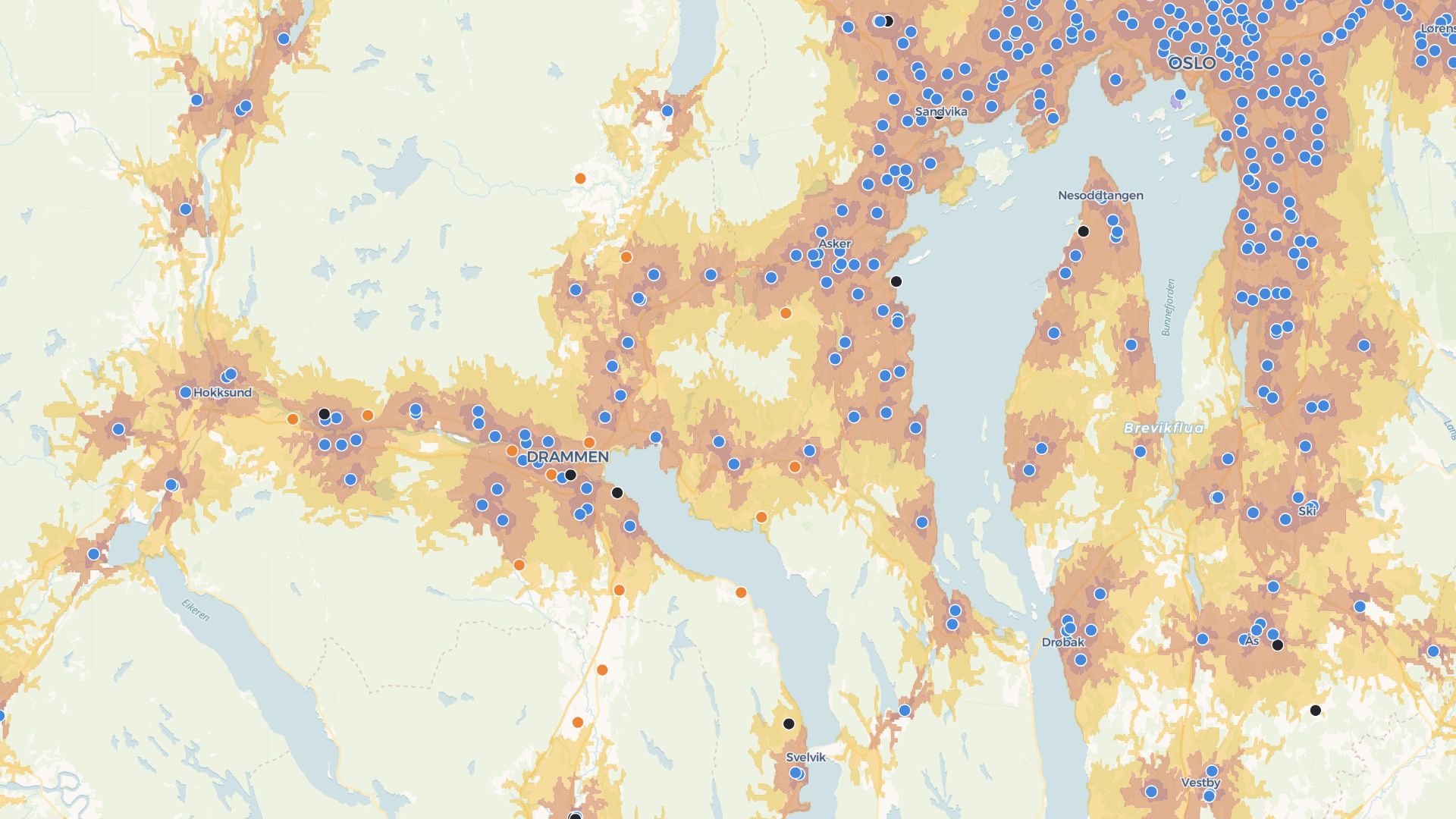
Build interactive maps and tools
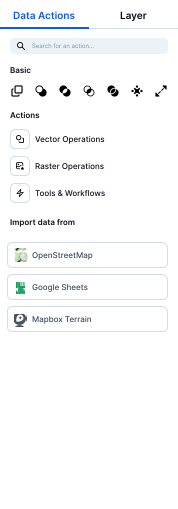
Atlas helps you go beyond visuals. Create workflows, forms, and shareable tools—all without code.
Build your first appWho uses Atlas instead of Earth Pro
Infrastructure & utilities
Maintain live asset views instead of static flyovers.
Environmental programs
Combine imagery context with editable project layers.
Executive communication
Interactive summaries instead of exported tours.
From globe view to team workflows
Keep geographic context; add the collaboration layer modern teams expect.
Shared projects
Everyone works from the same live map.
Data + imagery
Combine rasters, vectors, and tabular context.
Web access
No installs for viewers and light editors.
Story-ready views
Curate map scenes for leadership and partners.
Mobile friendly
Works where your teams already are—on the web.
Styling controls
Tune how layers read at each zoom level.
Frequently asked questions
Answers to common questions about switching from Google Earth Pro to Atlas.
Does Atlas support KML files?
Can I use Atlas without installing anything?
Can I share my maps?
Is Atlas good for teams?
Is Atlas free?

© Atlas 2026 / Your all-in-one map builder