FME (Feature Manipulation Engine) Alternative
A no-code, browser-based alternative to FME for spatial workflows and data transformation
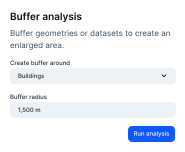

Why Atlas is not a drop-in FME replacement—but pairs well
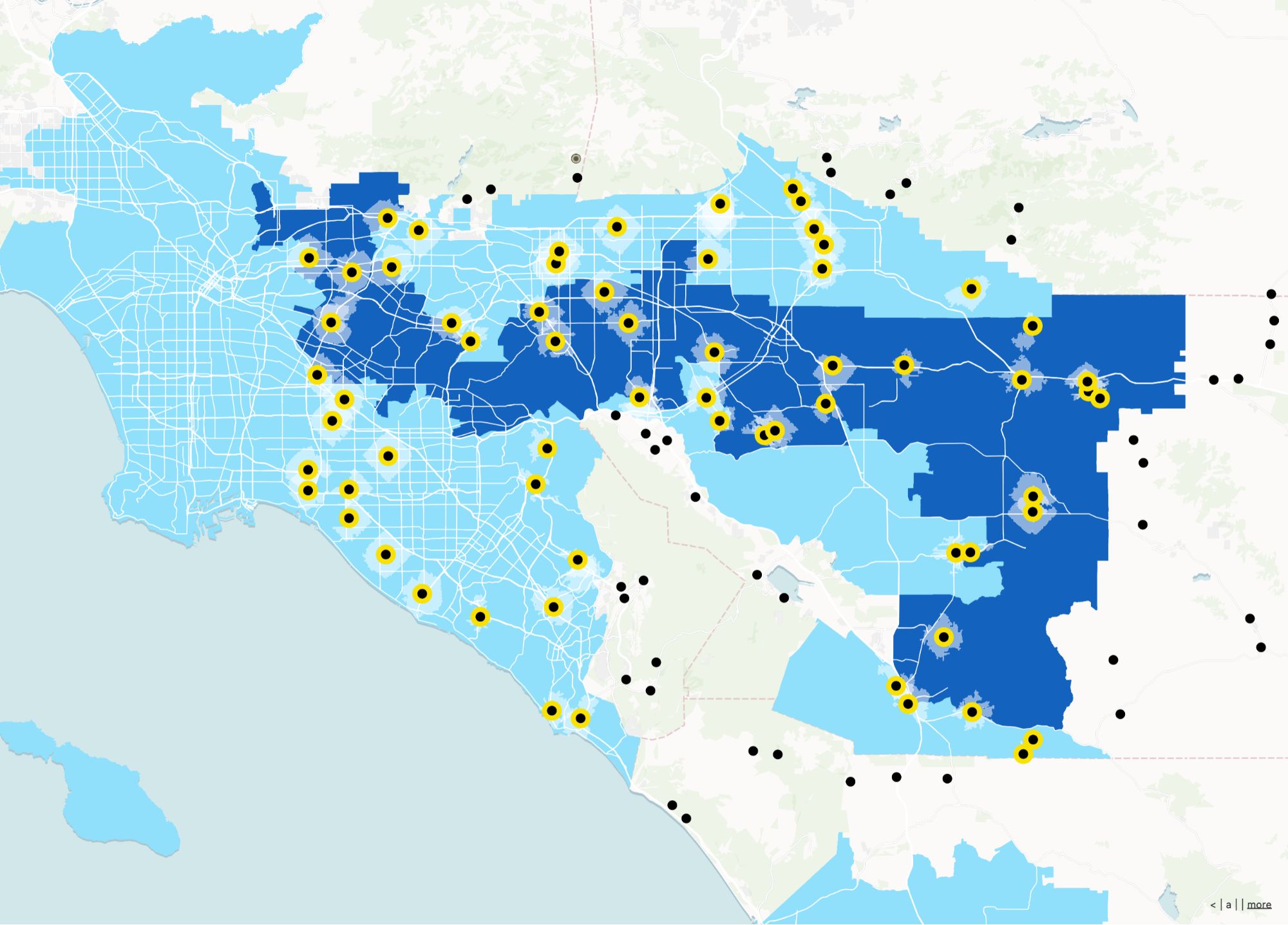
FME is an integration and ETL powerhouse. Atlas is for the other half: human-facing maps, apps, and collaboration once data is where it needs to be.
Last-mile geospatial UX
Turn processed datasets into something teams can click through.
No-code interfaces
Let non-engineers interact with outputs without touching a workbench.
Operational sharing
URLs and embeds beat zip files for day-to-day workflows.
FME (Feature Manipulation Engine) vs Atlas
Compare FME (Feature Manipulation Engine) and Atlas on core mapping and collaboration features.
| Feature | FME (Feature Manipulation Engine) | Atlas |
|---|---|---|
| No-code workflow builder | ||
| Supports spatial data formats | ||
| Run workflows in the cloud | ||
| Real-time collaboration | ||
| Interactive web maps | ||
| Drag-and-drop automation | ||
| Mobile-friendly | ||
| Cloud storage | ||
| Free to use |
Skip the setup—start mapping immediately
With Atlas, your workflows go straight to maps. Upload data, build a flow, and share results in minutes. No server setup or local installs.
Create your first map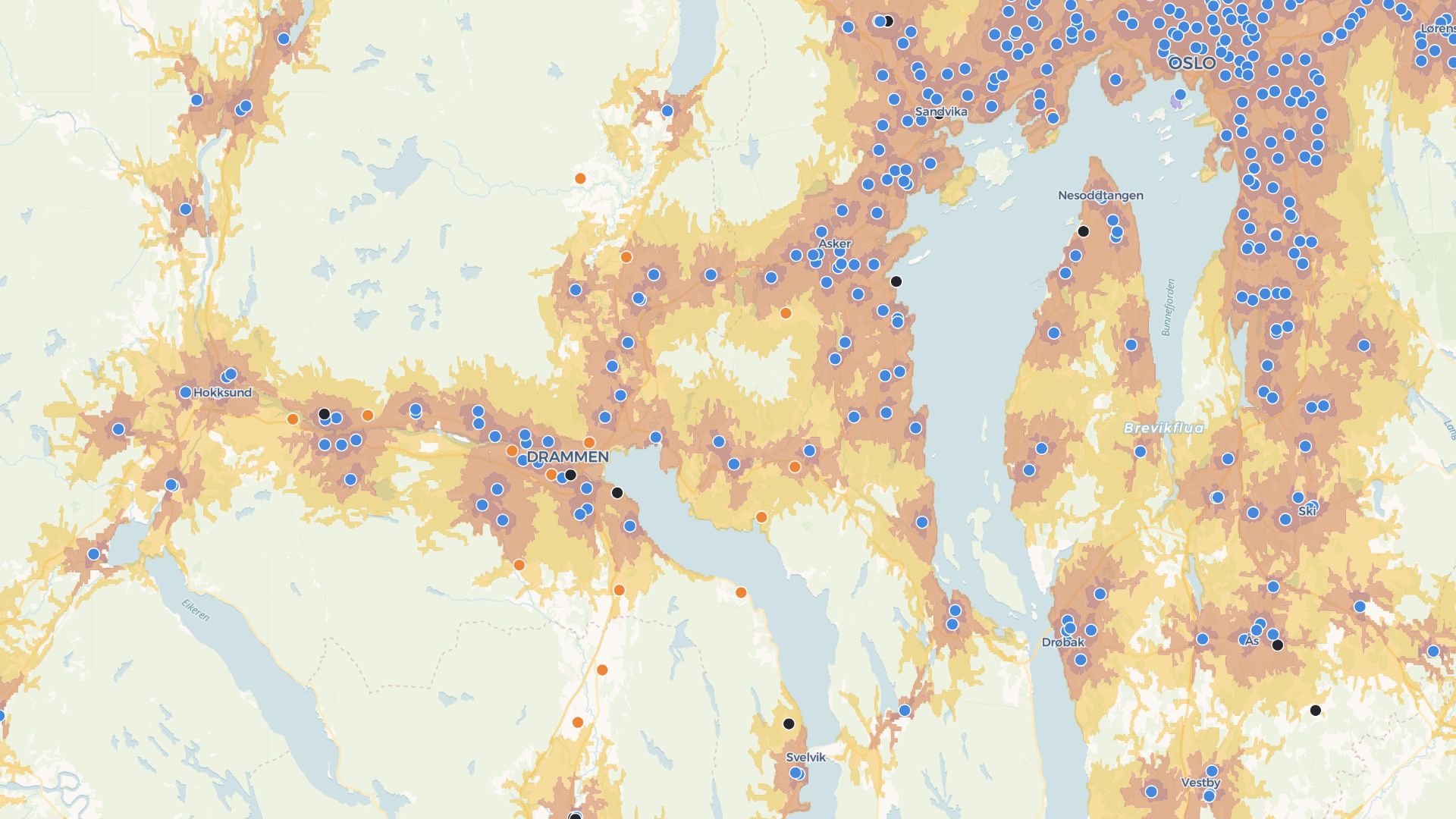
Build tools, not just pipelines
Atlas lets you turn workflows into real applications—shareable, interactive, and ready to use by your team or clients.
Build your first appWho uses Atlas downstream of ETL
Data engineering teams
Publish outputs to a map layer consumers love.
GIS hubs
Blend automated feeds with manual edits in one UI.
Cross-team programs
Make complex pipelines visible to stakeholders.
Atlas after the pipeline
Automation gets data ready; Atlas helps people act on it spatially.
Human-ready maps
Designed for exploration, not batch logs.
Collaboration
Discuss and refine layers after they land.
App builder
Filters, layouts, and forms without a separate front-end.
Cloud workspace
Central home for spatial projects.
Embeds
Surface live layers inside portals.
Access control patterns
Share the right slice with each team.
Frequently asked questions
Answers for teams switching from FME to Atlas.
Can I automate data flows?
Do I need to install anything?
Can I use spatial formats like GeoJSON and shapefiles?
Does Atlas replace FME Server?
Can I visualize workflow outputs?
Is Atlas free?

© Atlas 2026 / Your all-in-one map builder

This operation benefits from support from the European Union under the InvestEU Fund.