Excel Maps Alternative
A smarter alternative to Excel maps—turn spreadsheets into interactive, shareable maps in seconds

Why teams stop at “map in Excel”
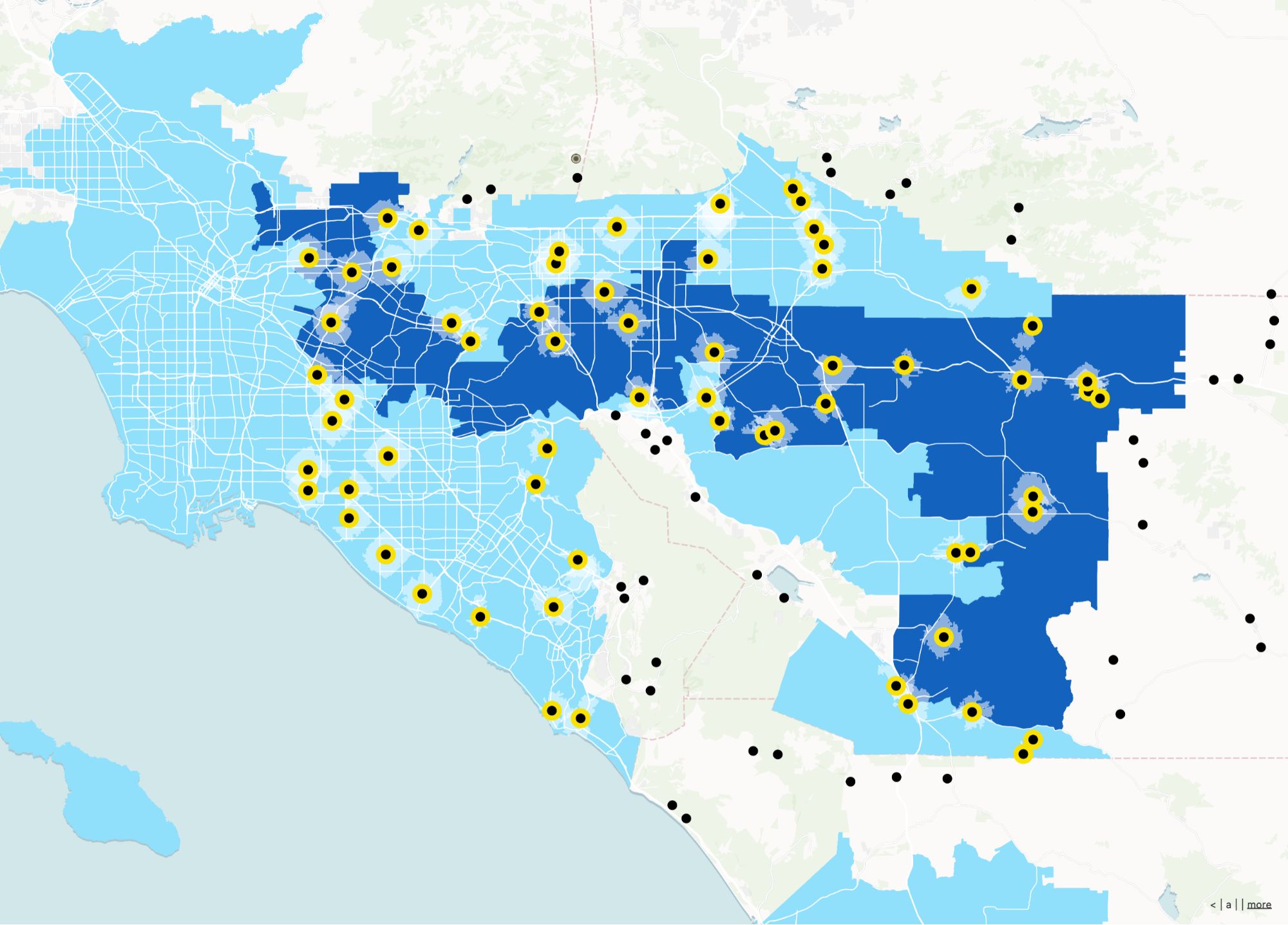
Excel can plot points. Atlas turns location data into a living map your team can share, filter, and build apps on top of—without workbook chaos.
A real map product
Move from one-off charts to a maintained spatial layer.
Built for sharing
Send a URL instead of another spreadsheet attachment.
Geospatial workflows
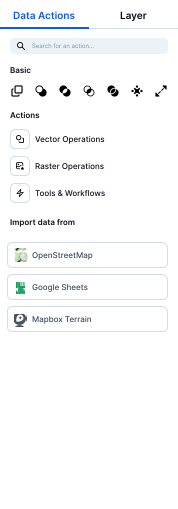
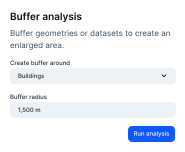
Buffers, joins, and views that are painful in pure spreadsheets.
Excel Maps vs Atlas
Compare Excel Maps and Atlas on core mapping and collaboration features.
| Feature | Excel Maps | Atlas |
|---|---|---|
| Upload spreadsheets | ||
| Geocode addresses | ||
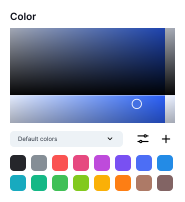
| Custom map styling | ||
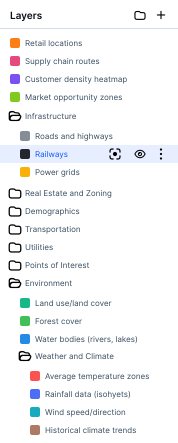
| Add multiple layers | ||
| Interactive filtering | ||
| Real-time collaboration | ||
| Mobile-friendly | ||
| Cloud-based | ||
| No add-ins required | ||
| Free to use |
Turn Excel data into interactive maps
Stop fighting with cells and static charts. Just upload your spreadsheet to Atlas and instantly visualize your data on a live, interactive map.
Try with your data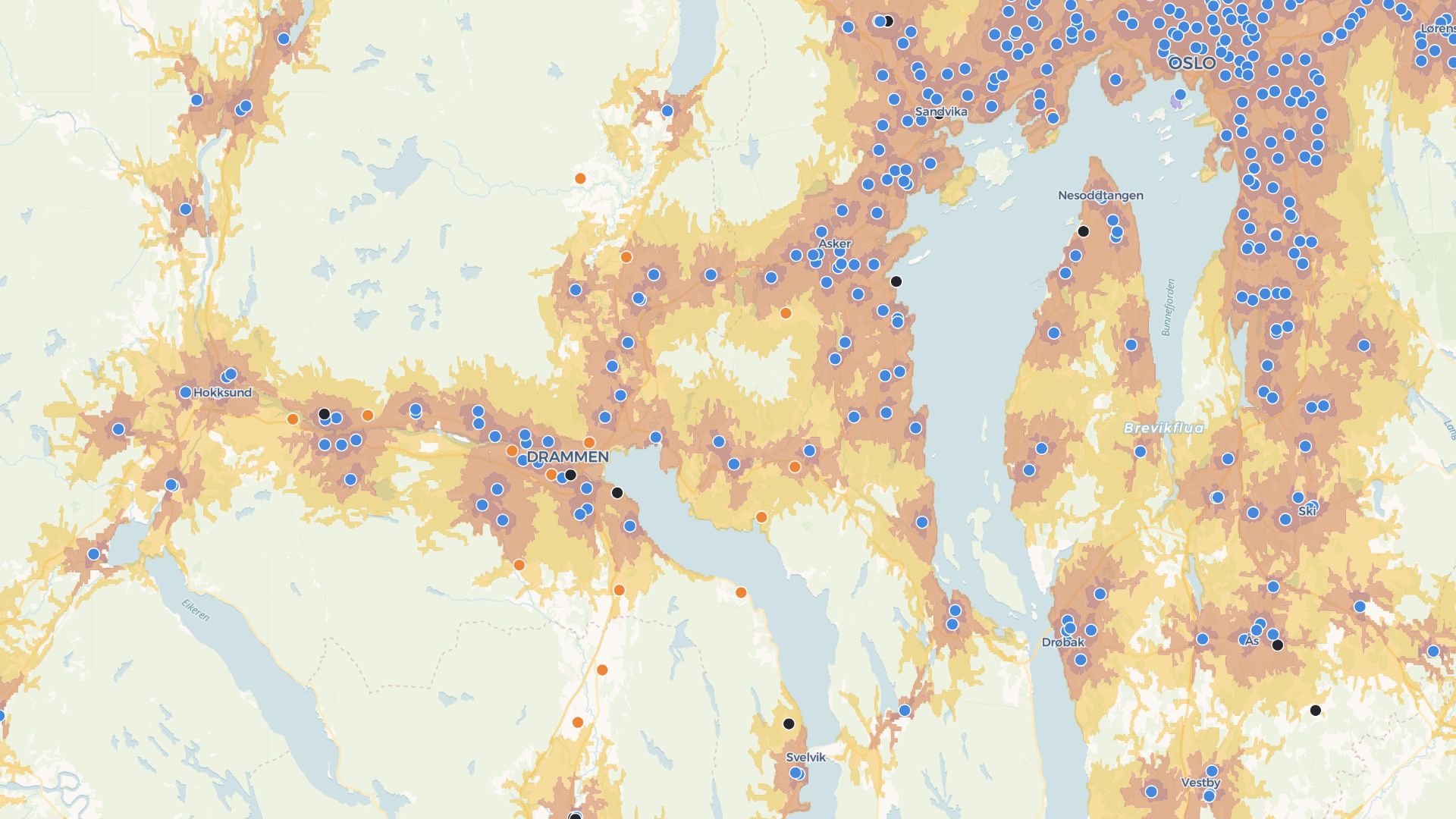
Build tools around your maps
Atlas goes beyond charts. Add filters, forms, and logic to your maps—all with no code.
Build your first toolWho graduates from Excel maps to Atlas
Growth & marketing
Store and campaign maps that stay current.
Franchise & retail
Location planning everyone can explore.
Program coordinators
Turn CSVs into operational maps quickly.
After the scatter plot
Keep CSVs as a source—Atlas becomes the system of engagement for locations.
CSV & spreadsheet uploads
Start from the data you already have.
Interactive exploration
Filters and popups tuned for map reading.
Persistent layers
No more “which tab is the truth?”
Share links
One URL for execs, partners, and staff.
Lightweight apps
Simple tools on top of your points and polygons.
Mobile access
Maps in the field without emailing files.
Frequently asked questions
Answers for users moving from Excel maps to Atlas.
Can I upload my Excel file?
Do I need any plugins?
Can I style my map?
Can I filter the map by values?
Can I share my map?
Is it beginner-friendly?

© Atlas 2026 / Your all-in-one map builder