ArcGIS Pro Alternative
A simpler, browser-based alternative to ArcGIS Pro for modern teams and fast mapping
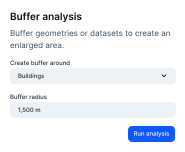

Why teams look beyond ArcGIS Pro
ArcGIS Pro is the enterprise standard for heavy GIS. Atlas fits when you need speed, simpler licensing, and maps that non-GIS teammates can actually use day to day.
Faster path to a live web map
Skip complex publishing pipelines—build and share in the browser.
Lower friction for stakeholders
No ArcGIS named users required for everyone who just needs to view or comment.
Modern collaboration defaults
Real-time multi-user editing patterns teams expect from cloud software.
ArcGIS Pro vs Atlas
Compare ArcGIS Pro and Atlas on core mapping and collaboration features.
| Feature | ArcGIS Pro | Atlas |
|---|---|---|
| Upload geo data | ||
| Customizable layer styles | ||
| Spatial analysis tools | ||
| Visual workflow builder | ||
| Cloud-based | ||
| Real-time collaboration | ||
| No-code interface builder | ||
| Form builder | ||
| Easy for beginners | ||
| Mobile access | ||
| Free to use | ||
| Cloud storage | ||
| Share web maps |
Make maps with ArcGIS Pro alternative
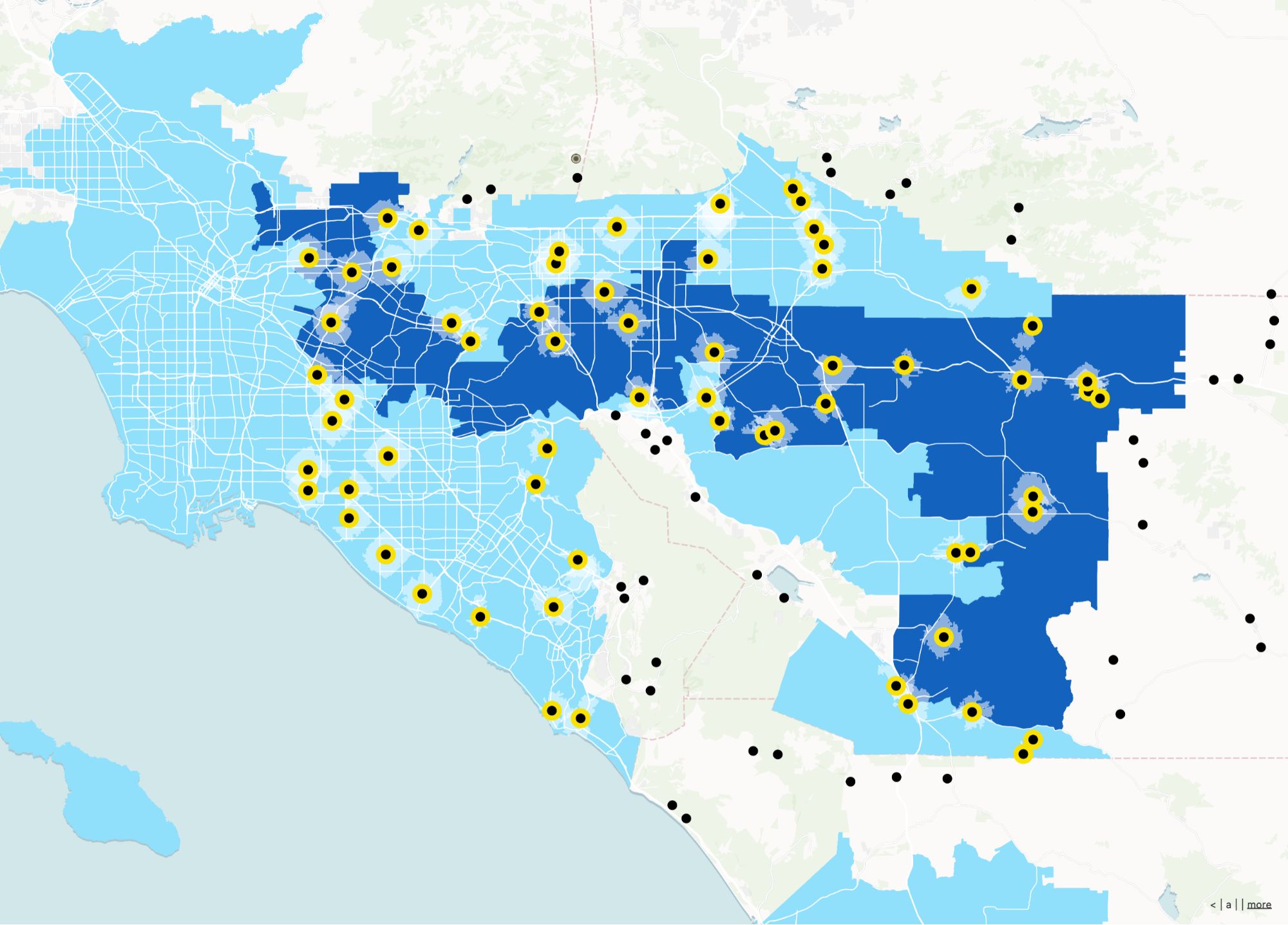
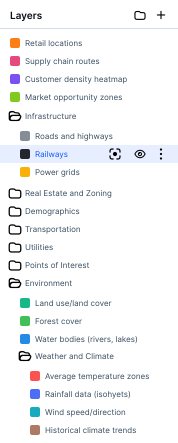
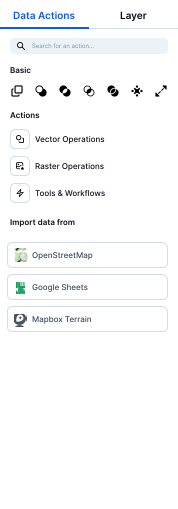
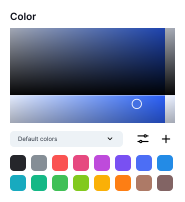
Atlas makes spatial work easy. Upload your geo data, style your maps, and run analyses—all in the browser, no software required.
Create your first map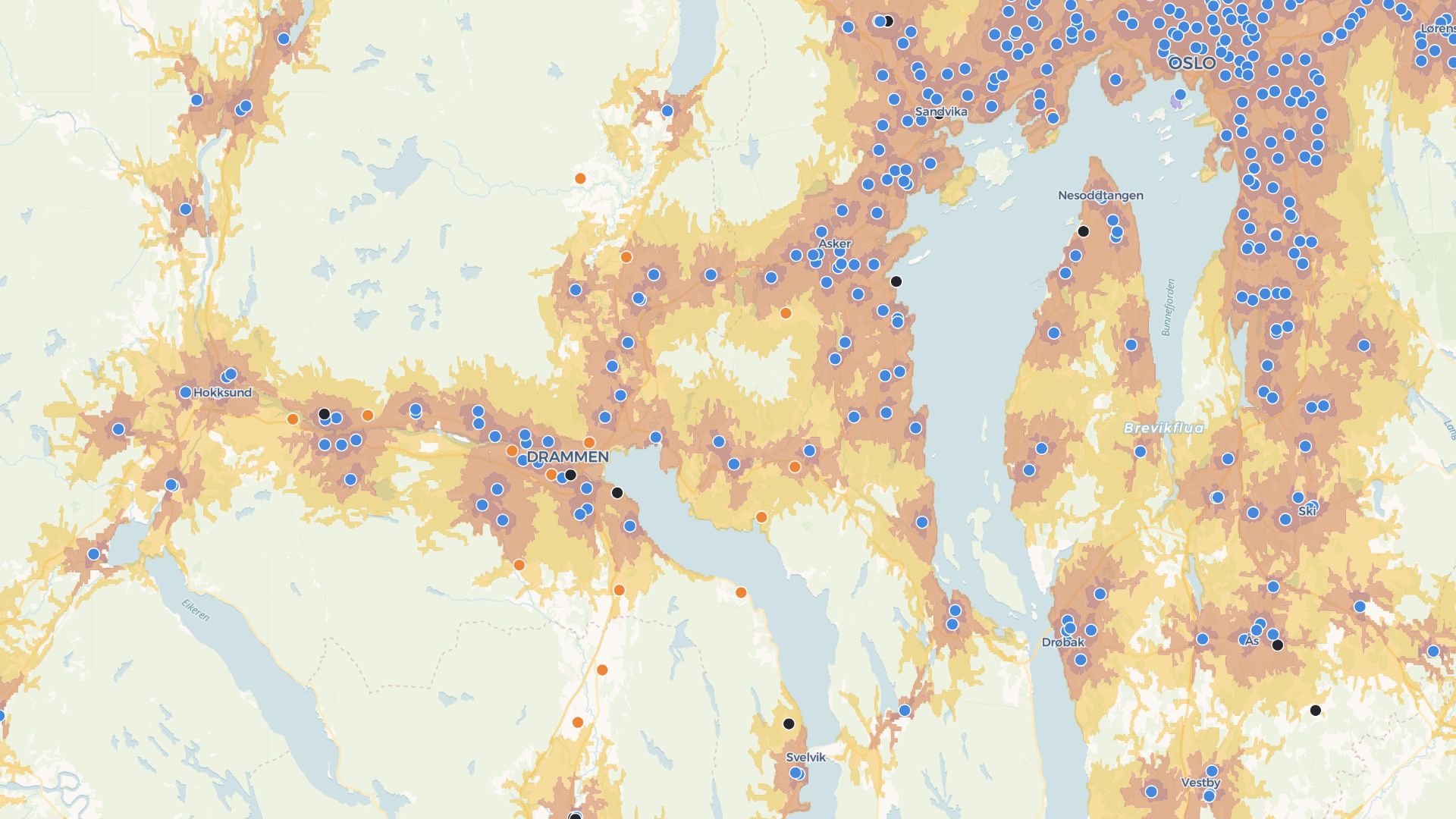
Build custom apps with ArcGIS Pro alternative
Atlas lets you build forms, dashboards, and interactive maps—no code needed. Perfect for teams, clients, or public sharing.
Build your first appWho pairs Atlas with (or instead of) ArcGIS Pro
Field + office alignment
Office builds; field teams consume the same live map.
Customer-facing maps
Publish embeddable maps without standing up ArcGIS infrastructure.
Lightweight spatial apps
Dashboards and filters without custom ArcGIS dev work.
Atlas vs a traditional desktop GIS
When your bottleneck is sharing and iteration—not every geoprocessing tool under the sun.
Web-native delivery
Maps live where your users already work—the browser.
Simpler stack
Fewer moving parts than desktop + portal + custom hosting.
Collaboration built in
Shared projects without checking files in and out.
No-code interfaces
Filters, forms, and layouts without SDK projects.
Consistent mobile access
Responsive maps for phones and tablets.
Fast iteration
Tweak styles and data and republish instantly.
Frequently asked questions
Answers to common questions about switching from ArcGIS Pro to Atlas.
Do I need to install anything?
Can I open shapefiles?
Is Atlas easier to use than ArcGIS Pro?
Can I collaborate with my team?
Does Atlas support automation?
Is Atlas really free?

© Atlas 2026 / Your all-in-one map builder