Anyone can build with maps now
Create maps, run analysis, and build spatial apps with AI - no GIS specialists required

One platform for all your location work
Collaborative by design
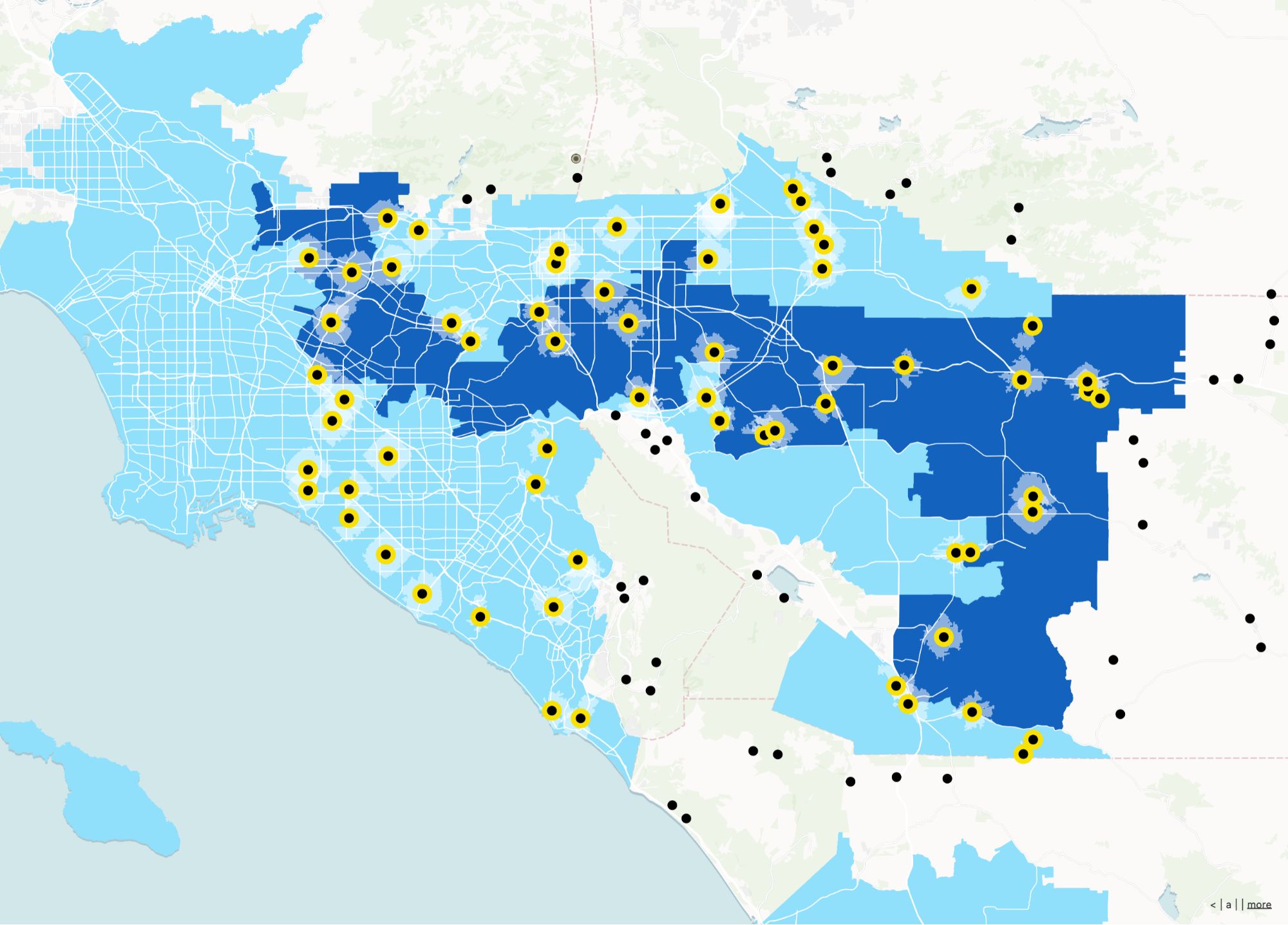
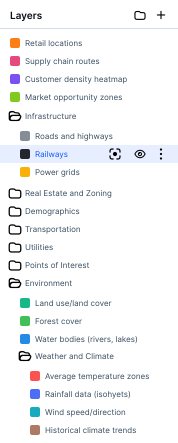
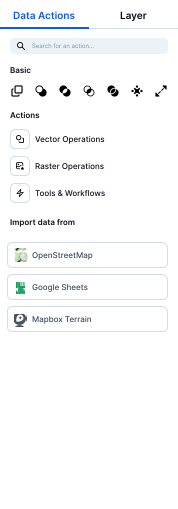
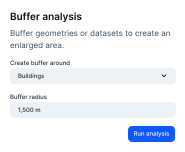
A powerful yet intuitive interface that puts everything you need at your fingertips. Import data, style layers, run analyses, and share results — all in one place.



Cut costs by letting anyone build with location data
Traditional GIS setups mean enterprise licenses, specialist salaries, and consultant fees that add up fast. Atlas gives you the same capabilities at a fraction of the cost — with AI that does the heavy lifting.
- Stop waiting weeks for the GIS team
- No six-figure custom development projects
- No costly training just to get started
All you need to get started with Atlas
Documentation
Atlas Academy
Atlas Blueprints
FAQ
Atlas is a browser-based GIS platform that helps you visualize and analyze location data with ease. Whether you’re mapping customer locations, optimizing territories, or spotting trends, Atlas makes it simple and fast.
To get started with Atlas, you need to sign up for an account. Once you’re signed up, you can start creating projects, importing data, and collaborating with your team.
Atlas is used by companies of all sizes, from small startups to large enterprises. From global enterprises to startups, sales teams, marketing agencies, and operations teams, Atlas works wherever location data drives decisions.
Our customers span a wide range of industries, including retail, real estate, energy, and more.
Atlas is designed for anyone who works with location data. This includes sales teams, marketing teams, operations teams, and more. Atlas is a great tool for anyone who needs to visualize and analyze location data.
Atlas is a versatile tool that can be used for a wide range of use cases. Some common use cases include sales territory mapping, market analysis, customer mapping, and more.
In Atlas, workspaces are a designated space for projects, files, basemaps, and color palettes shared across a group of people. Members can create as many workspaces as they need. They can join multiple workspaces, making it possible to work cross-functionally and share resources.
Atlas doesn't offer product support via phone or live chat. The support team is available Monday through Friday, with the exception of any observed company holidays. The best way to contact support is to contact help@atlas.co.
Every Atlas project is private by default and can be shared publicly. Public links are a great way to share resources with people outside your organization, or with colleagues who don't have an Atlas account. People often share maps publicly to get feedback and engage stakeholders and the community.
No. Atlas offers unlimited free commenters and viewers to public maps for all plans.
